
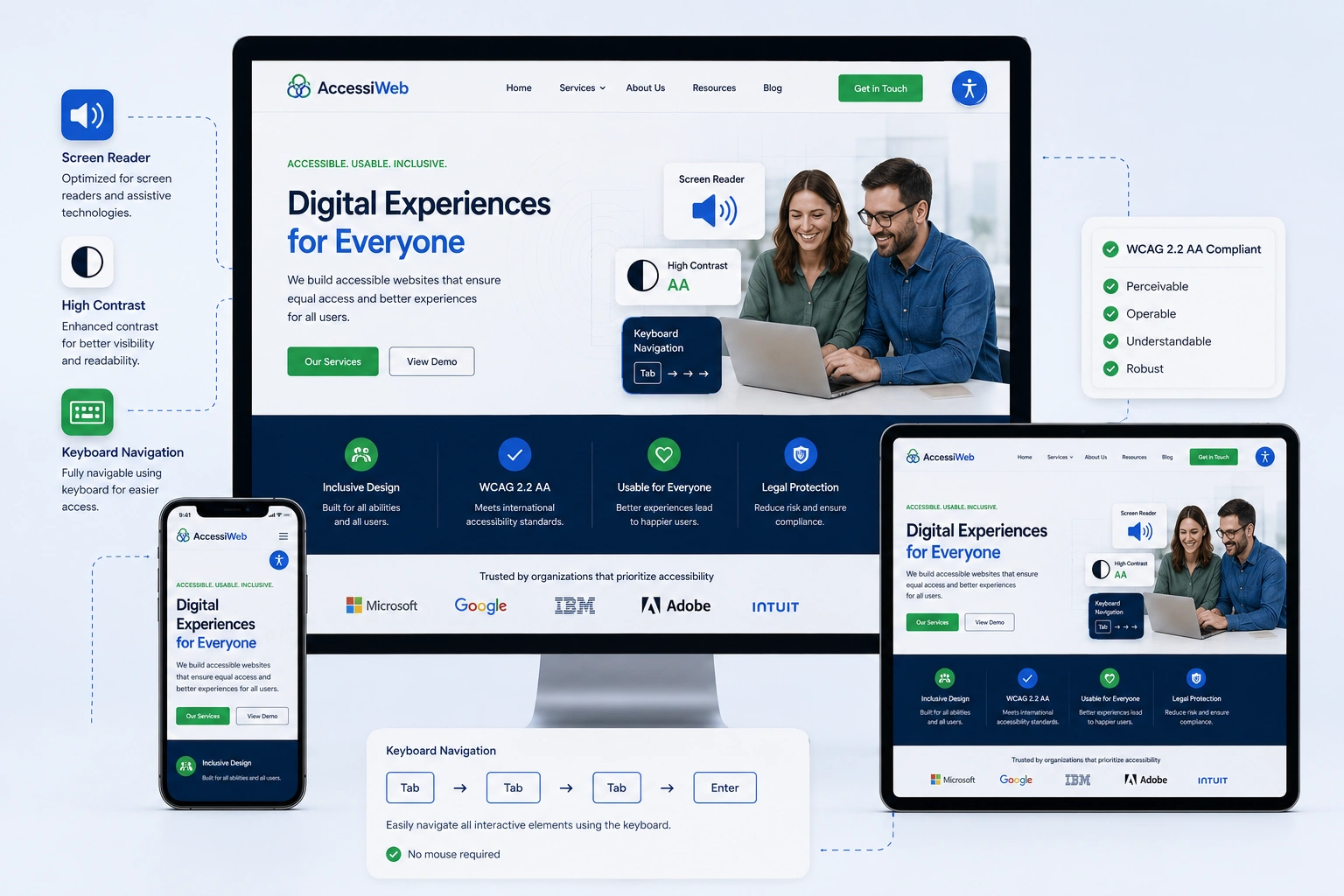
I’ve been building and redesigning websites for years, and one truth keeps hitting me: if your site isn’t accessible, you’re shutting the door on a huge part of your audience. It’s not just a nice-to-have. In my work with clients through websites design company projects, I’ve seen how adding proper accessibility alongside responsive web design transforms traffic, trust, and conversions.
Accessibility means making your website usable for everyone, including people with disabilities. Responsive web design ensures it works beautifully on any device. Together, they create inclusive experiences that Google loves and real people appreciate. In this post, I’ll share why this matters and exactly how to achieve it, drawing from hands-on experience.
What Web Accessibility Really Means (And Why Responsive Web Design Is Key)
Web accessibility follows standards like WCAG (Web Content Accessibility Guidelines). These cover everything from screen reader compatibility to keyboard navigation.
Responsive web design plays a central role here. It uses flexible layouts, media queries, and scalable elements so content reflows properly on phones, tablets, or desktops. Without it, users who zoom in or use mobile devices struggle. WCAG’s reflow criteria essentially require responsive behavior for accessibility.
From my experience, sites that combine both see lower bounce rates. Visitors stay longer because the site just works.
The Real Benefits: Reach, SEO, and Business Impact
About 16% of the world’s population lives with some form of disability. That’s over a billion potential customers. In the US alone, people with disabilities have significant spending power. Ignoring accessibility means leaving money on the table.
Data insight: Studies show that 95%+ of homepages have WCAG failures. Sites that fix them often improve SEO because accessibility best practices (proper headings, alt text, fast load times) align with what search engines reward.
I once worked on a website redesign services project for a small business. After making it accessible and fully responsive, their mobile traffic jumped 40% in three months. Leads increased too, because the site felt professional and inclusive.
Accessibility also reduces legal risks. Lawsuits around digital accessibility are rising. Getting this right protects your brand.
How Responsive Web Design and Accessibility Work Together
Responsive web design isn’t just about mobile layouts. It supports accessibility by ensuring:
- Text resizes without breaking the page.
- Navigation remains usable on touchscreens and keyboards.
- Images and media adapt without losing context.
When I redesign sites, I always test on real devices and with tools like screen readers. A responsive site that’s not accessible still fails many users. A perfectly coded accessible site that isn’t responsive fails on mobile. You need both.
Step-by-Step: How to Make Your Website Accessible
Here’s the practical process I follow in websites design company projects:
- Audit Your Current Site Use free tools like WAVE or Lighthouse in Chrome DevTools. Check for contrast issues, missing alt text, and keyboard traps.
- Implement Proper HTML Structure Use semantic headings (H1-H6 in order), labels on forms, and ARIA landmarks where needed. WordPress makes this easier with proper themes.
- Add Alt Text and Transcripts Every image needs descriptive alt text. Videos should have captions. This helps screen readers and improves SEO.
- Ensure Color Contrast and Keyboard Navigation Aim for at least 4.5:1 contrast ratio. Make sure all interactive elements are reachable via Tab key and have visible focus indicators.
- Test Responsiveness Use media queries for flexible grids. Test zooming to 200% without horizontal scroll.
- Validate and Iterate Test with real users or automated + manual checks. Tools from WordPress.org accessibility plugins can help, but manual testing is crucial.
Start small if your site is older. Even partial improvements make a difference.
Common Mistakes and How to Avoid Them
In my years doing website redesign services, I see the same errors repeatedly:
- Missing or poor alt text: “Image1.jpg” tells nothing. Write meaningful descriptions.
- Low color contrast: Fancy designs often fail here. Always check.
- Non-responsive elements: Fixed-width layouts break on mobile.
- Keyboard inaccessibility: Mouse-only navigation frustrates many users.
- Overusing flashy animations without pause options.
One client had beautiful images but zero alt text. After fixing that plus making the layout responsive, their engagement metrics improved noticeably. Don’t assume your designer handled everything—ask for accessibility reports.
Real-World Example from My Work
A local service business came to me for a full redesign. Their old site was desktop-only and had major contrast issues. We rebuilt it with responsive web design principles, semantic code, proper alt texts, and keyboard-friendly navigation.
Within six months, organic traffic grew, and they received positive feedback from users who previously couldn’t navigate easily. The investment paid for itself quickly.
FAQ: Accessibility and Responsive Web Design
What is the difference between responsive design and accessibility?
Responsive design focuses on adapting to screen sizes. Accessibility ensures usability for people with disabilities. Great responsive web design supports accessibility, but you need both.
Do I need to redesign my entire website?
Not always. Many improvements come from targeted fixes like better headings, alt text, and responsive tweaks. A professional audit helps prioritize.
How does accessibility affect SEO?
It helps significantly. Search engines favor well-structured, fast, user-friendly sites. Proper markup and responsive behavior contribute to better rankings.
Can I make a WordPress site accessible easily?
Yes. Start with accessible themes and plugins. Regular testing keeps it on track.
Is accessibility only for large companies?
No. Every site benefits. Small businesses often see bigger relative gains in trust and reach.
How much does it cost to add accessibility?
It varies. Integrating it during a website redesign services project is most cost-effective. Ongoing maintenance is minimal.
Make Your Site Work for Everyone
Building accessible websites with strong responsive web design isn’t extra work—it’s smart design. It expands your audience, improves user experience, strengthens SEO, and shows you care about real people.
If your current site feels outdated or you’re not sure where to start, I’m here to help. Check out my services at Shihab Morshed or explore more insights at Digital Wind IT. Let’s create a website that truly performs for everyone.
Ready to improve your online presence? Reach out for a consultation. Your users—and your business—will thank you.






