
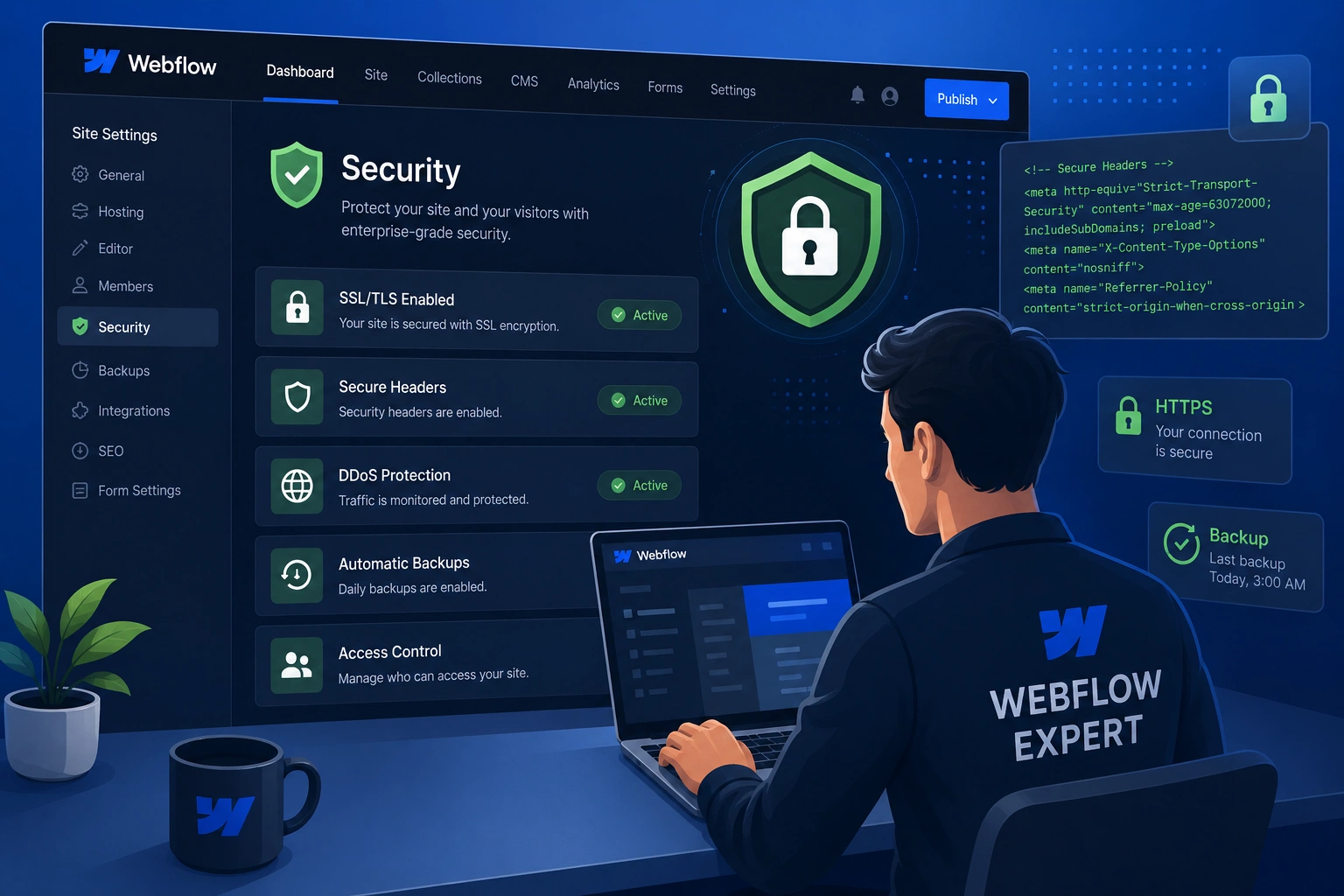
I’ve worked with dozens of clients who started building on Webflow thinking it was “set it and forget it” when it comes to security. The truth is, while Webflow handles a lot behind the scenes, the real risks often come from how people use the platform. Over the years as a Webflow expert, I’ve seen small oversights turn into bigger headaches — lost trust, downtime, or even compliance issues.
In this post, I’ll walk you through why Webflow security deserves attention, how a skilled webflow developer or Webflow agency makes a tangible difference, and practical steps you can take today. Whether you’re a beginner or have some experience, you’ll leave with clear actions to protect your site.
What Makes Webflow Security Different from Traditional Platforms
Webflow stands out because it generates static sites hosted on a robust infrastructure like AWS and Cloudflare. This means fewer server-side vulnerabilities compared to platforms that rely heavily on plugins or dynamic databases.
From my experience, clients switching from WordPress often breathe easier once they understand this. No more worrying about outdated plugins creating entry points for attacks. Webflow builds in many protections by default: automatic SSL certificates, DDoS protection, and regular platform updates.
That said, security isn’t fully automatic. Custom code, third-party integrations, member areas, and forms can still introduce risks if not handled properly. This is where a Webflow expert becomes invaluable — they know the platform’s nuances and can spot potential issues before they become problems.
Core Benefits of Prioritizing Webflow Security
A secure site builds trust. Visitors see the padlock in their browser and feel confident sharing information. For businesses, this translates to lower bounce rates, better conversions, and stronger brand reputation.
In one project, a client running an online course platform noticed a spike in spam form submissions. After implementing proper protections, not only did spam drop dramatically, but their Google rankings improved because search engines favor secure sites. HTTPS is now a ranking factor, and Webflow makes it easy — but optimization requires expertise.
Webflow security also protects your data and your users’. With compliance standards like SOC 2 and ISO certifications, the platform helps meet regulatory needs, especially useful for e-commerce or membership sites.
A good webflow developer goes further by auditing custom interactions, ensuring forms are sanitized, and setting up proper access controls.
How a Webflow Agency or Expert Protects Your Business
Hiring a Webflow agency or independent Webflow expert isn’t just about design — it’s about long-term reliability. I’ve audited sites where custom code had potential XSS risks or staging links were publicly indexable. Fixing these proactively saves headaches later.
For example, one client I worked with through digitalwindit.com had an e-commerce store. Their previous setup had loose third-party script integrations. We tightened permissions, added proper headers, and implemented monitoring. The result? Zero security incidents in over a year and noticeably faster load times.
Webflow experts help with:
- Proper implementation of 2FA and strong account practices.
- Secure handling of user data in memberships or forms.
- Regular audits of custom code and integrations.
- Backup strategies beyond the platform defaults.
This level of attention keeps your site running smoothly and your business protected. Check out my personal site shihabmorshed.com for more on how I approach these projects.
Step-by-Step: Securing Your Webflow Site with Expert Guidance
Here’s a practical process I follow with clients:
- Enable and Verify Basics — Confirm SSL is active (Webflow handles this automatically on paid plans). Set up custom domains properly.
- Strengthen Account Security — Use strong, unique passwords and enable two-factor authentication (2FA) on your Webflow workspace. Avoid sharing login details.
- Review Integrations and Custom Code — Audit all third-party scripts. Remove anything unused. A webflow developer can review embeds for safe practices.
- Protect Forms and User Data — Add reCAPTCHA or honeypots where needed. Sanitize inputs carefully, especially with custom code.
- Set Up Monitoring and Backups — Use Webflow’s version history and consider additional monitoring tools. Label backups clearly for quick recovery.
- Test and Audit Regularly — Run security scans periodically and test staging sites with passwords. A professional audit catches hidden issues.
Following these steps consistently makes a huge difference. I’ve guided many beginners through this, and they report feeling much more confident afterward.
Common Mistakes and Troubleshooting Webflow Security Issues
Even experienced users make these errors:
- Over-relying on defaults without customization checks: Webflow is secure, but custom features need attention.
- Weak password practices or skipped 2FA: This is the easiest entry point for attackers.
- Exposing staging sites publicly: Always password-protect them.
- Unsafe custom code: Things like direct innerHTML usage can lead to XSS risks.
- Ignoring third-party risks: Outdated or poorly maintained integrations can compromise the whole site.
If you notice unusual traffic or form spam, start by reviewing recent changes in the designer. Check your Webflow account activity logs. For deeper issues, bringing in a Webflow expert for a quick audit is often the fastest fix.
Compared to WordPress, where plugin vulnerabilities are common, Webflow’s managed approach reduces many risks — but expertise ensures you don’t introduce new ones.
FAQ: Webflow Security Questions Answered
Is Webflow secure enough for business websites?
Yes, for most use cases. Its static architecture, built-in protections, and compliance standards make it very secure. A Webflow expert helps maximize that foundation.
Do I need a Webflow developer for security?
Not always for basics, but for custom features, memberships, or e-commerce, yes. They prevent common pitfalls beginners miss.
How does Webflow handle backups and recovery?
Webflow automatically versions your designs and hosts backups. Experts can help with additional strategies and quick restores.
What are the biggest Webflow security risks?
Custom code issues, weak account access, and poorly implemented integrations top the list. Regular reviews mitigate them.
Can a Webflow agency improve my existing site’s security?
Absolutely. They perform audits, fix vulnerabilities, and optimize without a full redesign.
How often should I review my Webflow site security?
At least quarterly, or after major updates. More frequently for high-traffic or data-sensitive sites.
Final Thoughts: Invest in Expertise for Lasting Peace of Mind
Webflow security isn’t something to set and forget. While the platform provides a strong base, a knowledgeable Webflow expert, webflow developer, or Webflow agency ensures your site stays protected as it grows. From personal experience helping clients secure their online presence, the investment pays off in trust, performance, and fewer sleepless nights.
Ready to strengthen your Webflow site? Reach out through digitalwindit.com or visit shihabmorshed.com to discuss your project. Let’s build something secure and successful together.






