
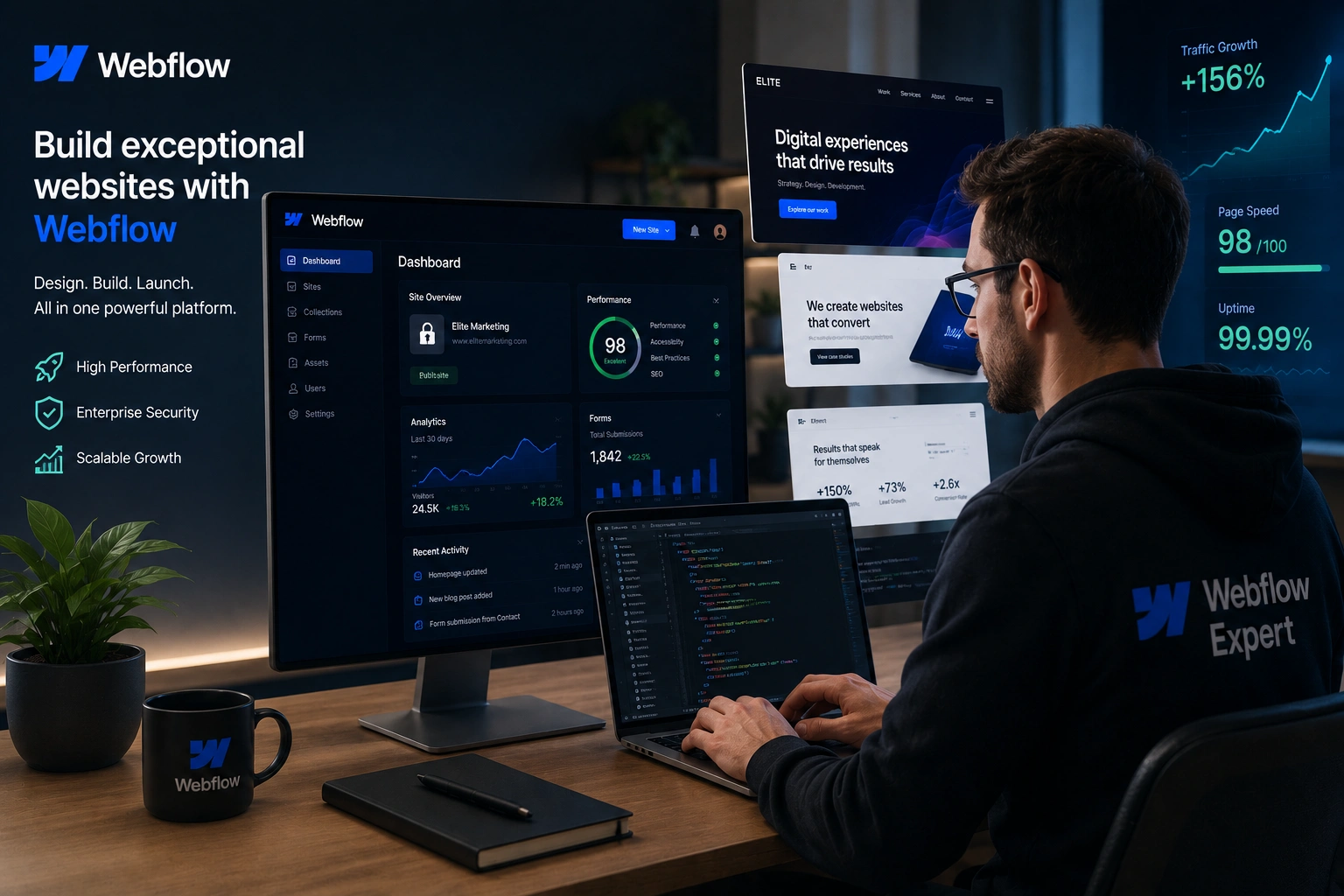
I’ve spent years building and optimizing websites for clients across different niches. Early on, I relied on traditional platforms and self-taught tweaks. The results were often slow, clunky, and hard to maintain. Switching to working with skilled Webflow experts changed everything. Sites launched faster, performed better, and actually supported business growth instead of holding it back.
If you’re a business owner, freelancer, or marketer tired of fighting with plugins, slow load times, or generic templates, this post is for you. You’ll learn why bringing in a Webflow developer or Webflow agency is often the smartest move—and how to do it right.
What Makes a Webflow Expert Different
A true Webflow expert isn’t just someone who knows the interface. They combine strong design instincts with deep platform knowledge, clean code practices, and an understanding of how websites drive real results.
Unlike general web developers, they leverage Webflow’s visual canvas to create pixel-perfect, responsive designs without bloated code. They know how to use interactions, CMS collections, and advanced logic to build dynamic sites that feel custom-built but remain easy to update.
From my experience, the best Webflow developers think like both designers and engineers. They deliver sites that load blazing fast, rank well, and convert visitors into customers—without the ongoing headache of security patches or plugin conflicts.
Core Benefits of Hiring a Webflow Expert
The biggest win is speed. A good Webflow agency or freelancer can often deliver a professional site in weeks, not months. The visual builder removes back-and-forth with developers, letting you see changes in real time.
Performance is another game-changer. Webflow sites routinely score 90+ on PageSpeed Insights because of clean code, built-in CDN, and automatic optimizations. In one comparison I reviewed, identical designs loaded in 1.4 seconds on Webflow versus 2.7 seconds on a well-optimized WordPress setup. That difference directly boosted click-through rates by around 12%.
You also get better design freedom. No more fighting with rigid themes. A Webflow expert can turn your brand vision into reality while keeping everything responsive and accessible.
Maintenance drops dramatically. Clients tell me they no longer dread updates or worry about site crashes after plugin updates. Webflow handles hosting, security, and scaling behind the scenes.
Real Business Impact and ROI
Hiring a Webflow developer pays off through higher conversions, better SEO, and lower long-term costs.
I worked with a client who migrated from a sluggish WordPress site to Webflow. Load times improved dramatically, and organic traffic grew steadily because of better Core Web Vitals. Their bounce rate dropped, and sales inquiries increased noticeably within the first quarter.
Data backs this up. Companies using Webflow have reported significant traffic lifts and cost savings. One example: Lattice saw a 20% increase in site-wide conversion after their rebuild.
Compared to WordPress, Webflow often wins for marketing sites and SaaS landing pages. You avoid plugin bloat, security vulnerabilities, and the need for constant developer intervention. While WordPress powers many sites and offers huge flexibility, it requires more ongoing work to keep it fast and secure.
For growing businesses, this translates to faster experimentation. Marketing teams can update pages, test offers, and launch campaigns without waiting on dev tickets.
Step-by-Step: How to Hire the Right Webflow Expert
Here’s the practical process I recommend based on projects I’ve managed and advised on:
- Define your goals clearly. Decide if you need a full redesign, ecommerce features, CMS-driven blog, or membership integration. Be specific about timelines and budget.
- Review portfolios deeply. Look beyond pretty screenshots. Check live sites for speed (use PageSpeed Insights), mobile experience, and functionality. Ask about similar projects.
- Evaluate real Webflow experience. Ask how many sites they’ve launched in the last year. Request references and check their Webflow certification or community contributions.
- Discuss process and communication. A solid Webflow agency or freelancer will outline discovery, design, development, testing, and handover phases. They should use Webflow’s staging and collaboration tools effectively.
- Compare value, not just price. Hourly rates for experienced Webflow developers typically range from $50–$150+, with agencies higher. The cheapest option often costs more in revisions and fixes later.
- Start with a small test project if possible. This reveals communication style and attention to detail before committing to the full build.
Check out my services at Shihab Morshed or explore more at Digital Wind IT for examples of clean, high-performing sites.
Common Mistakes and Troubleshooting
Many people hire too quickly based on price or flashy proposals. This leads to mismatched expectations and rework.
Other pitfalls include:
- Choosing someone who claims Webflow knowledge but writes custom code that breaks platform benefits.
- Ignoring responsive design testing across devices.
- Skipping proper CMS setup, making future content updates painful.
- Poor handover—leaving you without documentation or training.
If your site feels slow after launch, check image optimization, unused interactions, and proper use of Webflow’s hosting CDN. A good expert will audit and fix these during development.
Always request a clear maintenance plan. Top Webflow experts include training so your team can handle simple updates independently.
FAQ: Hiring a Webflow Expert
How much does it cost to hire a Webflow developer?
Rates vary widely. Freelancers often charge $50–$150 per hour, while full projects range from a few thousand to tens of thousands depending on scope. A quality Webflow agency provides more structure but at a premium.
Is Webflow better than WordPress for my business?
It depends. For most marketing sites, portfolios, and SaaS landing pages, Webflow offers superior speed, design control, and lower maintenance. WordPress suits complex custom applications or heavy blogging with many plugins.
Can I update the site myself after hiring an expert?
Yes. A professional handover includes training on the Webflow Editor. You can manage content, images, and even some design elements without touching code.
How long does a Webflow project typically take?
A standard 5–10 page site can launch in 3–8 weeks with a dedicated expert. Complex ecommerce or membership sites take longer but still move faster than traditional development.
What should I look for in a Webflow portfolio?
Live sites that load fast, look great on mobile, and demonstrate smart use of CMS and interactions. Ask about results like traffic or conversion improvements.
Do I need an agency or is a freelancer enough?
Freelancers work great for focused projects. Choose an agency for larger scopes needing project management, multiple specialists, or ongoing support.
Final Thoughts
Hiring a Webflow expert isn’t just about getting a pretty website—it’s about investing in a digital asset that works harder for your business. Faster performance, easier updates, better SEO, and the freedom to grow without technical roadblocks add up to real returns.
If you’re ready to move beyond frustrating platforms and generic templates, reach out. Whether you need strategy, a full build, or optimization, I’d love to help you create something exceptional. Visit Shihab Morshed or Digital Wind IT to get started. Your next site could be the one that truly drives growth.






