
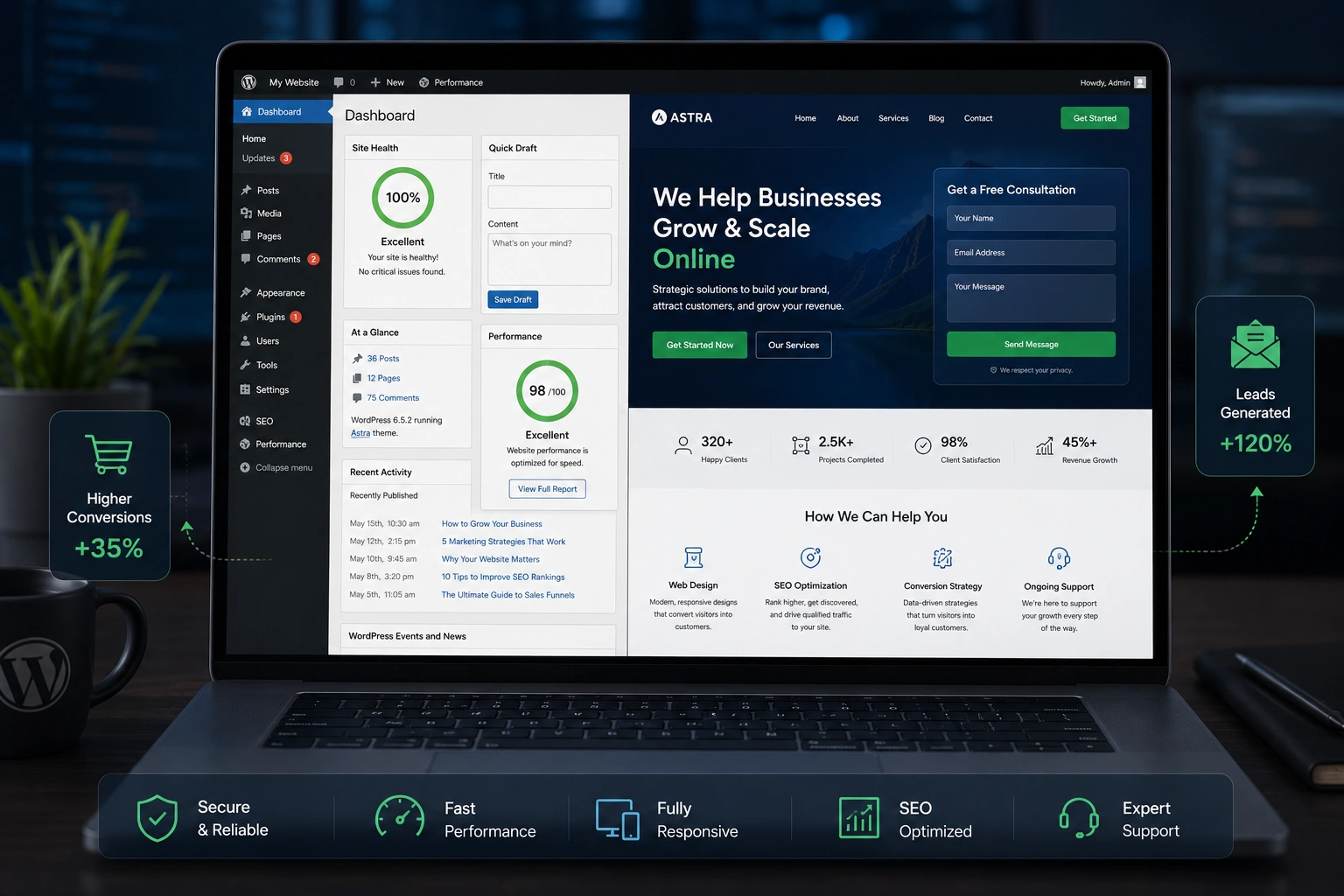
I’ve built dozens of WordPress websites over the years, and the ones that actually make money share one thing in common: they were designed from day one to convert. Not just look pretty.
Most beginners throw up a nice theme, add some pages, and hope for the best. A real WordPress developer approaches every project differently — with strategy, user psychology, and relentless testing in mind. In this post, I’ll walk you through exactly how I do it.
Whether you’re hiring a WordPress developer or learning the craft yourself, these principles turn ordinary sites into lead-generating, sales-driving machines.
Why Most WordPress Websites Fail to Convert
I see it constantly. Beautiful designs that get traffic but zero inquiries. Fast sites that still lose visitors at the checkout. The problem isn’t usually the platform — WordPress is incredibly powerful. The issue is how it’s used.
A converting WordPress website focuses on clarity, trust, speed, and frictionless user journeys. When I audit underperforming sites, the same issues appear: vague headlines, slow load times, confusing navigation, and no clear next step.
WordPress.org powers over 43% of the web for good reason. It gives developers complete control. But that control only matters if you know how to use it for business results.
The Core Elements of a High-Converting WordPress Website
Clear Value Proposition Above the Fold
The first screen visitors see decides everything. I always make sure the headline, subheadline, and primary CTA answer three questions instantly: What do you do? Who is it for? Why should they care?
On one client project for a coaching business, changing the headline from generic to benefit-driven increased click-throughs to the booking page by over 60%.
Trust-Building Design
People buy from those they trust. I use real photos, client logos, testimonials with pictures, and clear guarantees. No stock images that scream “template site.”
Speed and Technical Optimization
Google loves fast sites, and so do users. I routinely get WordPress websites loading under 2 seconds using:
- Lightweight themes or custom builds
- Proper caching
- Optimized images
- Clean code
Slow sites die in 2026. Period.
Real-World Example: From 2% to 12% Conversion Rate
Last year I worked with a SaaS startup that had a decent-looking WordPress website but terrible conversions. After a full rebuild focused on user flow, we:
- Simplified navigation to three main items
- Added a sticky CTA bar
- Implemented exit-intent popups with real value
- Redesigned pricing tables for clarity
Result? Conversion rate jumped from around 2% to 12% within two months. The design wasn’t flashy — it was focused.
How a WordPress Developer Builds a Converting Site: Step-by-Step
Here’s my proven process when taking on a new project:
- Discovery & Strategy I start with deep questions about the business goals, target audience, competitors, and current pain points. No assumptions.
- Information Architecture Map out the user journey. What pages matter most? How do people move from awareness to purchase?
- Wireframing & Design Create low-fidelity layouts first. Focus on hierarchy and conversion paths before visual polish.
- Development with Conversion in Mind I build using custom post types, optimized forms, and tracking integration from the beginning. Every element serves a purpose.
- Testing & Iteration Heatmaps, session recordings, A/B tests — I don’t guess. I measure.
- Launch & Ongoing Optimization The launch is just the beginning. I set up proper analytics and schedule regular performance reviews.
This structured approach separates amateur WordPress websites from professional ones that actually grow businesses.
Comparing WordPress to Other Platforms
Many clients ask me whether they should use WordPress or a hosted platform like Shopify or Kajabi.
WordPress gives unmatched flexibility. You own everything. You can customize at any level. For most service businesses, coaches, and content sites, nothing beats it when built right.
Platforms like Shopify shine for pure e-commerce, but a skilled WordPress developer can match or exceed them with WooCommerce while keeping costs lower long-term.
Common Mistakes and How to Fix Them
Even experienced people mess this up. Here are the biggest ones I fix regularly:
- Too many plugins: This kills speed and creates security holes. I keep it minimal and purposeful.
- Ignoring mobile experience: Over half of traffic is mobile. I test on real devices, not just browser resize.
- Weak calls-to-action: “Learn More” is lazy. I use specific, benefit-driven CTAs like “Get Your Free Strategy Session.”
- No clear conversion path: Visitors get lost. Every page should guide toward the main goal.
- Neglecting SEO basics: A beautiful site that no one finds is useless. I optimize from the foundation up.
Fixing these alone can dramatically improve your results.
FAQ: Building Converting WordPress Websites
How much does a professional WordPress developer charge for a converting site?
It varies widely, but expect investment-level pricing for serious results. Cheap sites usually cost more in lost opportunities.
Can I build a high-converting WordPress website myself?
Yes, if you’re willing to learn. Focus on user experience over fancy design. Many of my clients start DIY and later hire me for optimization.
What’s the best page builder for conversion-focused sites?
I prefer custom development or Elementor Pro when needed. The tool matters less than how you use it.
How long does it take to see results from optimization?
Technical fixes can show impact immediately. Full strategy changes usually take 4-8 weeks of data to evaluate properly.
Is WordPress still good for e-commerce in 2026?
Absolutely. With WooCommerce and modern hosting, WordPress websites compete strongly with dedicated platforms.
Ready to Build a WordPress Website That Actually Converts?
Creating a high-converting WordPress website isn’t about following trends or using the shiniest new plugins. It’s about understanding your audience and removing every obstacle between them and taking action.
If you’ve been struggling with a site that looks good but doesn’t deliver results, it might be time for a different approach. I’ve helped businesses across niches turn their online presence into a reliable growth engine.
Check out my personal services or explore more WordPress solutions I’ve been involved with.
Don’t settle for another pretty WordPress website that sits idle. Build one that works as hard as you do.






