
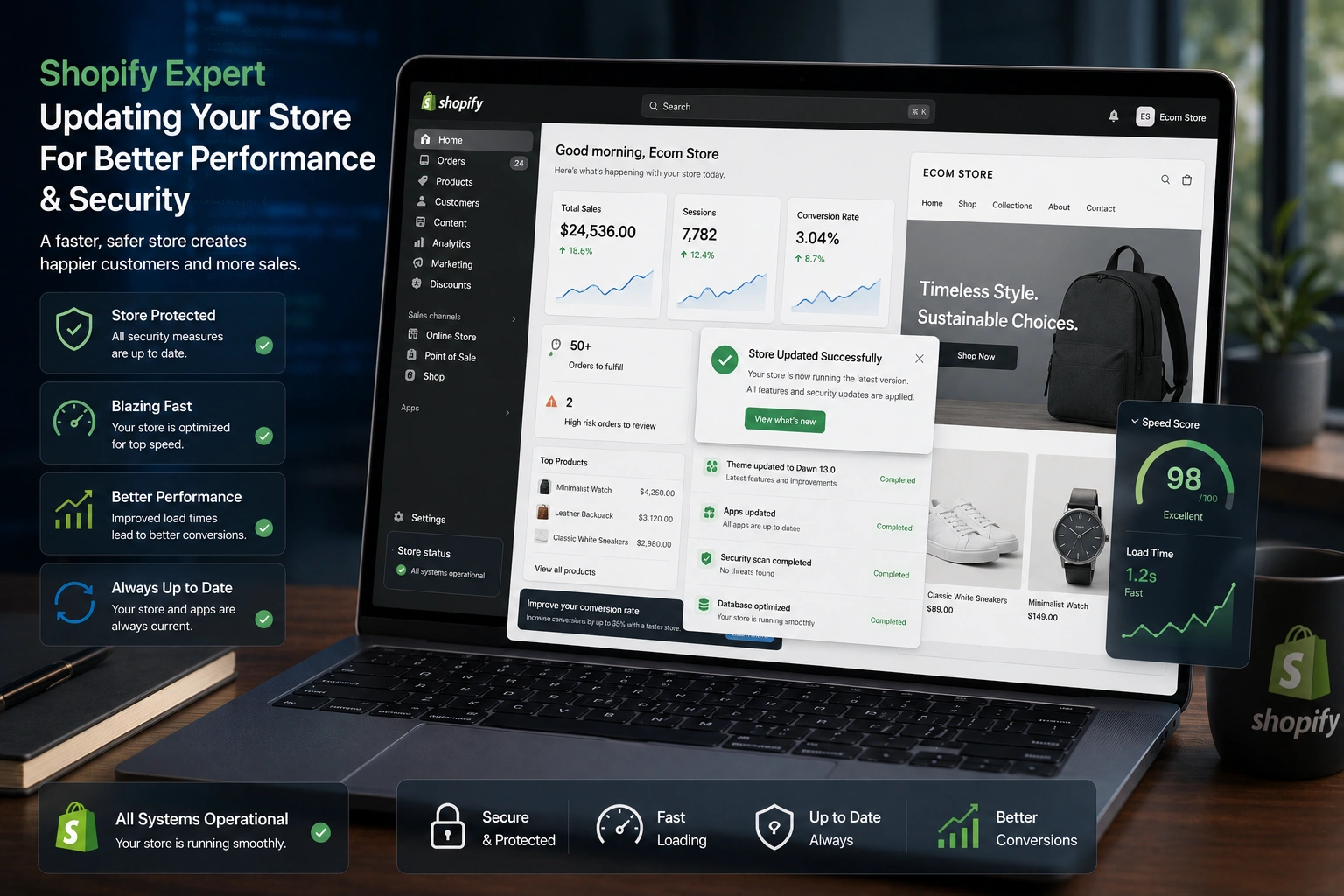
As a Shopify Expert, I’ve worked with dozens of Shopify merchants over the years, from new Shopify dropshipping stores testing their first products to established brands scaling revenue. One pattern stands out: the stores that treat updates and maintenance as optional eventually hit a wall. Slow loading times, broken checkout flows, security scares, or missed features from Shopify’s own platform updates.
As a Shopify Expert, I know that regular store maintenance is more than routine upkeep—it’s essential for protecting your sales, customer trust, and long-term business growth. In this guide, I’ll share how a Shopify Expert approaches store maintenance, what areas require regular attention, and the best practices to keep your Shopify store secure, optimized, and performing at its best, whether you’re just getting started or already generating consistent sales.
The Real Cost of Neglecting Shopify Store Updates
Outdated Shopify stores can quietly drain your revenue in ways that aren’t always obvious. As a Shopify Expert, I’ve seen how a few extra seconds of load time can increase bounce rates, outdated themes and incompatible apps can break critical features, and unpatched security vulnerabilities can expose your store to unnecessary risks. Regular maintenance keeps your Shopify store fast, secure, and optimized for better customer experience and long-term growth.
As a Shopify Expert, I’ve seen stores lose days of sales because a popular app stopped working after a core Shopify update. Customers don’t wait around—they go to competitors. Regular maintenance keeps everything humming so you can focus on marketing and product strategy instead of firefighting.
How Regular Updates Boost Security, Speed, and Conversions
Security is the most urgent reason. Shopify handles a lot of the heavy lifting, but themes, apps, and custom code still need attention. Hackers target eCommerce sites constantly. Keeping everything current closes known vulnerabilities.
Performance matters just as much. Modern shoppers expect fast experiences. Google favors quick sites in search results, and Shopify dropshipping stores especially benefit because product pages and collections load smoother when images are optimized and unused apps are removed.
I’ve measured conversion lifts of 15-30% after simple maintenance rounds—cleaner code, updated apps, and better caching. That’s real revenue.
Business Impact: Why Shopify Support Pays for Itself
Think about downtime. Even a few hours during a promotion can cost thousands. Regular Shopify support prevents most of those surprises.
For Shopify stores, regular updates ensure your themes, apps, payment gateways, and checkout process continue to work smoothly. As a Shopify Expert, I recommend keeping every part of your store up to date to avoid compatibility issues, improve performance, and deliver a seamless shopping experience. Proactive maintenance helps prevent costly downtime while keeping your business secure, reliable, and ready to grow.
There’s also SEO value. Search engines reward technically sound sites. Fresh content, fast speeds, and mobile optimization all improve when you stay on top of updates.
Step-by-Step: How to Maintain Your Shopify Store
Here’s a practical monthly routine I recommend to most store owners:
- Check for Core Updates – Log into your Shopify admin and review any platform notices. Apply them promptly.
- Update Themes and Apps – Go through installed apps and your theme. Test updates in a development store first if you have custom changes.
- Optimize Performance – Run a speed test (Shopify’s built-in tools or Google PageSpeed). Compress images, remove unused code, and limit heavy scripts.
- Review Security – Enable two-factor authentication, check for suspicious activity, and ensure backups are current.
- Test User Flows – Add a test product, go through checkout on mobile and desktop, and verify payment gateways and shipping options.
- Audit Content and SEO – Update meta titles/descriptions, fix broken links, and refresh product descriptions with new keywords or offers.
Doing this consistently takes a few hours a month but saves far more in the long run.
Common Mistakes and Troubleshooting Issues
Many owners make the same errors. They ignore update notifications because “everything works fine right now.” Or they install too many apps without cleaning house, which slows the store and creates conflicts.
Another big one: skipping testing after updates. I once helped a merchant whose checkout broke after a theme update. They hadn’t tested on mobile, and half their traffic couldn’t complete purchases.
If you run into problems:
- Slow site after update – Clear cache and check for conflicting apps.
- Broken features – Roll back the specific update or contact the app developer.
- Security alerts – Change passwords immediately and scan with reliable tools.
For Shopify dropshipping stores, always verify supplier syncs after platform changes.
Real-World Example from My Work
A few months ago, I took on a Shopify dropshipping store selling fashion accessories. Sales had plateaued despite decent ad spend. The theme was two years old, several apps were outdated, and page speed was poor.
As a Shopify Expert, I’ve seen how consistent maintenance can transform a store’s performance. A complete maintenance cycle—including updating themes and apps, optimizing images, removing unnecessary apps, and improving site speed—can significantly boost conversions and strengthen SEO. That’s why I recommend scheduling quarterly performance audits and monthly maintenance checks to keep your Shopify store fast, secure, and optimized for long-term growth.
FAQ: Shopify Store Updates and Maintenance
How often should I update my Shopify store?
For most stores, monthly checks work well. High-traffic or Shopify dropshipping operations may need bi-weekly attention during peak seasons.
Can I handle Shopify maintenance myself?
Yes, for basic tasks. But if you have custom code or complex apps, working with a Shopify Expert prevents costly mistakes.
Does regular maintenance improve SEO?
Absolutely. Faster load times, mobile-friendliness, and fresh content help search rankings.
What’s the difference between Shopify support and one-time fixes?
Support is ongoing—proactive monitoring and updates. One-time fixes only solve immediate problems and leave you exposed later.
How much does professional Shopify support cost?
It varies, but good plans deliver strong ROI through prevented downtime and higher conversions. Check options on my site for tailored packages.
Will updates break my store?
They can if not tested, which is why staging environments and careful rollouts matter.
Keep Your Shopify Store Growing Strong
Regular maintenance transforms your Shopify store from a static website into a high-performing sales engine. As a Shopify Expert, I help businesses keep their stores secure, fast, and fully optimized through ongoing Shopify support and maintenance. Whether you’re running a dropshipping business or growing a branded eCommerce store, consistent updates and expert care lead to better performance, higher conversions, and long-term success.
If maintaining your store feels overwhelming, I’m here to help. Visit Shihab Morshed or explore services at Digital Wind IT to see how expert support can keep your store performing at its best. Start with a quick audit today—your future sales will thank you.






