
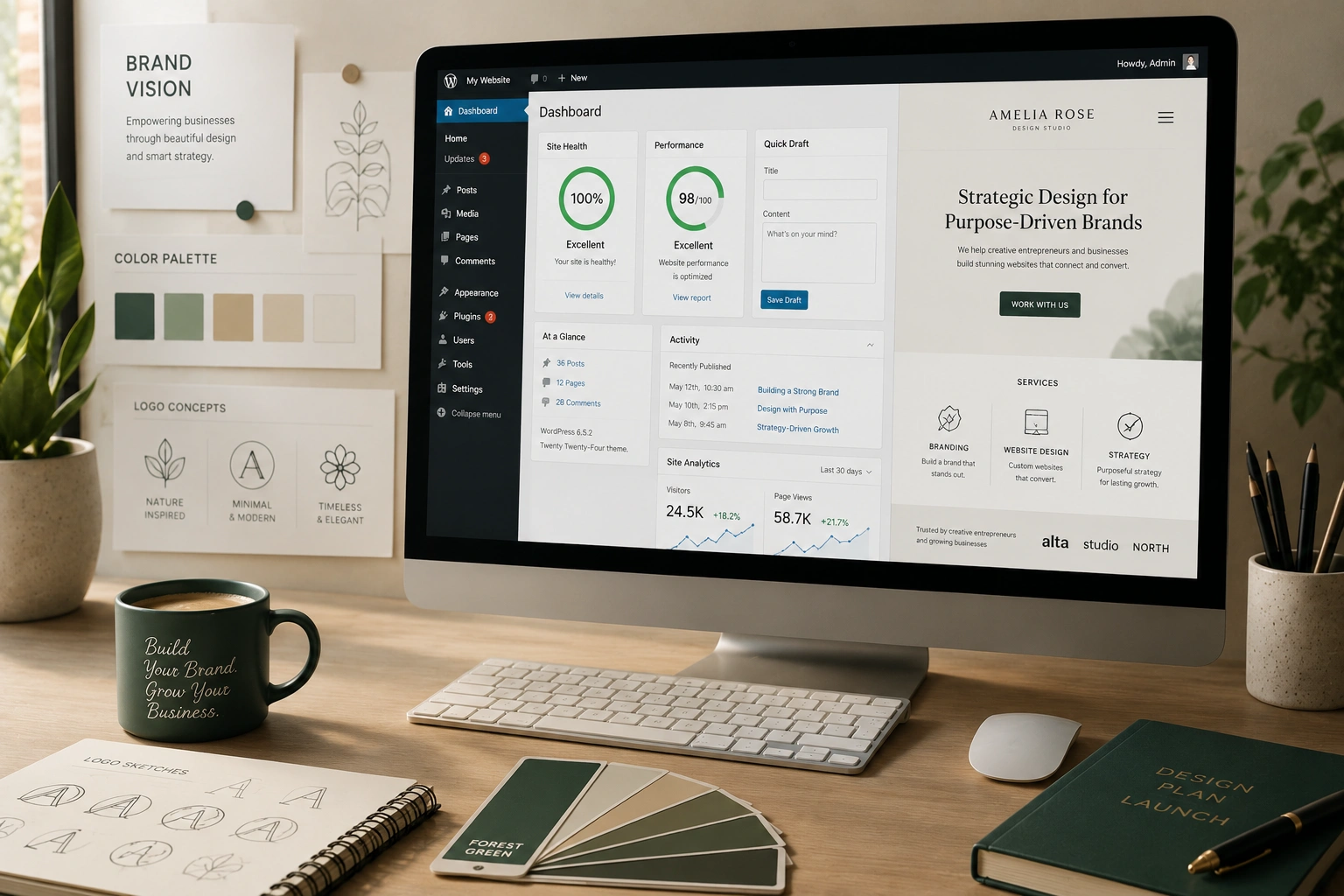
I’ve built dozens of WordPress websites over the years, and the ones that perform best are never the prettiest templates thrown together overnight. They’re the ones where every color, font, and layout choice actually means something to the owner’s brand.
If you’re a coach, consultant, freelancer, or small business owner, your WordPress website isn’t just an online brochure — it’s your digital handshake. When it matches who you are, visitors feel it instantly. Trust goes up. Conversions follow.
In this guide, I’ll walk you through exactly how to create a WordPress website that feels like an extension of your brand instead of a generic template. No fluff, just practical steps I use with my own clients.
Why Brand Alignment Matters More Than You Think
Most beginners focus on making their site “look good.” That’s fine, but it’s not enough. A truly aligned WordPress website communicates your values, personality, and expertise before you say a single word.
I remember working with a career coach whose previous site used bright corporate blues and stock photos of handshakes. Her real style is warm, approachable, and slightly rebellious against traditional career advice. Once we rebuilt her site around earthy tones, authentic photography, and conversational copy, her inquiry rate nearly doubled in three months.
WordPress gives you the flexibility to do this right. Unlike rigid platforms, you control every pixel if you want to.
What a Brand-Aligned WordPress Website Actually Looks Like
It’s not about matching your logo color everywhere. It’s about consistency and intention.
- Your color palette appears thoughtfully, not randomly.
- Typography reflects your voice — clean and professional or bold and creative.
- Images and illustrations feel like they belong to your world.
- Navigation and structure mirror how your audience thinks.
- The overall feeling matches what clients experience when they work with you.
A WordPress developer who understands branding will help you make these decisions. But even if you’re doing it yourself, the principles remain the same.
The Business Impact of Getting This Right
When your site aligns with your brand, everything gets easier. People stay longer. They remember you. They trust you faster.
I’ve seen clients go from “just another coach” to “the only one who gets me” simply because their website finally reflected their unique approach. One entrepreneur I worked with increased her course sales by 40% after we aligned her WordPress website with her no-nonsense, data-driven brand voice.
Compare that to generic sites built on templates — they blend into the background. Your brand deserves to stand out.
Step-by-Step: How to Build Your Aligned WordPress Website
Here’s the exact process I follow when creating a WordPress website for clients who want strong brand alignment.
1. Define Your Brand Foundation
Before touching WordPress, get clear on three things:
- Your core values and personality
- Your ideal client’s worldview
- The feeling you want visitors to have
Write it down. This becomes your decision filter for every design choice.
2. Choose the Right WordPress Setup
Start with a clean installation. I recommend using managed hosting that gives you good speed and support. Install a lightweight theme as your base (Astra or GeneratePress work great for customization).
Avoid heavy multipurpose themes if you care about performance and true customization.
3. Design with Intention
- Colors: Pick 3-5 colors max. Use tools like Coolors or Adobe Color.
- Typography: Choose one heading font and one body font. Test readability on mobile.
- Logo placement: Make sure it’s prominent but not overwhelming.
- Custom elements: Consider a unique illustration style or photo treatment that matches your vibe.
4. Build the Structure
Focus on these essential pages first:
- Home
- About (this is where brand voice shines)
- Services/Offers
- Blog/Resources
- Contact
Create clear pathways for visitors based on their needs.
5. Add Content That Sounds Like You
Write copy in your natural voice. Use first-person where it fits. Show personality. Your WordPress website should feel like a conversation with you, not corporate speak.
6. Optimize for Performance and SEO
Fast loading times and proper structure matter. Use caching plugins, optimize images, and ensure mobile responsiveness. A slow or broken site destroys brand trust instantly.
For deeper technical help, consider working with an experienced WordPress developer.
Common Mistakes That Break Brand Alignment
I see these issues all the time:
- Using default WordPress themes without customization
- Mixing too many fonts and colors
- Stock photos that don’t match your audience
- Generic copy that could belong to anyone
- Ignoring mobile experience
- Overloading the homepage with everything
The fix is simple but requires discipline: constantly ask “Does this decision support my brand?”
Another big one is treating your site as a one-time project. Brands evolve. Your WordPress website should too. Plan for regular updates.
Real-World Example: From Generic to Distinct
One of my clients at Digital Wind IT ran a sustainable fashion consultancy. Her original site looked like every other consultant — blue, corporate, generic stock images.
We rebuilt it using warm earth tones, custom photography of real garments and workshops, and a clean but slightly artistic layout. The navigation focused on her unique “conscious business” framework.
Within six months, her organic traffic increased significantly, and she landed higher-value clients who connected with the authentic brand presentation.
Tools and Resources I Recommend
- WordPress.org — the official home and best place to learn core features.
- Page builders like Elementor or Bricks for visual control (use carefully).
- Analytics: Google Analytics and Search Console.
- Testing: Browse your site on different devices regularly.
For those wanting more advanced platforms later, tools like Kajabi or Thinkific offer all-in-one solutions, but WordPress remains the most flexible for true brand ownership.
FAQ: Creating a Brand-Aligned WordPress Website
How much does a professional branded WordPress website cost?
It varies widely. DIY with good templates might cost $100–500 in plugins and themes. Working with a WordPress developer for full custom work typically ranges from $2,000 to $8,000+ depending on complexity.
Do I need coding skills?
Not necessarily. Modern page builders let you do a lot visually. However, understanding basic HTML/CSS helps for fine-tuning and truly owning your brand presentation.
How long does it take to build?
A focused solo project might take 2–6 weeks. Professional development usually takes 4–12 weeks including content and revisions.
Should I use a page builder or custom code?
For most personal brands, a good page builder plus custom CSS strikes the right balance between control and maintainability.
How do I keep my site aligned as my brand grows?
Create a simple brand style guide document. Review your site every 6–12 months. Update colors, imagery, and messaging as your business evolves.
Is WordPress still good for branding in 2026?
Absolutely. Its flexibility and massive ecosystem make it one of the best platforms for creating unique, owned brand experiences.
Final Thoughts
Creating a WordPress website that truly aligns with your brand isn’t about perfection. It’s about making intentional choices that reflect who you are and who you serve.
When done right, your site becomes a powerful asset that works for you 24/7 — attracting the right people and converting them into clients or customers.
If you’re ready to move beyond generic templates and build something authentic, I’d love to help. Visit my site at Shihab Morshed or check our services at Digital Wind IT to get started.
Your brand deserves a website that feels like home. Let’s build it.






