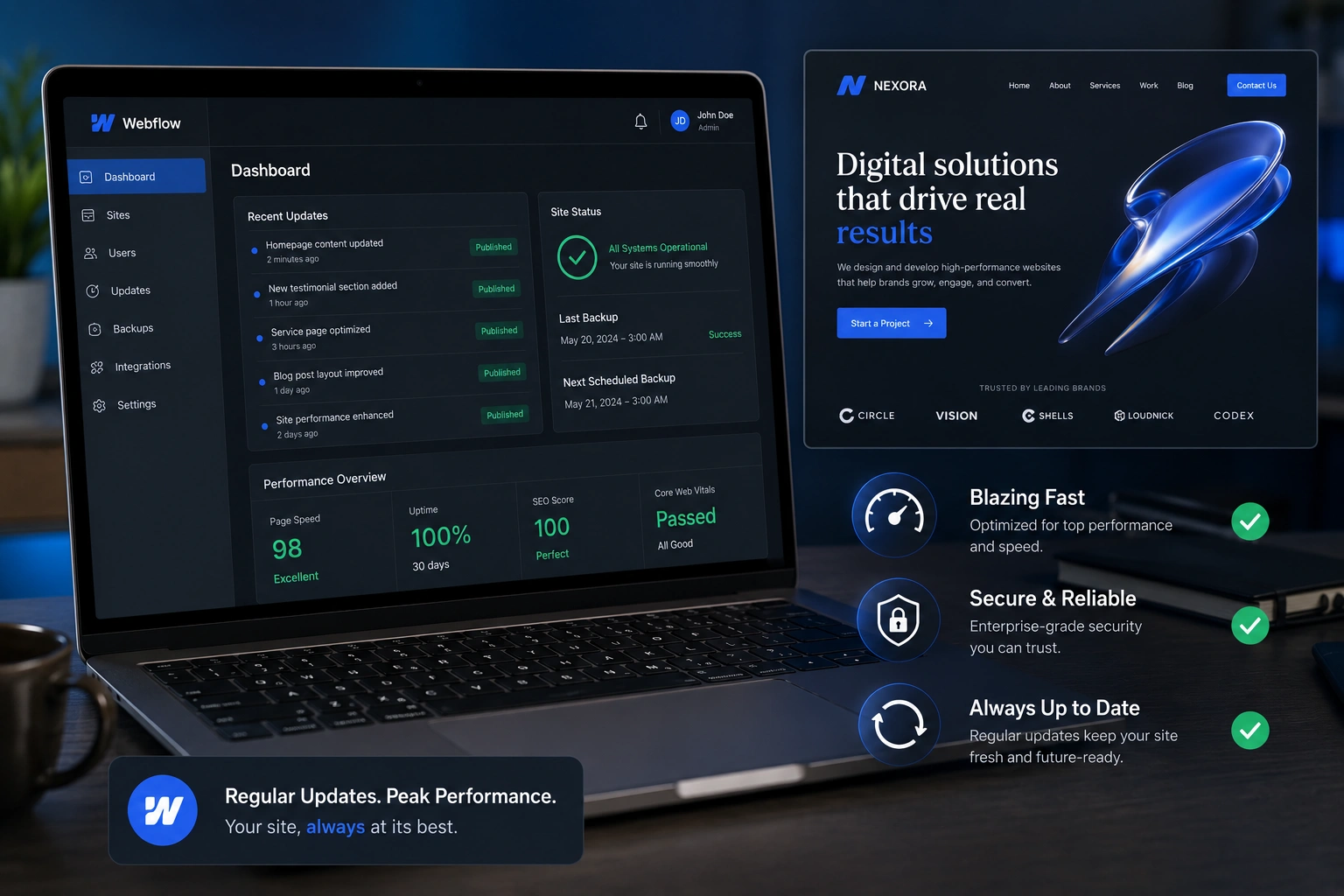
I’ve been building and maintaining Webflow sites for years, and one truth keeps hitting me: a beautiful launch is only the beginning. Many clients come back six months later frustrated because their once-fast, sleek site now feels slow, outdated, or even vulnerable.
Regular updates aren’t just nice-to-have maintenance. They’re what separates professional, high-performing Webflow websites from ones that quietly lose traffic and trust. In this post, I’ll walk you through exactly why updates matter, what happens if you skip them, and how to keep your site in top shape without burning time or budget.
Whether you’re a solopreneur, small business owner, or working with a Webflow developer, understanding this will save you headaches down the road.
The Real Cost of Neglecting Webflow Updates
Webflow is powerful because it gives designers and developers incredible control without traditional coding. But that power comes with responsibility. The platform evolves fast—new features, security patches, and performance improvements drop regularly.
I once took over a client project that looked stunning at launch but had dropped from page 1 to page 4 in Google for their main terms. The issue? No updates in 14 months. Broken interactions, outdated form handling, and poor mobile performance had piled up. After a focused update sprint, we recovered most of the lost ground within weeks.
Webflow Expert teams see this pattern constantly. Sites that receive consistent attention rank better, convert higher, and require far fewer emergency fixes.
How Regular Updates Boost Performance and SEO
Speed matters more than ever. Google uses Core Web Vitals as ranking signals, and outdated Webflow sites often suffer from bloated assets, unoptimized images, and inefficient interactions.
When you update:
- You can implement newer Webflow features like improved CMS filtering or better animation controls.
- You clean up unused classes and symbols that slow down the designer and the published site.
- You ensure compatibility with the latest browser versions and devices.
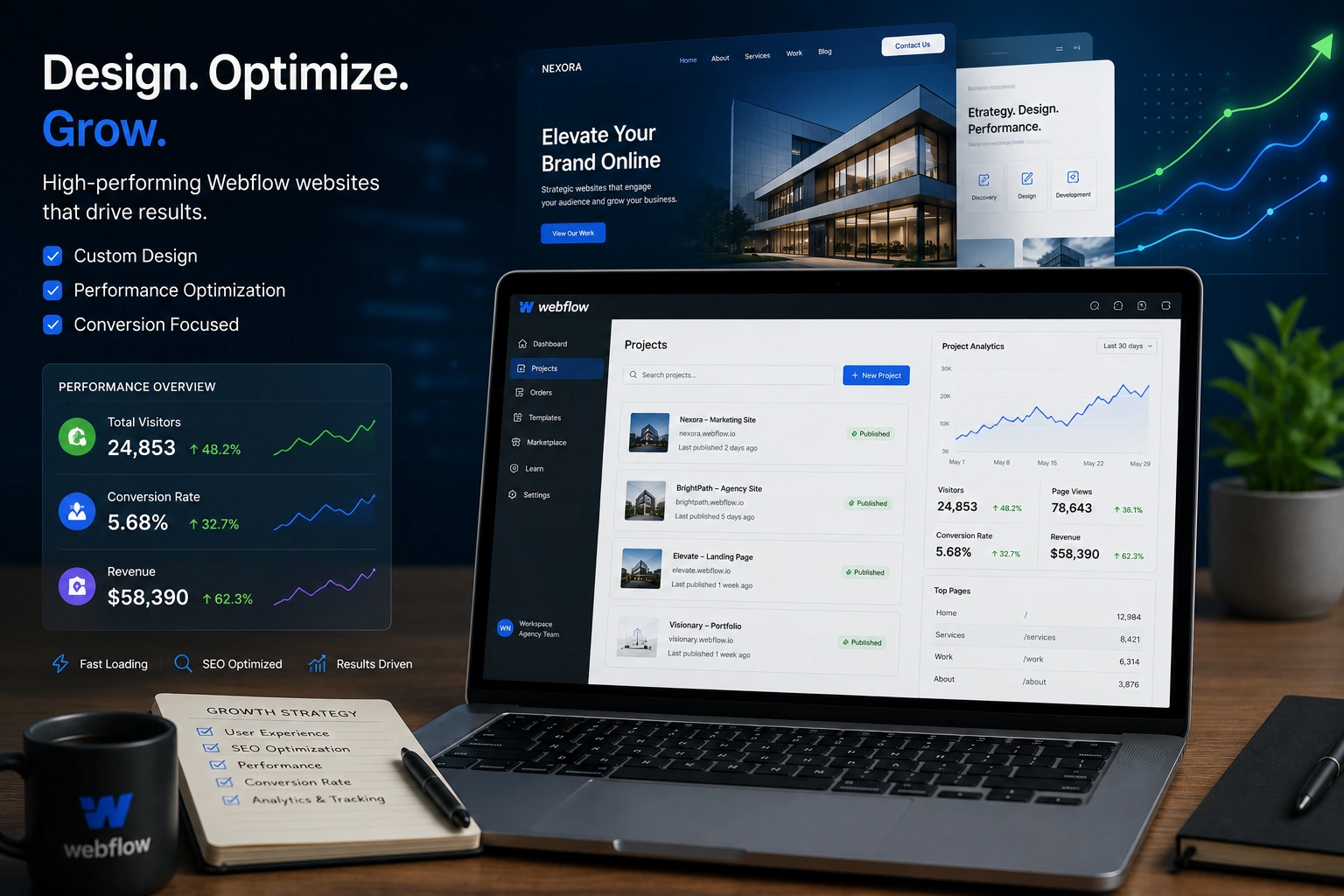
One comparison I always share: a static site updated quarterly versus one left alone. The updated site typically loads 30-50% faster based on real client data I’ve tracked. That difference directly impacts bounce rates and SEO.
Security, Compliance, and Peace of Mind
Security isn’t flashy, but it’s critical. While Webflow handles a lot at the platform level, custom code, third-party integrations, and forms need monitoring.
Regular updates help you:
- Patch potential vulnerabilities in embedded scripts
- Keep form submissions secure and spam-free
- Stay compliant with evolving privacy regulations (especially important for global audiences)
I recommend treating your Webflow agency or developer relationship as ongoing support rather than a one-time build. It’s cheaper and smarter than dealing with a breach or Google penalty later.
Real-World Example: From Stagnant to Thriving
Last year I worked with an online course creator using Webflow. Their site had beautiful design but outdated membership integration and slow loading on mobile. After implementing regular quarterly updates, their conversion rate jumped 42% and they reported fewer support tickets about broken pages.
The updates weren’t revolutionary redesigns — mostly performance tweaks, content refreshes, and small UX improvements. That’s the power of consistent maintenance.
Step-by-Step Guide: How to Maintain Your Webflow Site
Here’s my practical process that works for most clients:
- Monthly Quick Audit — Log into Webflow and check for platform notifications. Review site speed using PageSpeed Insights.
- Content Updates — Refresh blog posts, case studies, and key landing pages. Fresh content signals to Google that your site is active.
- Technical Check — Test all forms, buttons, and interactions. Update any third-party embeds (analytics, chat widgets, etc.).
- Performance Optimization — Compress new images, review custom code, and clean up the project.
- Backup and Versioning — Use Webflow’s built-in versioning or export backups before bigger changes.
- Analytics Review — Look at what’s working and double down. Tools like Google Analytics show where users drop off.
Following this rhythm prevents most big problems. If you’re not technical, a reliable Webflow developer can handle this systematically.
Common Mistakes and Troubleshooting
The biggest mistake I see is treating Webflow like a “set it and forget it” platform. Another is making big changes without testing on a staging subdomain.
Common issues and fixes:
- Slow loading after updates: Often caused by unoptimized new assets. Always run images through proper compression.
- Broken interactions: Usually from conflicting classes or outdated Webflow components. Duplicate the page and test changes safely.
- SEO drop: Check for missing meta tags or canonical issues after major redesigns.
- Form problems: Third-party services change APIs—always verify integrations quarterly.
If you’re struggling with any of these, reaching out to a Webflow Expert early saves money compared to emergency repairs.
For more on building a strong foundation, check my personal site where I share more hands-on insights. You can also explore services and case studies at Digital Wind IT.
Webflow Maintenance FAQ
How often should I update my Webflow site?
For most sites, quarterly deep updates plus monthly light checks work well. High-traffic or e-commerce sites may need more frequent attention.
Can I handle Webflow updates myself?
Yes, if you’re comfortable in the designer. Many small updates are straightforward. For complex custom code or strategy, working with a Webflow developer is more efficient.
Does Webflow automatically update my site?
Webflow handles hosting and core platform updates, but your content, custom features, and optimizations are your responsibility.
How much does ongoing Webflow maintenance cost?
It varies. Many Webflow agency retainers range from a few hundred to a couple thousand dollars per month depending on site complexity and update frequency.
Will regular updates improve my SEO?
Absolutely. Google favors active, fast, secure sites. Consistent updates help with both technical SEO and content freshness.
What if I built the site myself and now feel stuck?
This is common. Start with the step-by-step guide above, or book a quick audit. Many clients transition from DIY to supported maintenance successfully.
Keep Your Webflow Site Working for You
Your Webflow site is a living asset, not a static brochure. Regular updates protect your investment, improve user experience, and support long-term business growth.
As a Webflow Expert who’s helped dozens of clients turn good sites into great ones, I can tell you this: the sites that win are the ones that stay cared for.
Ready to make your Webflow project easier to maintain? Visit my site or reach out through Digital Wind IT to discuss how ongoing support can work for you.