
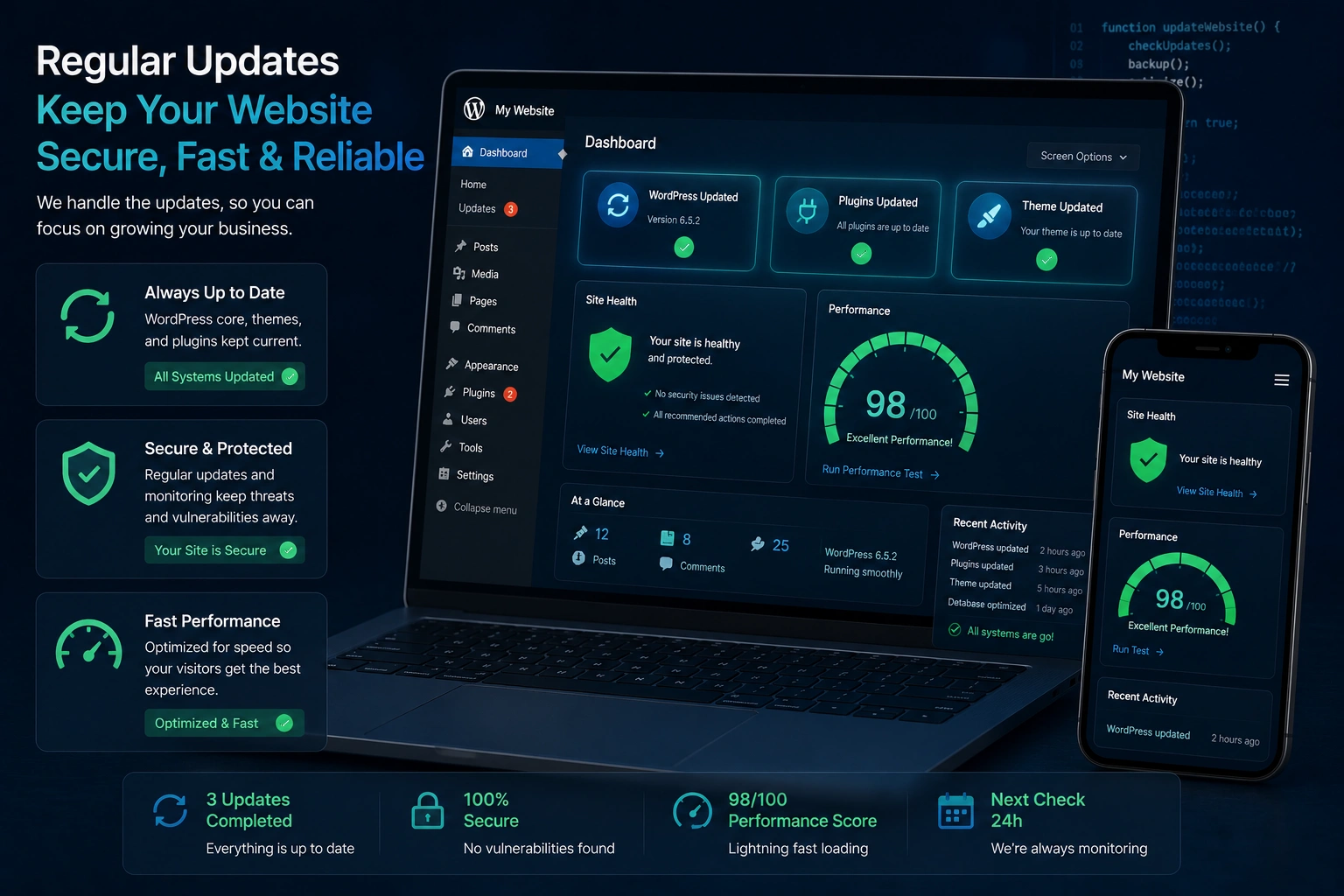
I’ve been building and maintaining WordPress websites for years, and one truth stands out: the sites that thrive are the ones that get regular updates. The ones that get neglected eventually break, slow down, or worse — get hacked.
If you’re running a WordPress website, whether it’s a blog, portfolio, or online store, staying on top of updates isn’t optional. It’s essential maintenance, like changing the oil in your car. Skip it long enough and you’ll face bigger problems.
In this post, I’ll share what I’ve learned from real client projects about why updates matter, what happens when you ignore them, and exactly how to keep your site healthy without stress.
The Real Risks of Running an Outdated WordPress Website
An outdated WordPress website is like leaving your front door unlocked in a busy neighborhood. Most people don’t realize how exposed they are until something goes wrong.
WordPress powers over 43% of the web, according to official data. That popularity makes it a prime target. When you don’t update the core, plugins, or themes, you leave known security holes wide open.
I once took over a client’s site that hadn’t been updated in 18 months. Within minutes of checking, I found three critical vulnerabilities. The site was lucky it hadn’t been compromised yet.
Beyond security, outdated sites suffer from compatibility issues. New plugins stop working. Features break. And search engines start noticing slow load times and poor user experience.
How Regular Updates Boost Security, Speed, and Performance
The biggest benefit of keeping your WordPress website updated is peace of mind.
Security comes first. Every major WordPress core release patches known vulnerabilities. Plugin and theme developers do the same. Staying current means you’re not running software with publicly known exploits.
Performance improves too. Newer versions often include speed optimizations, better database handling, and improved caching compatibility. I’ve seen load times drop from 6 seconds to under 2 seconds just by updating core files and cleaning up old plugins.
Modern updates also bring better mobile responsiveness and accessibility features — both important ranking factors.
The Business Impact: What Outdated Sites Cost You
An outdated WordPress website doesn’t just look old — it hurts your business.
Clients lose leads when forms stop working. Online stores lose sales during checkout glitches. And Google penalizes slow or insecure sites in search results.
I worked with a small business whose site was hit by malware after ignoring updates for over a year. They were down for nearly a week during their busiest season. The recovery cost them thousands in lost revenue and emergency fixes.
Compare that to proactive maintenance. Sites I manage for clients at Digital Wind IT rarely face these issues because we handle updates systematically. The difference in stability and performance is night and day.
Step-by-Step: How to Safely Update Your WordPress Website
Here’s the exact process I recommend to my clients and use myself:
- Backup everything first — Use a reliable plugin like UpdraftPlus or your hosting provider’s backup tool. Never skip this.
- Update in the right order — Start with WordPress core, then themes, then plugins. This minimizes compatibility conflicts.
- Test on a staging site — Many good hosts offer one-click staging. Update there first and check that everything works.
- Check for conflicts — After updating, test key pages, forms, and any custom functionality.
- Clear caches — Update your caching plugin settings and clear all caches.
- Monitor for a few days — Keep an eye on Google Analytics and Search Console for any sudden drops.
This process takes me about 30-60 minutes for most sites when done regularly.
Common Mistakes and Troubleshooting Update Problems
Even experienced users make mistakes. Here are the ones I see most often:
- Updating everything at once on a live site (disaster waiting to happen).
- Ignoring plugin conflicts — one outdated plugin can break the entire dashboard.
- Forgetting to update the theme — many people only update plugins and core.
- Relying solely on auto-updates without monitoring.
If something breaks after an update, don’t panic. First, switch to a default theme like Twenty Twenty-Four to isolate the issue. Then deactivate plugins one by one to find the culprit.
In tough cases, I recommend reaching out to an experienced WordPress developer who can quickly diagnose and fix issues without guesswork.
When Should You Hire a WordPress Developer for Maintenance?
If you’re not comfortable with updates or your site is complex (membership sites, e-commerce, heavy customization), professional maintenance makes sense.
A good WordPress developer handles updates, security monitoring, performance optimization, and backups automatically. This lets you focus on your business instead of technical headaches.
FAQ: Your Questions About WordPress Updates
How often should I update my WordPress website?
For most sites, check for updates monthly and apply important security patches immediately. I recommend full maintenance every 1-2 months.
Can updates break my site?
They can, especially if you skip backups or have outdated custom code. That’s why testing on staging first is crucial.
What’s the difference between minor and major WordPress updates?
Minor updates (like 6.5.1) are usually safe and focus on security and bugs. Major updates (like 6.6) bring bigger changes and need more careful testing.
Should I enable automatic updates?
For minor core and plugin security updates, yes. For major updates and themes, I prefer manual control.
How much does professional WordPress maintenance cost?
It varies, but reliable ongoing care is often more affordable than emergency fixes after a hack.
Is it worth updating if my site seems to work fine?
Absolutely. Many vulnerabilities aren’t obvious until someone exploits them.
Keep Your WordPress Website Strong for the Long Term
Your WordPress website is often the face of your business online. Treating it with regular updates isn’t just technical busywork — it’s smart business.
When you stay current, you protect your data, improve user experience, maintain search visibility, and avoid expensive emergencies. The small effort required pays off many times over in stability and performance.
If maintaining your site feels overwhelming, I’m happy to help. Whether you need a one-time audit or ongoing care, feel free to reach out through my site at Shihab Morshed.
Ready to make your WordPress website more secure and reliable? Start with that backup and schedule your next update today. Your future self — and your visitors — will thank you.






