
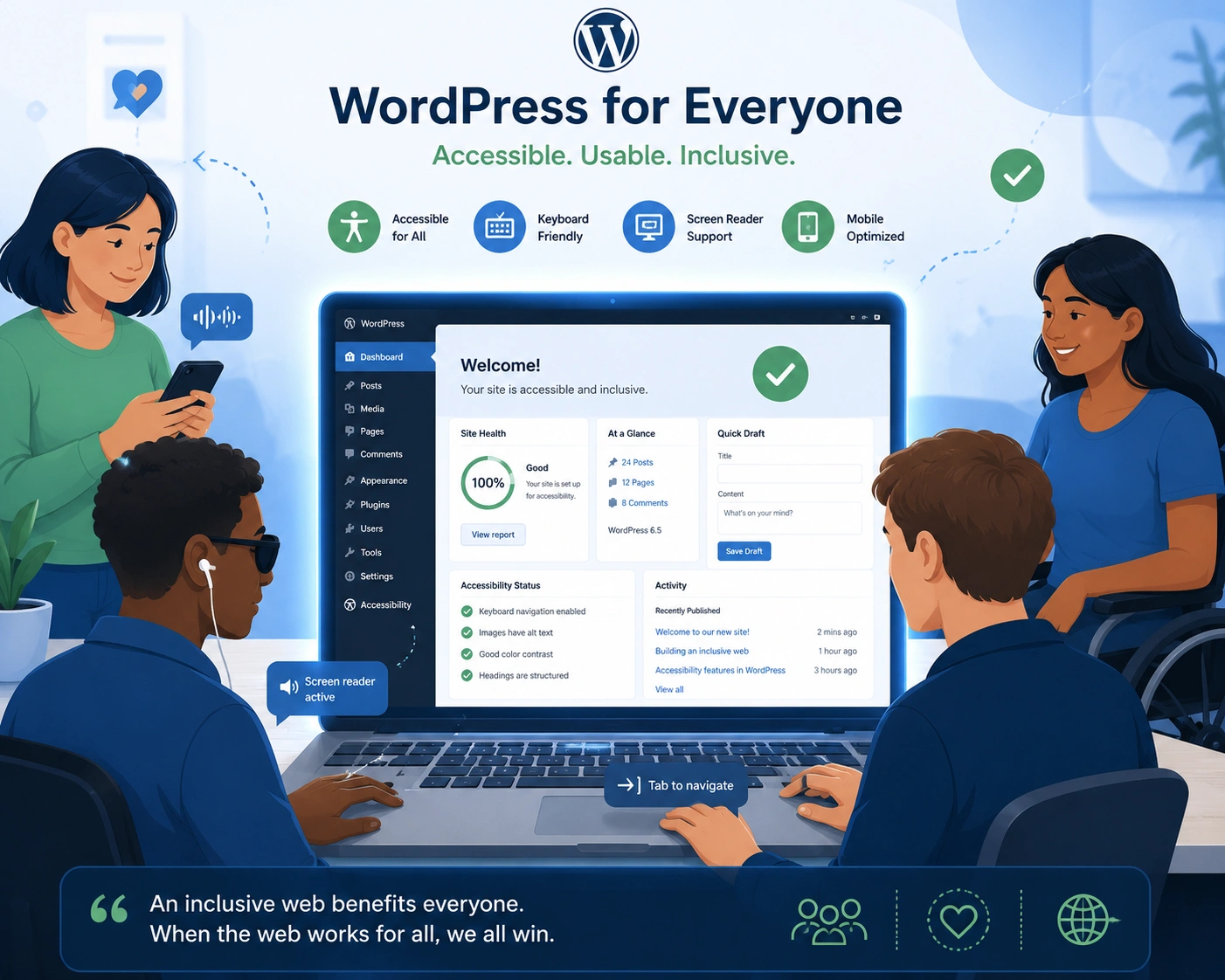
I’ve built and optimized dozens of WordPress websites over the years, and one lesson keeps coming back: accessibility isn’t an afterthought—it’s foundational. As a WordPress developer, I used to focus mainly on speed, design, and features. Then I started getting feedback from real users who couldn’t navigate sites easily. That changed everything.
If you’re running a WordPress website, making it accessible opens your content to millions more people, improves search rankings, and protects you from unnecessary headaches. In this post, I’ll share why it matters, what I’ve learned from client projects, and exactly how to make meaningful improvements.
What Web Accessibility Really Means for WordPress Sites
Web accessibility means your site works for everyone, including people with disabilities—visual, hearing, motor, or cognitive. On WordPress, this involves proper heading structure, alt text, keyboard navigation, sufficient color contrast, and semantic HTML.
WordPress powers a huge chunk of the web, so the platform itself has made strides. The official WordPress Accessibility team provides guidelines and resources that every WordPress developer should know.
From my experience, sites that ignore accessibility frustrate users and miss opportunities. Those that prioritize it see better engagement across the board.
The Real Benefits: Users, SEO, and Business Impact
Accessibility isn’t just “nice to have.” It delivers measurable wins.
Broader audience reach — About 16% of the world’s population lives with some form of disability. That’s over a billion potential visitors your WordPress website could serve better.
SEO advantages — Search engines love accessible sites. Proper headings, alt text, and clean code help crawlers understand your content. Studies show accessible websites often see higher organic traffic and rank for more keywords. One analysis found sites improving accessibility gained an average 12% boost in organic traffic.
Legal protection — ADA compliance and similar rules matter globally. Lawsuits against inaccessible websites have surged. As a developer who’s audited many sites, I’ve seen how proactive fixes prevent issues.
Better user experience for everyone — Features like good contrast and clear navigation help all visitors, especially on mobile. I’ve redesigned client sites where simple changes cut bounce rates noticeably.
One client, a small online course platform, came to me after low conversions. Their WordPress website had poor keyboard navigation and missing alt texts. After fixes, engagement improved and they reached new customers who previously couldn’t use the site comfortably.
How Accessibility Boosts Your WordPress Website’s Performance
Search engines reward sites that provide great experiences. Accessible WordPress websites tend to have:
- Better crawlability through semantic markup
- Lower bounce rates from usable interfaces
- Stronger engagement signals
In my work at Digital Wind IT, we’ve seen accessible projects convert better because users stay longer and trust the site more.
Step-by-Step: Making Your WordPress Site More Accessible
Here’s a practical process I’ve used with clients:
- Run an audit — Install the free Accessibility Checker plugin or use WAVE and Lighthouse in Chrome DevTools. Identify critical issues like missing alt text or low contrast.
- Fix content basics — Add descriptive alt text to every image. Use proper heading hierarchy (H1 for main title, H2 for sections). Write clear link text like “Read our accessibility guide” instead of “click here.”
- Improve navigation — Ensure full keyboard navigation. Add skip-to-content links. Test with only a keyboard.
- Choose accessible themes and plugins — Look for themes with the “accessibility-ready” tag on WordPress.org. Test plugins thoroughly.
- Test with real users — Use screen readers like NVDA (free) or ask people with different needs for feedback.
- Monitor ongoing — Accessibility isn’t one-and-done. Set up regular checks, especially after updates.
This process transformed several of my projects from “barely passing” to genuinely usable.
Common Mistakes and Troubleshooting
Many WordPress developers (including my younger self) make these errors:
- Relying only on plugins for “one-click” fixes. Plugins help but don’t replace manual work.
- Ignoring color contrast on buttons and text. Tools like WebAIM Contrast Checker catch this quickly.
- Using decorative images without empty alt attributes (alt=””).
- Overlooking forms—missing labels cause huge problems for screen readers.
- Forgetting mobile users who may rely on zoom or voice input.
Troubleshooting tip: If your site feels slow after accessibility changes, optimize images and use lazy loading properly. For complex sites, I recommend working with an experienced WordPress developer like those on my team at Shihab Morshed.
Frequently Asked Questions
Does accessibility affect my WordPress SEO?
Yes. Many accessibility best practices overlap with SEO factors like structured content and alt text. Accessible sites often perform better in search.
Is WordPress accessible by default?
The core is solid and improving, but themes, plugins, and your content determine the final result. Always test.
What are the main WCAG guidelines I should follow?
Focus on WCAG 2.1 or 2.2 Level AA: perceivable, operable, understandable, and robust content. Start with the basics and build from there.
Do I need to hire a professional?
For simple sites, you can handle most improvements yourself. Complex projects or compliance needs benefit from a skilled WordPress developer.
Are there good free tools?
Yes—Accessibility Checker plugin, WAVE, Lighthouse, and WordPress.org resources. Combine automated tests with manual checks.
How long does it take to make a site accessible?
It depends on size. A small site might take a weekend; larger ones need phased work over weeks.
Making Accessibility Part of Your WordPress Journey
Your WordPress website should work for everyone who lands on it. When you build with accessibility in mind, you create better experiences, stronger SEO, and more inclusive businesses.
I’ve seen firsthand how these changes help real people and real businesses succeed. Whether you’re a solo site owner or working with a WordPress developer, start small today.
Need help auditing or improving your site? Reach out through Shihab Morshed or Digital Wind IT. Let’s make your WordPress website accessible and effective for all.






