
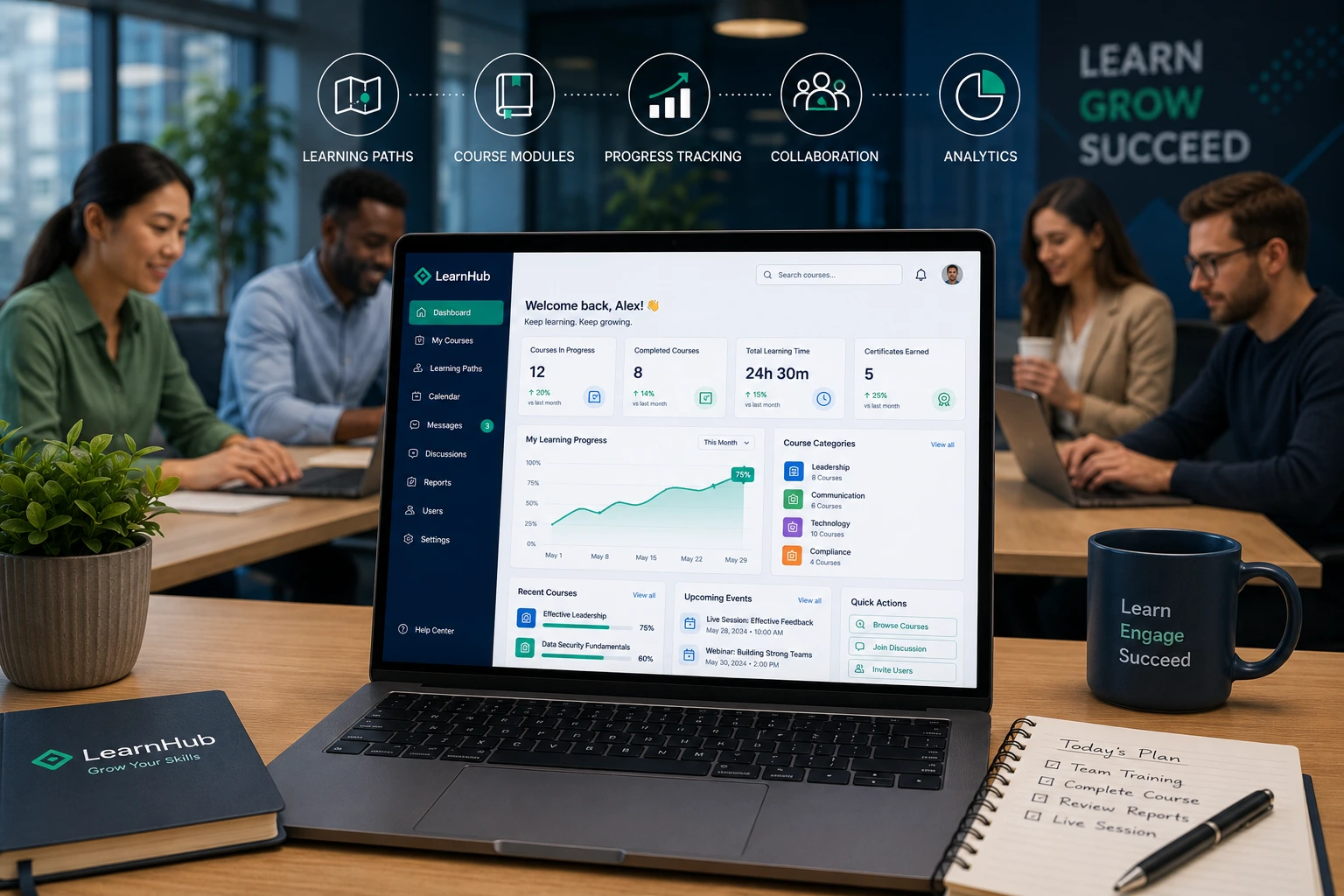
In today’s fast-moving work environment, keeping teams skilled and motivated is tougher than ever. I’ve worked with growing businesses where scattered training materials and outdated methods left employees frustrated and productivity stagnant. That changed when we implemented a thoughtful learning management system.
A good LMS does more than host courses. It becomes the central hub for employee training, skill development, and measurable growth. In this post, I’ll share practical insights from real experience on how a well-designed learning content management system directly impacts productivity, plus steps to make it work for your team.
If you’re a manager, business owner, or L&D lead tired of ineffective training, you’ll find actionable advice here.
What Makes an LMS “Well-Designed”?
Not every LMS delivers results. The difference lies in design that prioritizes the user.
A strong learning management system offers intuitive navigation, mobile access, personalized learning paths, and built-in analytics. It feels less like mandatory corporate software and more like a helpful tool employees actually want to use.
From my experience helping teams set up online platforms, poor design leads to low completion rates. Employees get lost, frustrated, or simply ignore it. A well-designed one removes friction and encourages consistent engagement.
Key features that matter:
- Responsive design that works on phones and desktops.
- Progress tracking with clear dashboards.
- Gamification elements like badges or leaderboards.
- Easy content creation for internal experts.
Platforms like LearnWorlds excel here by focusing on engaging, user-friendly experiences tailored for modern teams.
How a Good LMS Directly Improves Productivity
The real value shows in daily work. Employees spend less time searching for information and more time applying new skills.
Studies show e-learning can reduce corporate training time by 40-60% compared to traditional methods. That means more hours back for actual work.
In one project I supported, switching to a centralized corporate LMS cut onboarding time nearly in half. New hires ramped up faster, made fewer errors, and contributed meaningfully within weeks instead of months.
Learning management systems also support just-in-time learning. Need a quick refresher on a software tool? It’s there in a short module. This reduces downtime and prevents small knowledge gaps from becoming big productivity killers.
Business Impact: From Training to Bottom-Line Results
The numbers speak clearly. Companies using effective LMS platforms often see productivity improvements of 20-25%. Some report up to 200% higher revenue per employee when combining strong training with digital tools.
Beyond productivity, benefits include:
- Better employee retention (many workers stay for growth opportunities).
- Improved compliance and reduced risk.
- Scalable training as the company grows.
I’ve seen teams where consistent skill development through an online learning platform directly boosted output and innovation. People feel invested in, which lifts morale and performance.
For comparison, traditional classroom training often feels one-size-fits-all and expensive to repeat. A modern LMS delivers personalized, on-demand content at a fraction of the ongoing cost.
Step-by-Step: Implementing an LMS That Drives Productivity
Here’s the practical process I recommend based on what’s worked in real deployments:
- Define clear goals. Decide what success looks like—faster onboarding, specific skill gaps closed, or higher engagement metrics.
- Assess your needs. List required features: integration with existing tools, mobile support, reporting capabilities.
- Choose the right platform. Evaluate options like Thinkific for its clean interface and ease of use. Test demos thoroughly.
- Migrate and organize content. Start with high-impact modules. Keep it simple at first—quality over quantity.
- Train your team. Run short sessions showing employees how to navigate the system and why it helps them.
- Launch, monitor, and iterate. Use analytics to track completion rates and gather feedback. Adjust based on real usage.
This structured approach prevents common rollout failures.
Common Mistakes and How to Avoid Them
Even good intentions can backfire. Here are pitfalls I’ve observed:
- Overloading with content. Employees feel overwhelmed. Start small and build a library gradually.
- Ignoring user experience. If it’s clunky, adoption drops. Prioritize intuitive design.
- No follow-up. Training without reinforcement fades quickly. Schedule refreshers and tie learning to real projects.
- Poor mobile optimization. Today’s workforce expects access anywhere.
Troubleshooting low engagement? Check analytics for drop-off points, then simplify those sections or add interactive elements. Regular communication about the “why” behind the LMS also helps.
Real-World Example: From Chaos to Focused Growth
I worked with a mid-sized digital agency struggling with inconsistent client project delivery. Skill levels varied wildly across the team. After implementing a tailored learning management system, we created targeted modules on project management tools, client communication, and industry best practices.
Within three months, project completion rates improved noticeably, and error rates dropped. Team members reported feeling more confident and less stressed. Productivity rose because everyone operated from the same knowledge base instead of scattered notes and tribal knowledge.
FAQ: Learning Management Systems and Productivity
What is the main benefit of a learning management system for employees?
It provides easy access to relevant training that directly improves daily performance and skill confidence.
How much can an LMS improve productivity?
Many organizations see 20-25% gains, with additional benefits in training efficiency and employee satisfaction.
Is an LMS only for large companies?
No. Small teams benefit too, especially with user-friendly platforms that scale easily.
What features should I look for in a good LMS?
Focus on mobile access, analytics, personalization, and ease of content updates.
How do I measure ROI from an LMS?
Track metrics like course completion, time-to-proficiency, error reduction, and employee feedback alongside business KPIs.
Can I build an LMS on WordPress?
Yes, with plugins and thoughtful setup. For more advanced needs, dedicated platforms often save time long-term. Check resources on digitalwindit.com for web implementation ideas.
Final Thoughts
A well-designed learning management system is one of the smartest investments for boosting employee productivity. It centralizes knowledge, personalizes growth, and frees up time for what matters most—actual work and innovation.
From my hands-on experience, the key is choosing a platform that fits your culture and committing to ongoing improvement. Your team will thank you with higher output and engagement.
Ready to explore this for your organization? Visit shihabmorshed.com to discuss tailored digital solutions, or start evaluating platforms that match your needs today. The right LMS can transform how your team learns and performs






