
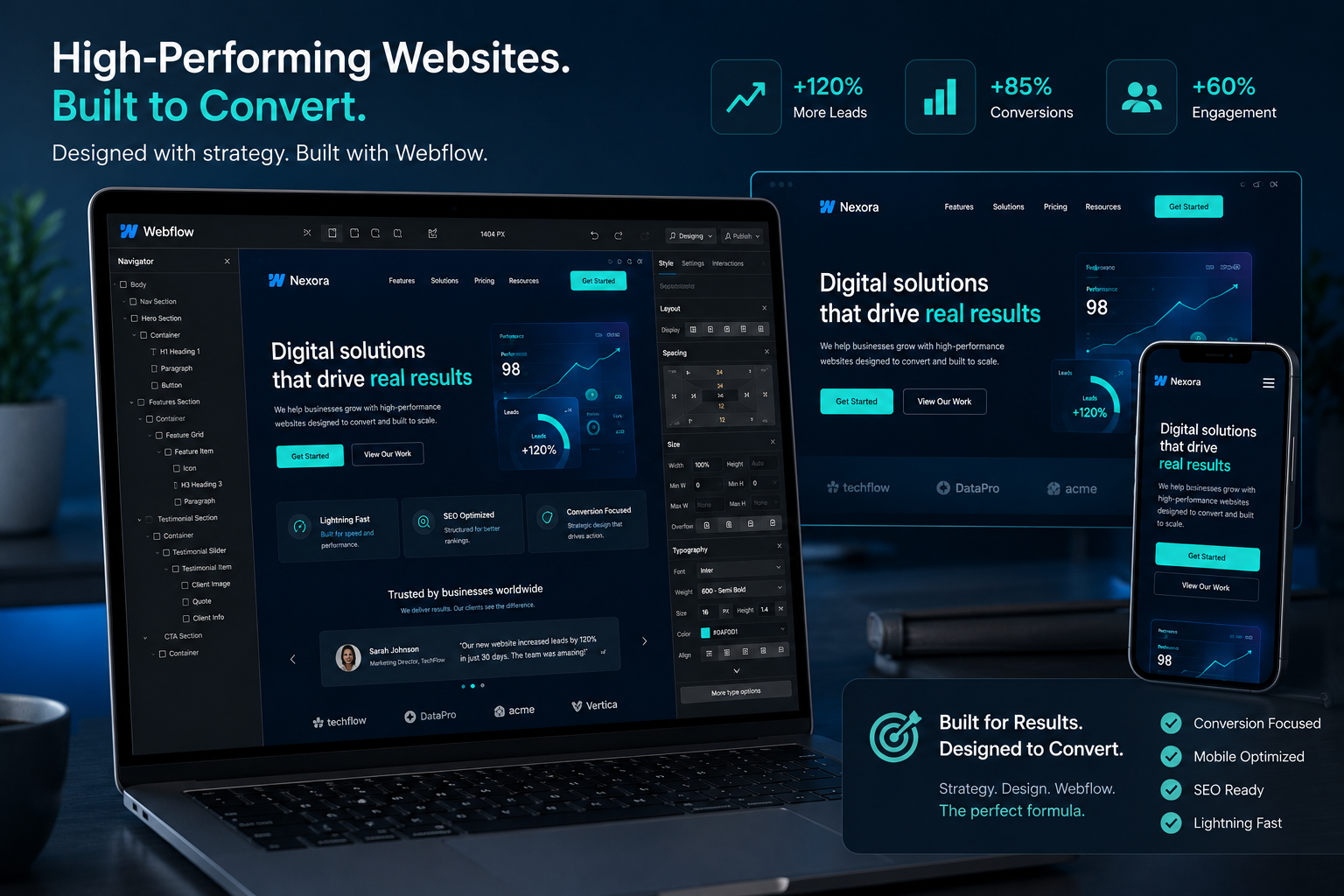
I’ve spent years helping businesses move beyond pretty websites that collect dust. As a Webflow expert, I’ve learned one truth: design alone doesn’t pay the bills. A site must guide visitors toward action—booking calls, signing up, or buying.
In this post, I’ll share what actually works when a Webflow developer or Webflow agency builds for conversions. You’ll see the strategies I’ve used in real projects, why Webflow shines here, and how to avoid common pitfalls. Whether you’re a founder or marketer, these insights will help you create sites that perform.
Why Hire a Webflow Expert for Conversion-Focused Design
Most templates look good on paper but fail in practice. They load slowly, confuse users on mobile, or lack clear next steps. A seasoned Webflow expert fixes these issues from day one.
Webflow gives full visual control without messy code. You get clean HTML, automatic responsiveness, and built-in tools for speed and SEO. Unlike platforms that rely on plugins, Webflow keeps things lean—which directly boosts conversions.
From my experience, clients see faster load times and better user experiences. That means lower bounce rates and higher trust. One project I handled for a service business increased form submissions by over 40% after a full rebuild—nothing fancy, just focused execution.
Internal link: Check out my personal site for examples of clean, effective design.
The Core Benefits of Working with a Webflow Developer
Speed is the biggest win. Webflow sites often load in under 2 seconds, which matters because every extra second kills conversions. Google and visitors both reward fast experiences.
You also get pixel-perfect design that translates perfectly to code. No developer handoff headaches or broken layouts. A good Webflow agency builds with interactions and animations that feel natural—not distracting gimmicks.
Another plus: built-in CMS power. Update content yourself without touching code. This keeps sites fresh, which search engines and users love.
Compared to WordPress, Webflow reduces bloat. You avoid plugin conflicts and security updates that slow everything down. For marketing sites and lead-generation funnels, this edge is huge.
Real Impact: How Webflow Sites Drive Business Results
I once worked with an online course creator struggling with a slow, outdated site. Traffic existed, but leads were low. After migrating to Webflow, we focused on clear value propositions, trust signals, and streamlined checkout flows.
Results? Organic traffic grew steadily, and conversion rates jumped. Students could easily find courses, watch previews, and enroll without friction. Similar patterns appear across Webflow projects—agencies report average conversion lifts of 30-50% when optimization is done right.
The key is alignment: design serves business goals. Every element—from hero section to footer—guides the user journey.
Authority reference: Webflow itself publishes great resources on turning traffic into revenue through smart design and testing.
Step-by-Step: How a Webflow Expert Builds a Converting Site
Here’s the practical process I follow:
- Discovery & Strategy — Start with goals. Who is the audience? What’s the main conversion (demo booking, purchase, signup)? Map the user journey and define success metrics.
- Information Architecture — Plan pages and navigation. Keep it simple—usually 5-7 main items max. Prioritize high-intent pages like services, pricing, and contact.
- Design with Conversion in Mind — Create a strong above-the-fold hero with clear headline, benefits, and primary CTA. Use social proof (testimonials, logos) early. Ensure mobile-first responsiveness.
- Build & Optimize in Webflow — Use clean classes, optimize images, add subtle interactions. Set up proper SEO elements like meta tags and schema directly in the designer.
- Testing & Launch — Run speed tests, check forms, and do user testing. Launch, then monitor with analytics. Iterate based on real data.
- Ongoing Optimization — Use Webflow’s tools or integrate A/B testing to refine what works. Conversions improve over time with small, data-backed changes.
This isn’t theory—it’s how I approach every project for consistent results.
Common Mistakes and How to Fix Them
Even experienced teams slip up. Here are frequent issues I see and correct:
- Ignoring mobile users: Desktop looks great, but mobile navigation breaks or text is tiny. Fix: Always design mobile-first and test on real devices.
- Too many distractions: Fancy animations or cluttered layouts overwhelm visitors. Solution: Use whitespace and direct attention to one primary action per page.
- Weak CTAs: Vague buttons like “Learn More” instead of “Get Your Free Audit.” Make them specific and benefit-driven.
- Slow performance: Unoptimized images or excessive custom code. Compress assets and use Webflow’s built-in optimization features.
- Poor structure: Bad class naming leads to maintenance nightmares later. Stick to a clear naming convention from the start.
Avoiding these keeps projects on track and sites performing well long-term.
FAQ: Webflow Experts and Converting Websites
What makes a Webflow expert different from a general web designer?
A true Webflow developer masters the platform’s visual tools while understanding UX, CRO, and technical performance. They build without code debt.
How long does it take a Webflow agency to build a converting site?
For a standard marketing site, 4-8 weeks depending on complexity. Custom features or e-commerce take longer, but the visual builder speeds things up compared to traditional development.
Can I update my Webflow site myself after launch?
Yes. The CMS is user-friendly. Most clients handle content updates easily, which is a big advantage over rigid custom builds.
Is Webflow good for e-commerce conversions?
Absolutely, especially for smaller to medium stores. It integrates well with tools like Shopify or offers native options. Focus on fast checkout and clear product pages.
How much does hiring a Webflow expert cost?
It varies widely by project scope. Expect investment similar to quality custom development, but with faster timelines and better control.
Do I need a Webflow agency or can I do it myself?
If you have time to learn the platform deeply, solo is possible. For business-critical sites where conversions matter most, working with an experienced Webflow expert usually delivers better ROI faster.
Ready to Build a Site That Converts?
Hiring the right Webflow expert transforms your online presence from a digital brochure into a lead-generating machine. The combination of beautiful design, lightning speed, and smart user flows makes a real difference.
If you’re tired of mediocre results, let’s talk. Visit Digital Wind IT or reach out through my site to discuss your project. The right foundation now means better growth for years to come.
What’s one conversion bottleneck on your current site? Drop a comment—I read and reply to them all.






