
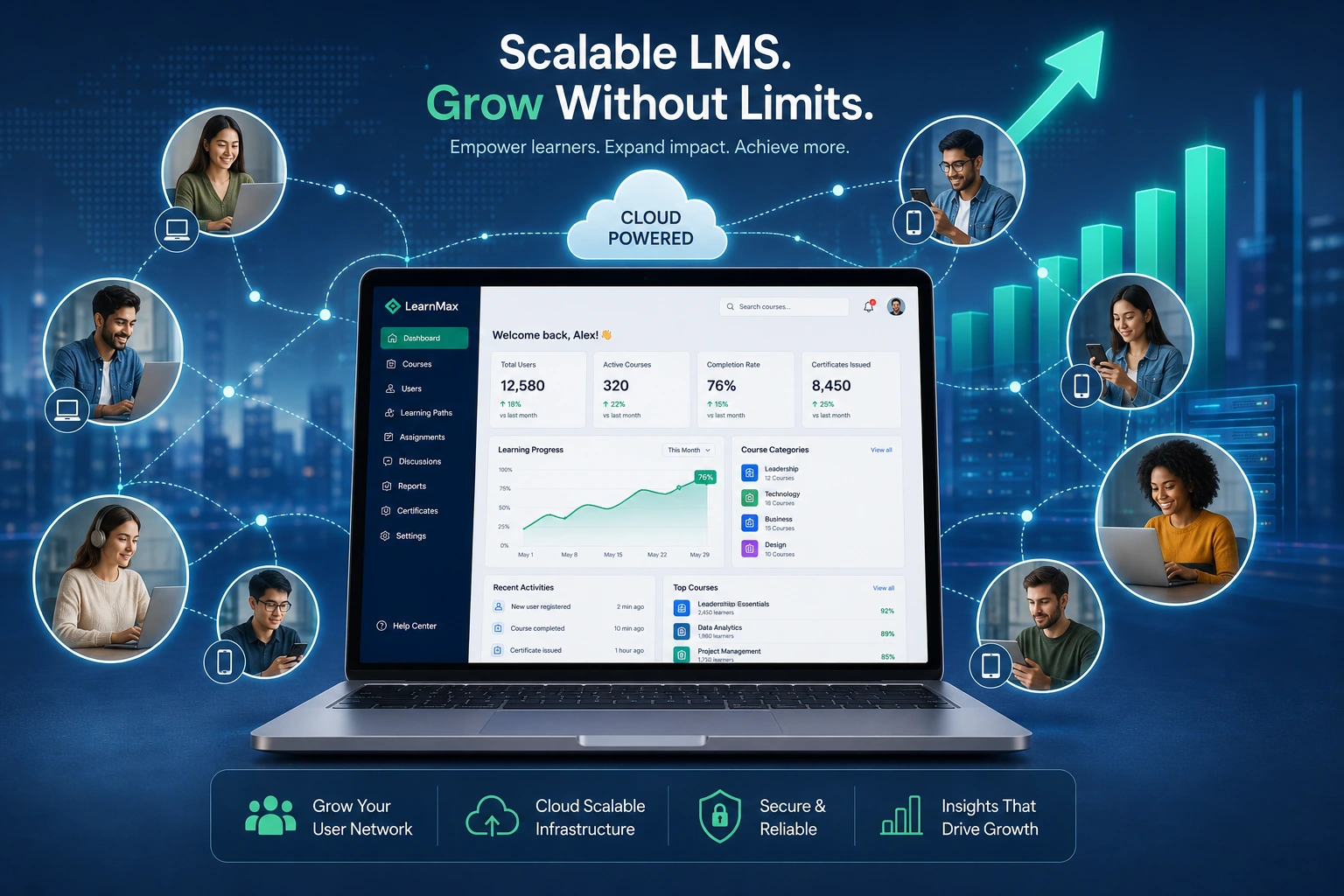
I’ve built and optimized dozens of learning management systems over the years for creators, coaches, and small teams who started small but quickly outgrew their initial setup. Nothing kills momentum faster than a platform that slows down or crashes when your audience grows.
A scalable LMS isn’t a luxury—it’s what lets you focus on creating great content instead of firefighting technical problems. In this post, I’ll share why scalability matters for any learning content management system, real-world lessons from projects I’ve worked on, and exactly how a developer ensures your platform can handle growth.
Whether you’re just launching your first online courses or planning for hundreds of students, understanding this early saves headaches and money later.
What Makes a Learning Management System Truly Scalable?
Scalability in LMS means your platform can handle more users, more courses, and more data without performance dropping or costs exploding. It’s not just about adding server space. It’s about smart architecture that grows efficiently.
From my experience, the best scalable LMS solutions manage spikes in traffic—like a big course launch or seasonal enrollment—without users noticing lag. They also make it easy to add new features, integrate tools, and expand content libraries.
Learning management systems that aren’t built for scale often rely on rigid structures. I’ve seen platforms where adding a new course category requires hours of manual tweaks. That’s not sustainable.
Key Benefits of Investing in a Scalable LMS
The biggest win is peace of mind. You can market your courses aggressively without worrying if the backend will hold up.
Cost efficiency is another major factor. A well-designed system uses resources dynamically, so you’re not paying for unused capacity. According to various industry reports, organizations with strong learning platforms see better outcomes in speed to market and adaptability.
User experience improves dramatically. Fast load times, smooth video streaming, and reliable progress tracking keep learners engaged instead of frustrated. For businesses selling courses, this directly impacts completion rates and testimonials.
I worked with one client who switched from a basic plugin-based setup to a custom scalable LMS. Their support tickets dropped by over 70% within months, and they could confidently run promotions that doubled their active users.
How Scalability Drives Business Growth and Monetization
Growth exposes weaknesses fast. A non-scalable LMS forces you to turn away students, limit enrollments, or deal with constant downtime during peak times.
Platforms like Thinkific and LearnWorlds demonstrate this well—they’re built to support thousands of creators scaling their online education businesses.
In one project for a coaching client, we designed their learning content management system with future monetization in mind: tiered memberships, drip-fed content, and easy upsells. Because it was built to scale, they expanded from 50 students to over 800 without rebuilding everything.
Custom development shines here. Off-the-shelf tools work great initially, but when your needs become unique—specific integrations with your CRM, advanced analytics, or branded experiences—a developer can tailor the system while keeping it flexible.
Step-by-Step: How a Developer Builds Scalability into Your LMS
Here’s the practical process I follow when creating or optimizing a scalable LMS:
- Assess Current and Future Needs – Start with a deep dive into expected user growth, content volume, and peak usage patterns. This prevents over-engineering or under-building.
- Choose the Right Foundation – I often recommend cloud-based architectures (like those powering modern platforms) for automatic scaling. For WordPress users, this might mean combining it with robust hosting and custom plugins; for others, headless or custom frameworks.
- Implement Modular Design – Break the system into independent services. This way, updating the quiz module doesn’t affect course delivery.
- Optimize Performance – Use database indexing, caching layers, and content delivery networks (CDNs) so videos and resources load quickly worldwide.
- Plan Integrations and Security – Build clean APIs for connecting payment systems, email tools, and analytics. Include role-based access and regular security audits.
- Test Under Load – Simulate hundreds or thousands of concurrent users before launch. This catches issues early.
- Monitor and Iterate – Set up monitoring tools so we can proactively address bottlenecks as real usage data comes in.
This approach has helped clients avoid the common trap of rebuilding their entire platform after six months of growth.
Common Mistakes and How to Troubleshoot Scalability Issues
Many people underestimate growth. They pick the cheapest hosting, skip proper database design, or overload a single server. The result? Slow pages, failed logins during launches, and lost revenue.
Another frequent issue is poor mobile optimization or ignoring international users. I once fixed a platform where video streaming failed for users outside the US because no CDN was configured.
Troubleshooting tips I share with clients:
- Monitor load times and error rates regularly. Sudden spikes usually signal database or server limits.
- Watch for integration failures—these often appear first when scaling.
- Avoid over-customizing without planning for maintenance.
- Test new features with a subset of users before full rollout.
If you’re on WordPress, check out resources at WordPress.org for scalable plugin recommendations, or explore no-code options like Webflow for certain use cases. For custom needs, professional development makes the difference.
FAQ: Scalable Learning Management Systems
What does scalable mean for an LMS?
It means the platform can grow with your number of users, courses, and features without slowing down or requiring a complete rebuild.
How much does a custom scalable LMS cost?
It varies widely based on features, but investing upfront in good architecture often saves money compared to repeated fixes or migrations later.
Can I make my existing LMS more scalable?
Yes, in many cases. A developer can audit your setup, optimize the backend, add caching, or migrate to better infrastructure.
Is a cloud-based LMS always better for scalability?
Generally yes, because of dynamic resource allocation, but the specific implementation and your developer’s expertise matter most.
How do platforms like Kajabi or LearnWorlds handle scale?
They’re engineered for it from the start, with built-in tools for growing audiences. For highly custom needs, a tailored solution gives more control.
When should I hire a developer for my LMS?
If you’re hitting performance issues, planning significant growth, or need unique features that off-the-shelf tools don’t support well.
Building a Future-Proof LMS
A scalable LMS gives you the freedom to grow your education business confidently. It turns your learning management systems from a potential bottleneck into a genuine competitive advantage.
If you’re serious about creating something that lasts, focus on architecture and thoughtful development early. I’ve seen too many passionate educators frustrated by technical limitations that could have been avoided.
Ready to build or improve your own learning content management system? Visit my portfolio at ShihabMorshed.com or check out services at DigitalWind IT to discuss your project. Let’s create a platform that grows with you.






