
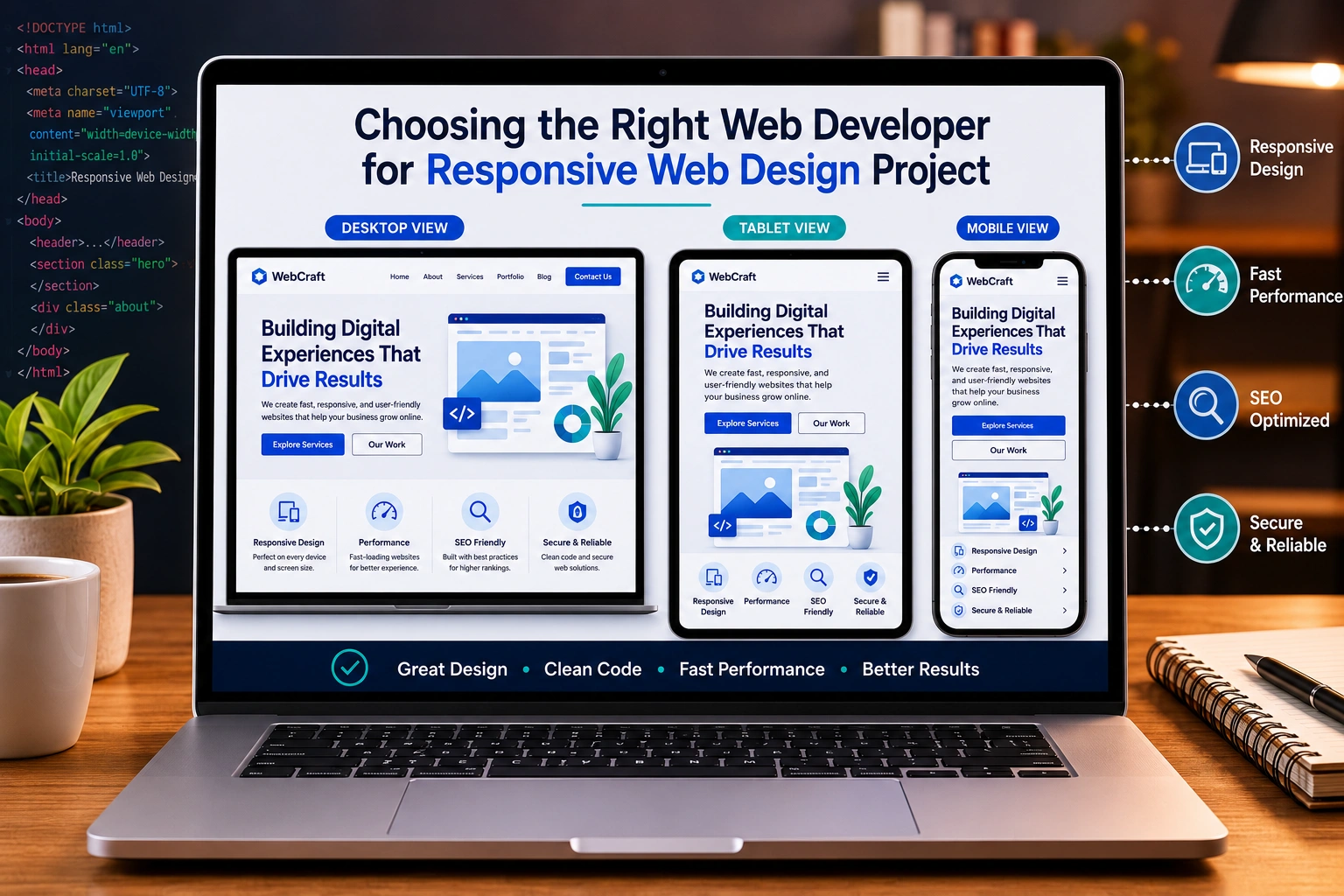
I’ve been building and redesigning websites for over a decade, both for my own projects and for clients through my work at Digital Wind IT. One truth stands out: the difference between a website that converts and one that frustrates users almost always comes down to who you hire.
Picking the right web developer isn’t about finding the cheapest quote or the flashiest portfolio. It’s about matching skills, process, and communication to your actual needs — especially when responsive web design is non-negotiable in 2026.
In this post, I’ll walk you through exactly how I evaluate developers, what red flags to watch for, and the questions that separate professionals from amateurs. Whether you need website redesign services or a brand-new build, these steps will save you time, money, and headaches.
Why Responsive Web Design Matters More Than Ever
Mobile traffic dominates most industries. Google’s mobile-first indexing means your site is judged primarily on how it performs on phones. A developer who doesn’t deeply understand responsive web design will deliver something that looks decent on desktop but breaks on smaller screens.
From my experience, sites that load fast and adapt smoothly see 2-3x better engagement. I’ve redesigned several client sites where the previous version lost half its visitors simply because buttons were too small or layouts collapsed on tablets.
Responsive web design isn’t just media queries anymore. It includes flexible grids, proper typography scaling, touch-friendly interfaces, and performance optimization across devices.
What to Look for in a Websites Design Company or Freelancer
Not every websites design company is created equal. Some specialize in templates, others in custom development. Here’s my practical checklist:
- Technical Expertise: Strong command of HTML, CSS, JavaScript, and modern frameworks. For WordPress sites, deep knowledge of custom themes and plugins. For more advanced needs, experience with Webflow or headless setups.
- Portfolio Depth: Don’t just look at pretty screenshots. Ask to see live sites and check them on your phone. Look for projects similar to yours in complexity.
- Process and Communication: A good developer explains things clearly and uses tools like Figma for design handoff, Trello or ClickUp for project management, and provides regular updates.
- Maintenance and Support: Websites need ongoing care. Does the developer offer post-launch support, security updates, and performance monitoring?
I always recommend starting with someone who has built sites in your industry. Their experience translates directly into fewer revisions and better results.
Real-World Example: A Recent Website Redesign
Last year a local business owner came to me after two failed attempts with other developers. Their old site looked fine on desktop but was nearly unusable on mobile — slow loading, broken navigation, and poor SEO.
We focused on proper responsive web design from day one. I chose a clean WordPress setup with custom blocks, optimized images, and fast hosting. The result? Mobile traffic increased by over 180% in four months, and conversion rates jumped.
This wasn’t magic. It came from choosing the right approach and developer who understood both design and performance.
Step-by-Step Guide to Hiring Your Web Developer
Here’s the exact process I use and recommend:
- Define Your Goals First Write down what you need: new site, website redesign services, eCommerce features, blog, lead generation? Be specific about target audience and must-have functionality.
- Set a Realistic Budget Quality custom work rarely comes under $2,000–$3,000 for a solid small business site. Cheaper often means template-based with limited customization.
- Search and Shortlist Look on platforms like LinkedIn, Clutch, or referrals. Check the developer’s own website for quality — if they can’t build their site well, they probably can’t build yours.
- Ask the Right Questions
- How do you approach responsive web design?
- What’s your process for testing across devices?
- Can you show me a similar project timeline and deliverables?
- Who handles content and images?
- What happens after launch?
- Review Proposals and Contracts Clear scope, milestones, payment terms, and ownership of code are essential. Never skip this.
- Start Small if Unsure Begin with a redesign of one key page or a simple site to test the working relationship.
Common Mistakes and How to Avoid Them
I’ve seen too many people rush and regret it. Here are the biggest pitfalls:
- Choosing based only on price: Low bids often lead to hidden costs and poor quality.
- Ignoring mobile experience: Some developers still treat responsive as an afterthought.
- Skipping references: Always talk to past clients.
- Unclear scope creep: Without a detailed contract, projects drag on and budgets explode.
- Not planning for the long term: A beautiful site today can become a liability if it’s not maintainable.
Another comparison worth noting: Custom-coded sites versus platforms like WordPress or Webflow. For most small to medium businesses, WordPress with a good developer offers the best balance of flexibility, cost, and control. WordPress powers over 40% of the web for good reason.
Choosing Between Freelancers and Agencies
Freelancers often provide more personal attention and potentially lower costs. Agencies bring teams with specialized roles (designer, developer, SEO).
For most readers here, an experienced independent developer like myself offers the sweet spot — direct communication without agency overhead. Check my work at ShihabMorshed.com or explore services at Digital Wind IT.
FAQ: Choosing a Web Developer
How long does it take to build a responsive website?
A typical small business site takes 4–8 weeks. Complex eCommerce or custom applications can take 3–6 months. Good developers give realistic timelines upfront.
Should I choose a specialist in my industry?
It helps but isn’t mandatory. A strong generalist with good communication can learn your industry quickly. Look for proven adaptability.
What’s the difference between website redesign services and a full rebuild?
Redesign usually keeps the same platform and improves design/performance. A full rebuild might involve changing platforms or architecture.
Is Webflow better than WordPress?
It depends. Webflow excels for visual, designer-friendly custom animations. WordPress wins for content-heavy sites, blogging, and easy long-term management.
How much should ongoing maintenance cost?
Expect $50–150/month for regular updates, backups, and security for most sites. Discuss this before signing.
Can I update the site myself later?
Yes — if the developer builds it properly with user-friendly tools. I always train clients or set up easy editing options.
Final Thoughts
Choosing the right web developer for your responsive web design project is one of the most important decisions you’ll make for your online presence. Take your time, ask tough questions, and prioritize clear communication and proven results over the lowest price.
The right partner won’t just build you a website — they’ll create a digital asset that grows with your business.
Ready to move forward with your project? Feel free to reach out through Digital Wind IT or check my personal portfolio at ShihabMorshed.com. I’d be happy to discuss your needs and see if we’re a good fit.






