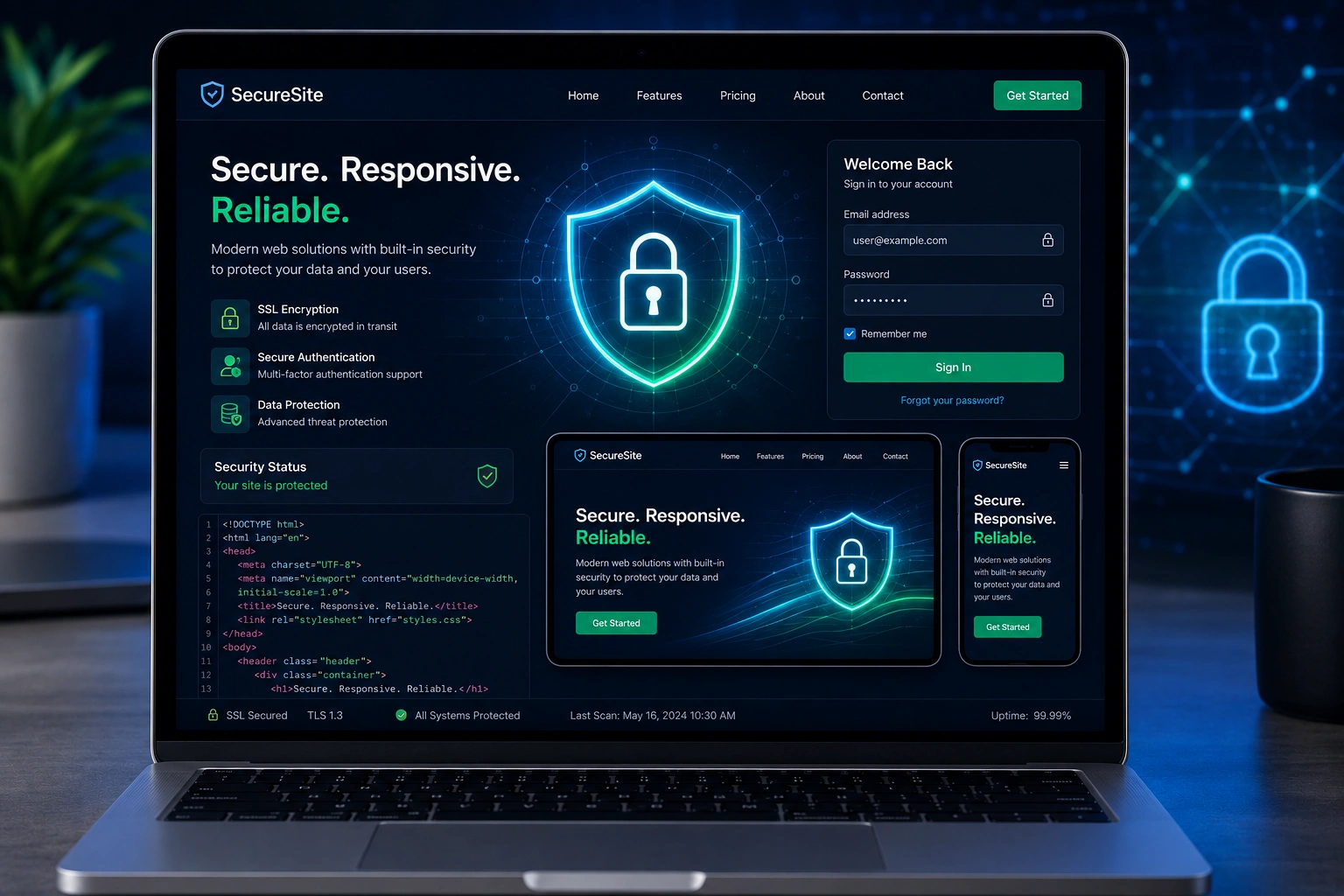
I’ve spent years building and redesigning websites for clients who want them to look great on phones, tablets, and desktops. But here’s what many don’t realize upfront: responsive web design without strong security is like building a beautiful house with paper-thin doors. It might impress at first glance, but it won’t stand up to real threats.
As a developer, I’ve seen small businesses lose traffic, trust, and money because security was an afterthought. In this post, I’ll walk you through why web security is non-negotiable in modern responsive web design, how I actually implement it, and what you should watch for when working with a websites design company.
You’ll come away with clear, actionable insights—whether you’re a beginner planning your first site or an intermediate user considering website redesign services.
The Growing Risks: Why Security Can’t Be Separate from Responsive Web Design
Websites today face constant attacks. Data breaches happen regularly, and the costs are staggering—often millions per incident for larger organizations, but even small sites suffer from downtime, blacklisting by Google, or stolen customer data.
Responsive web design makes sites accessible across devices, which is fantastic for users. But it also expands the attack surface. Mobile users on public Wi-Fi, third-party scripts for fast loading, and dynamic elements all create potential entry points.
From my experience, clients often come to me after a scare: their site got hacked via an outdated plugin or weak login. That’s when website redesign services become urgent—not just for looks, but for locking things down properly.
A secure site builds trust. Visitors see the padlock in the browser bar and feel safe sharing information. Search engines reward secure sites with better rankings. Ignoring this in your responsive web design project is a shortcut you can’t afford.
Core Benefits: How Security Enhances Responsive, User-Friendly Websites
Security and great responsive web design work together. Here’s what happens when you prioritize both:
- Faster, reliable performance: Secure coding practices often lead to cleaner code, which helps with Core Web Vitals and mobile responsiveness.
- Better user experience: Features like secure forms and protected logins encourage engagement without friction.
- Protection for your business: Prevent downtime that kills conversions, especially on mobile where users expect instant access.
In one website redesign I handled for a service business, adding proper security layers alongside mobile optimization increased their conversion rate noticeably. Users stayed longer because they trusted the site.
Compared to insecure sites, secure ones see lower bounce rates and higher repeat visits. It’s not just defense—it’s a competitive advantage.
How a Developer Ensures Security During Responsive Web Design Projects
As someone who runs projects through my site at Shihab Morshed, I treat security as part of the foundation, not a bolt-on. Here’s my practical approach.
Step-by-Step: Building Security into a Responsive Website
- Planning and Assessment I start by reviewing current vulnerabilities if it’s a redesign. What plugins or frameworks are in use? Are there old user accounts? I map out data flows—where sensitive info like emails or payments will go.
- Choose the Right Stack For many clients, I recommend WordPress with strong themes and minimal plugins, or modern frameworks when needed. I always enable HTTPS from day one.
- Implement Core Protections
- Install and configure SSL/TLS certificates for full HTTPS encryption.
- Use strong input validation to stop injection attacks.
- Set up proper authentication with rate limiting and multi-factor options where possible.
- Apply security headers (like Content Security Policy) to block common exploits.
- Optimize for Responsiveness Securely I ensure images and assets load responsively without introducing vulnerabilities. Lazy loading is done carefully. Third-party scripts (analytics, fonts) are loaded securely or self-hosted when practical.
- Testing and Hardening I run scans, test on multiple devices, and simulate attacks. Regular updates and monitoring follow launch.
- Ongoing Maintenance Security isn’t one-and-done. I help clients set up update schedules and monitoring.
This process is core to the responsive web design work I deliver through Digital Wind IT.
Real-World Example: Turning a Vulnerable Site Secure and Responsive
A local e-commerce client came to me with a slow, outdated site that had been hit by malware. Forms weren’t secure, and it broke on mobile.
In the website redesign, I migrated to a secure setup, implemented HTTPS, cleaned up code for better responsiveness, and added basic firewall rules. Within weeks, their mobile traffic rose, and they reported no further issues. Sales stabilized because customers felt safe checking out on phones.
This isn’t rare. Many websites design company clients see similar results when security is baked in.
Common Mistakes and Troubleshooting Web Security Issues
Even experienced teams slip up. Here are pitfalls I’ve fixed many times:
- Skipping HTTPS or using weak certificates: Leads to browser warnings and lost trust. Fix: Get a proper cert and set up automatic redirects.
- Over-relying on plugins: In WordPress sites, too many can conflict or go unpatched. Solution: Use quality, actively maintained ones and keep everything updated.
- Poor password and access policies: Default admin usernames or shared logins. Use unique, strong credentials and limit privileges.
- Ignoring mobile-specific risks: Mobile users on unsecured networks are vulnerable. Ensure forms and sessions are protected.
- No regular backups or updates: A hacked site with no clean restore is painful.
Troubleshooting tip: If your site suddenly slows or shows strange redirects, check for malware immediately. Tools like WordPress security plugins or server logs help. Always test changes on a staging site first.
FAQ: Web Security and Responsive Web Design
What is the biggest security risk in responsive web design?
Expanded device support and dynamic content often introduce more scripts and APIs. The top risks align with OWASP categories like injection and broken access control.
Does adding security slow down my responsive website?
Not if done right. Proper optimization actually improves speed. HTTPS and efficient code have minimal impact.
How often should I update security on my site?
At minimum, monthly for core software, and immediately for critical patches. Ongoing monitoring is best.
Can a websites design company handle security fully?
A good one integrates it throughout the project. Look for developers who discuss threats upfront, not just visuals.
Is HTTPS enough for full web security?
It’s essential but not complete. Combine it with input sanitization, updates, and monitoring.
What if I’m on a budget for website redesign services?
Start with HTTPS, strong hosting, and core updates. Many affordable plans include basic security layers.
Secure Responsive Web Design Is the Standard—Not a Luxury
Responsive web design today demands built-in security. It protects your users, your reputation, and your business. From my years as a developer, the sites that thrive are the ones that look great and stay safe.
If you’re thinking about a new site or website redesign services, don’t settle for surface-level work. Let’s build something solid.
Ready to strengthen your online presence? Visit Digital Wind IT or reach out through my portfolio at Shihab Morshed. I help businesses create secure, responsive websites that perform for the long term.