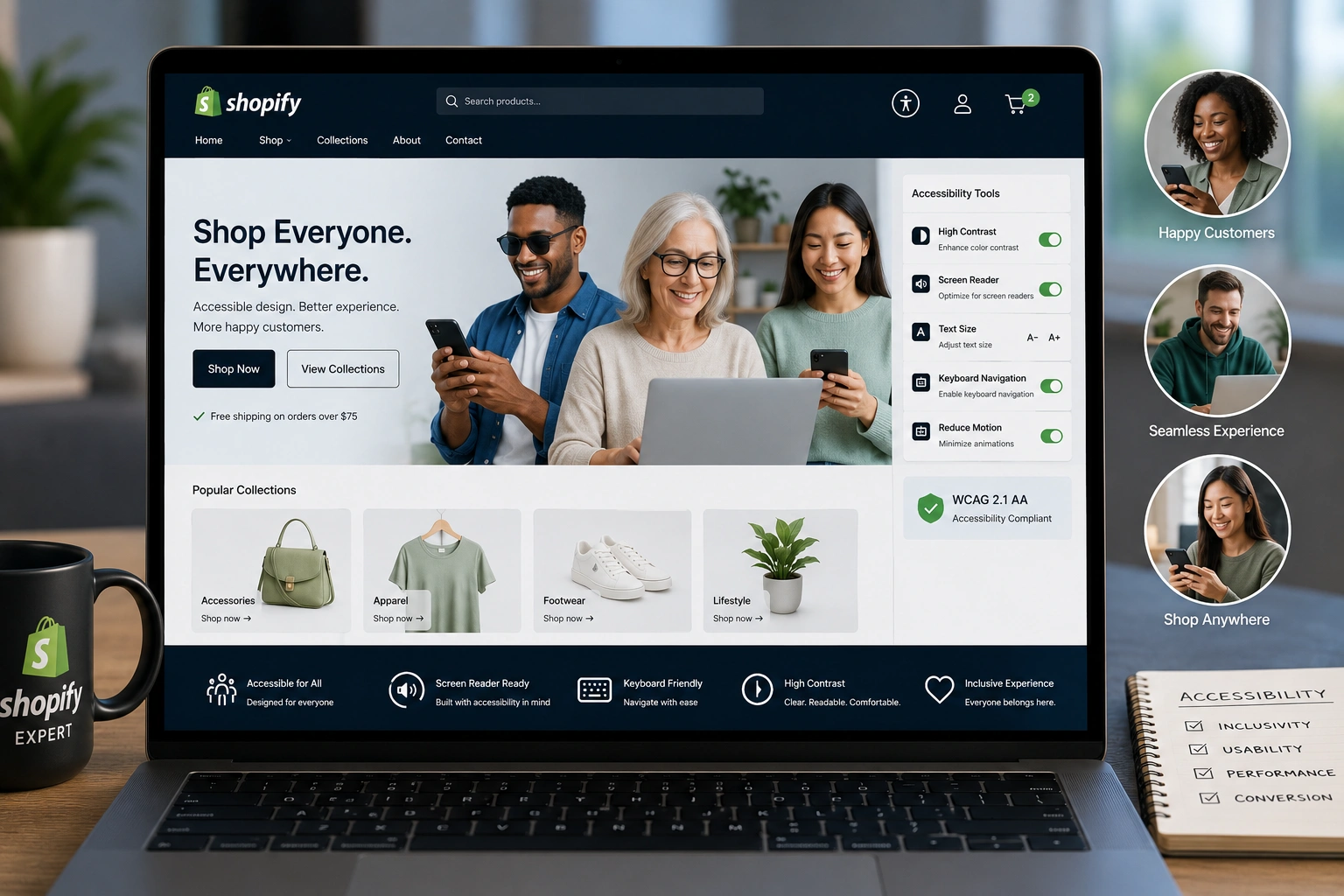
I’ve worked with dozens of Shopify expert merchants over the years — from small Shopify dropshipping side hustles to growing brands. One thing keeps surprising me: many owners still treat accessibility as an afterthought.
The truth is, making your store accessible isn’t just “nice to have.” It directly impacts sales, customer trust, and even how Google sees your site. As a Shopify Expert, I’ve helped stores fix basic issues that were quietly costing them thousands in lost revenue.
In this post, I’ll walk you through why accessibility matters for your Shopify store, the real business benefits, and exactly how to start improving it — without needing to be a developer.
What Does Accessibility Mean for a Shopify Store?
Accessibility means designing your online store so people with disabilities can use it easily. This includes visual impairments, hearing difficulties, motor challenges, and cognitive differences.
On Shopify expert, this covers things like keyboard navigation, proper contrast ratios, alt text for images, clear heading structure, and screen reader compatibility.
I remember one client running a Shopify dropshipping fashion store. Their product images had no alt text, buttons were too small on mobile, and the checkout process was confusing for screen readers. After basic fixes, their conversion rate jumped noticeably within weeks.
Core Benefits: Better Experience, More Sales
Accessible stores simply work better for everyone. Good contrast and clear fonts help users on bright screens or in sunlight. Logical navigation helps impatient mobile shoppers.
Studies consistently show that accessible websites see higher engagement. One report from WebAIM highlights that well-structured pages reduce bounce rates significantly.
For Shopify dropshipping especially, where competition is fierce, small improvements in user experience can separate winners from stores that struggle with abandoned carts.
Business Impact: Reach, Compliance, and SEO
Here’s where it gets practical. Roughly 15-20% of the global population lives with some form of disability. By ignoring accessibility, you’re voluntarily excluding a massive group of potential customers.
Legal compliance is another big factor. In many countries, ADA (Americans with Disabilities Act) standards apply to websites. Lawsuits against non-accessible stores have increased dramatically in recent years.
From an SEO perspective, Google favors user-friendly sites. Semantic HTML, fast load times, and mobile responsiveness — all core to accessibility — align with what search engines reward.
I always recommend clients check Shopify’s own resources on accessibility best practices. Their platform has improved a lot, but you still need to make conscious choices with themes and apps.
Step-by-Step: How to Make Your Shopify Store Accessible
Here’s the exact process I use when auditing stores as a Shopify Expert:
- Choose or audit your theme — Start with Shopify’s accessible themes or check your current one using tools like WAVE or Lighthouse in Chrome DevTools.
- Fix color contrast — Ensure text and background colors meet WCAG AA standards (at least 4.5:1 ratio). Many free contrast checkers exist online.
- Add proper alt text — Go through all product images and write descriptive, natural alt text. Not just “product image” — describe what the customer sees.
- Improve navigation and structure — Use clear H1, H2 headings. Make sure all menus and buttons are keyboard accessible.
- Test checkout flow — The checkout is critical. Test with a screen reader (like NVDA on Windows or VoiceOver on Mac) to catch confusing form labels.
- Mobile optimization — Most users shop on phones. Ensure tap targets are large enough and content scales properly.
These steps don’t require advanced coding. Many can be handled directly in Shopify’s theme editor or with Shopify support guidance.
Common Mistakes and Troubleshooting
The most frequent mistake I see is relying solely on plugins. Accessibility apps help, but they can’t fix everything. Bad contrast or missing ARIA labels often remain.
Another issue is custom code that breaks keyboard navigation. I once fixed a store where fancy animations made the site unusable for keyboard-only users.
Troubleshooting tips:
- Test regularly with free tools (Lighthouse, axe DevTools).
- Don’t use color alone to convey information (e.g., red/green for out-of-stock).
- Provide transcripts for videos and captions where possible.
- Avoid pop-ups that trap keyboard focus.
If you’re stuck, reaching out for professional Shopify support can save months of trial and error.
For more hands-on help with your site setup, feel free to explore my services at ShihabMorshed.com or check related digital solutions at DigitalWindIT.
Frequently Asked Questions
Does Shopify automatically make my store accessible?
No. Shopify provides a solid foundation, but you need to choose accessible themes and follow best practices. The platform itself has improved, but customizations can break accessibility.
Is accessibility expensive for Shopify dropshipping stores?
Not necessarily. Many improvements are free or low-cost. Basic fixes often deliver quick wins without heavy investment.
How does accessibility affect SEO?
It helps. Search engines prefer sites with good structure, fast performance, and positive user signals — all connected to accessibility.
Can I check my store’s accessibility myself?
Yes. Use free tools like WAVE, Google Lighthouse, or Shopify’s built-in preview features. Regular self-audits work well for most merchants.
Will making my store accessible increase sales?
In my experience, yes. Better UX usually leads to lower bounce rates and higher conversions, especially on mobile.
Final Thoughts
Making your Shopify store accessible isn’t about checking boxes — it’s about building a better business. As a Shopify Expert, I’ve watched stores transform their results by focusing on inclusive design.
You don’t need perfection overnight. Start with the basics: better contrast, proper alt text, and logical navigation. Your customers — and your bottom line — will thank you.
Ready to make your store more accessible and profitable? Reach out for personalized Shopify support or auditing help. The earlier you start, the bigger the advantage.