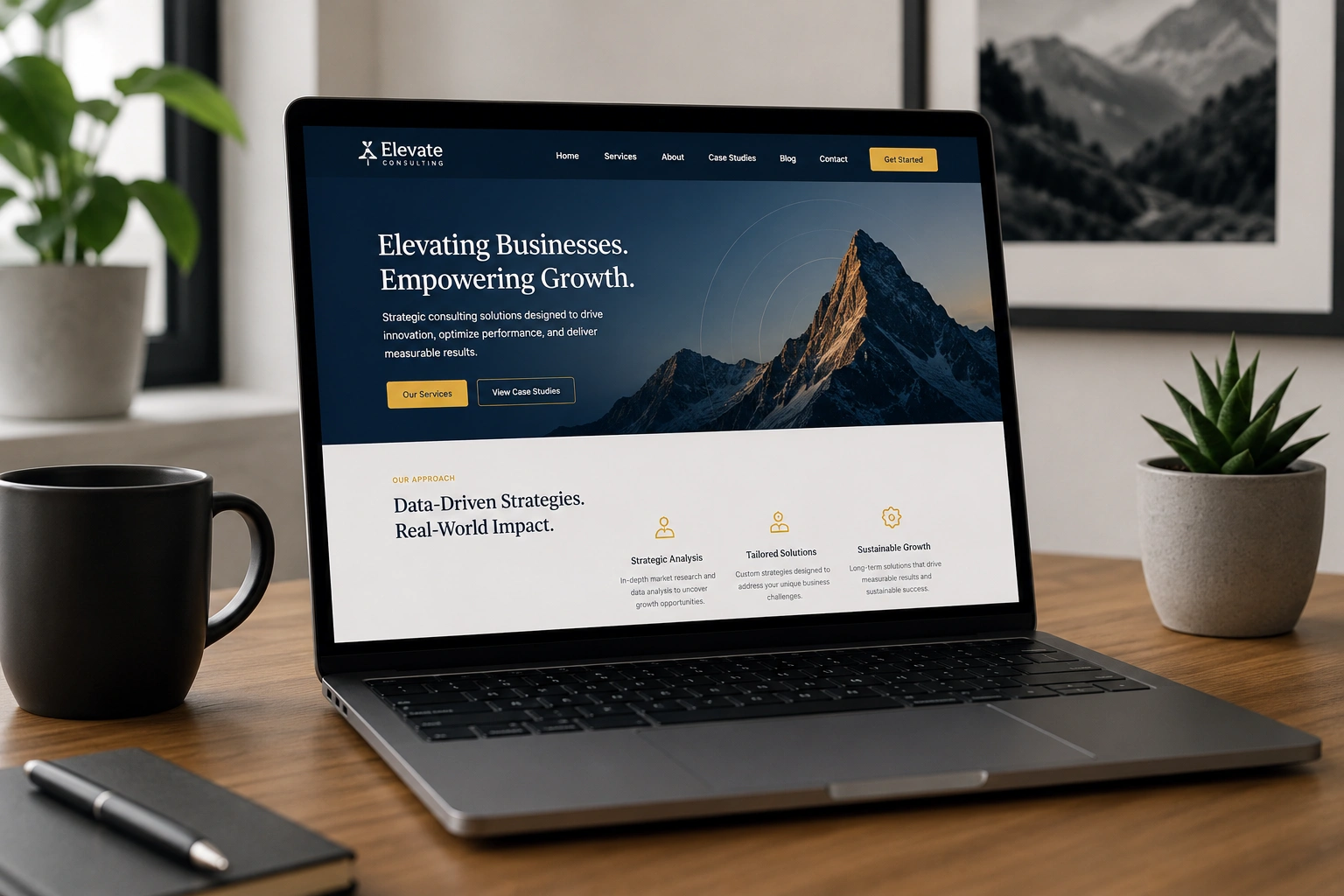
I’ve built dozens of WordPress websites over the years, and the ones that perform best aren’t always the flashiest. They’re the ones where the design, messaging, and functionality feel like a natural extension of the person or business behind them.
If you’re a coach, consultant, freelancer, or small business owner, your WordPress website shouldn’t feel like a generic template. It should reflect your personality, values, and expertise from the first click. In this guide, I’ll walk you through exactly how I help clients achieve that alignment as a WordPress developer.
You’ll learn the practical decisions that matter, the mistakes that kill authenticity, and a clear process you can follow yourself or with a developer.
Why Brand Alignment Matters More Than Pretty Design
Most people focus on colors and fonts first. That’s important, but real brand alignment goes deeper. It’s about consistency between what you say offline and what visitors experience online.
A well-aligned WordPress website builds trust faster. Visitors feel they’re in the right place. They stay longer, engage more, and convert better. I’ve seen conversion rates double simply by tightening the connection between brand story and site experience.
On the flip side, misalignment creates confusion. A bold, energetic personal brand paired with a corporate-looking template sends mixed signals. People notice, even if they can’t explain why.
The Foundation: Defining Your Brand Before Touching WordPress
Skip this step and you’ll waste time redesigning later. Spend time answering these questions honestly:
- What three words describe your personality and approach?
- Who is your ideal client and what problem do you solve for them?
- What makes you different from others in your space?
I always start client projects with a short brand workshop. Even if you’re doing it solo, write down your answers. These become your guide for every decision — from color palette to tone of voice.
Pro tip: Look at your existing marketing materials, client testimonials, and even how you describe your work in conversations. Your WordPress website should feel like a continuation of those.
Choosing the Right Starting Point: Themes vs Custom Development
One of the biggest decisions is whether to use a pre-built theme or go more custom.
Premium multipurpose themes can get you live quickly, but they often require heavy customization to feel unique. I’ve rescued many sites where the owner felt trapped by the theme’s structure.
For stronger brand alignment, I usually recommend:
- A solid, lightweight starter theme (like Astra or GeneratePress)
- Or a custom build using block themes and patterns in modern WordPress
The block editor (Gutenberg) has matured a lot. You can create highly unique designs without writing much code. This flexibility helps WordPress developers deliver branded experiences faster than before.
Compare this to platforms like Webflow or Shopify. While they have strengths, WordPress gives you unmatched ownership and flexibility for most personal brands and service businesses.
Step-by-Step: Building Your Aligned WordPress Website
Here’s the practical process I follow with clients:
- Set Up the Basics Install WordPress on reliable hosting. Choose a clean domain that matches your brand. Enable SSL and set up basic security.
- Install Essential Plugins Focus on quality over quantity. I typically start with:
- A caching plugin for speed
- SEO plugin (Rank Math or Yoast)
- Security plugin
- Form plugin (like WPForms or Gravity Forms)
- Backup solution
- Design the Core Structure Create your homepage hero that immediately communicates who you are. Build key pages: About, Services, Blog, Contact. Use consistent typography and color throughout.
- Add Personality Through Content Write copy in your natural voice. Include real photos of yourself and your work environment. Showcase client results with context, not just generic testimonials.
- Optimize for Experience Ensure fast loading, mobile responsiveness, and clear navigation. Test every flow as a visitor would.
- Launch and Iterate Get it live, then gather feedback. Small tweaks based on real user behavior make the biggest difference.
This process typically takes 3-6 weeks depending on complexity. You can accelerate it by working with an experienced WordPress developer.
Real-World Example: From Generic to Distinctive
One of my clients was a leadership coach with deep expertise but a very basic site. The design looked like every other coach online — stock photos, generic icons, and templated sections.
We rebuilt her WordPress website around her actual story. We used warm, grounded colors that matched her coaching style, incorporated her own photography from workshops, and structured content around the specific transformations she creates for clients.
Within months, her organic traffic increased significantly and she reported higher-quality inquiries. The site finally felt like her.
Common Mistakes That Break Brand Alignment
Even experienced users make these errors:
- Copy-pasting competitor designs: It creates confusion about your unique value.
- Overloading with plugins: Slows the site and creates maintenance headaches.
- Inconsistent visuals: Different fonts and colors across pages break trust.
- Ignoring mobile experience: A huge portion of visitors come from phones.
- Setting it and forgetting it: Brands evolve. Your WordPress website should too.
I’ve fixed all these issues for clients. The key is regular reviews — at least once per year.
Maintaining and Growing Your Branded WordPress Site
Once launched, treat your site as a living asset. Regularly update content, especially your blog, to reflect new insights and offerings. Monitor performance with tools like Google Analytics.
If you need help at any stage — from initial setup to advanced customization — feel free to reach out. You can learn more about my approach at Shihab Morshed or explore services at Digital Wind IT.
For the official WordPress resources and documentation, I always recommend starting at WordPress.org.
FAQ: Creating a Branded WordPress Website
How much does a professional branded WordPress website cost?
It varies widely. DIY with good themes and plugins can stay under $500. Working with an experienced WordPress developer for full custom alignment typically ranges from $2,000–$8,000+ depending on features.
Do I need coding skills to create a good WordPress website?
Not necessarily. The block editor and quality page builders make it accessible. However, for deep brand customization and optimal performance, many people partner with a developer.
How long does it take to build a WordPress website?
A solid, aligned site usually takes 4-8 weeks from start to launch when done properly. Rushing often leads to the generic results we want to avoid.
Should I use a page builder or stick with Gutenberg?
Both work. I prefer native blocks plus patterns for better long-term maintainability and performance. Page builders can be useful for complex layouts if chosen carefully.
How do I keep my WordPress website secure?
Use strong hosting, regular updates, security plugins, and strong passwords. Backups are non-negotiable. I help clients set up systems that run quietly in the background.
Final Thoughts
Building a WordPress website that truly aligns with your brand isn’t about chasing trends. It’s about making deliberate choices that reflect who you are and who you serve.
When done right, your site becomes a powerful asset that works for you 24/7 — attracting the right people and communicating your value clearly.
If you’re ready to move forward but want guidance, I’m here to help. Whether you need a full build or strategic advice, let’s create something that feels authentically yours.
Ready to get started? Visit my site and reach out. Your brand deserves a WordPress website that represents it properly.