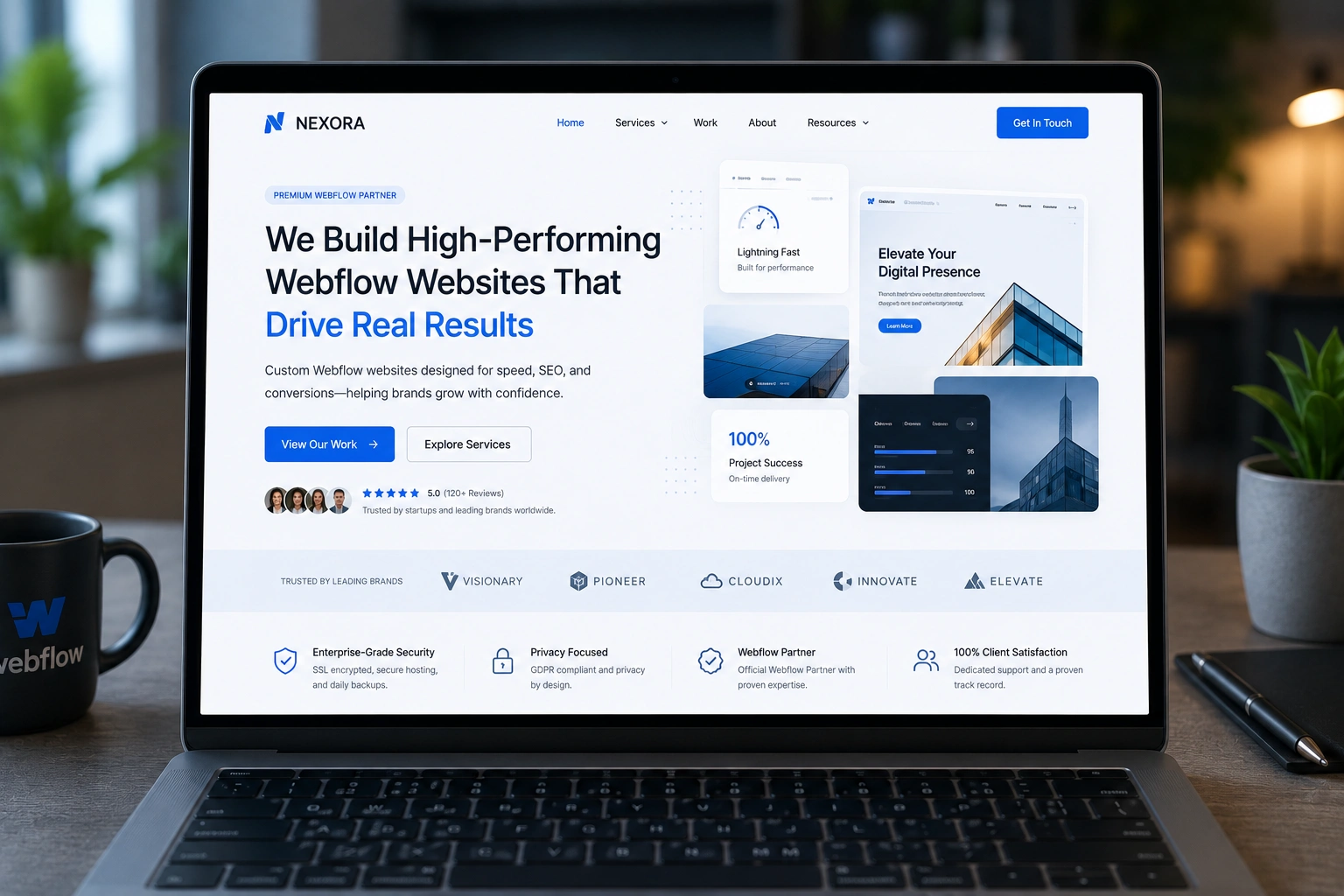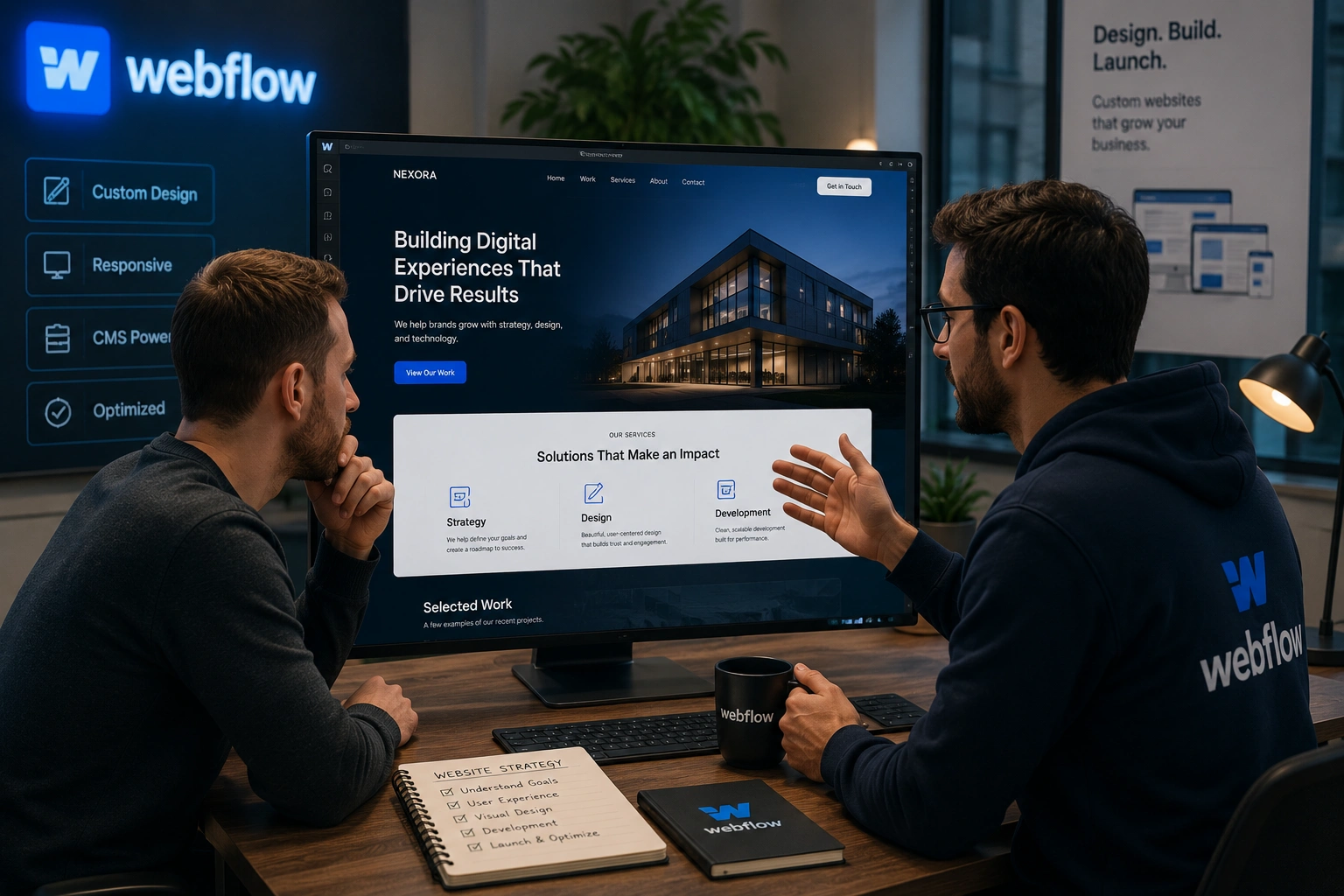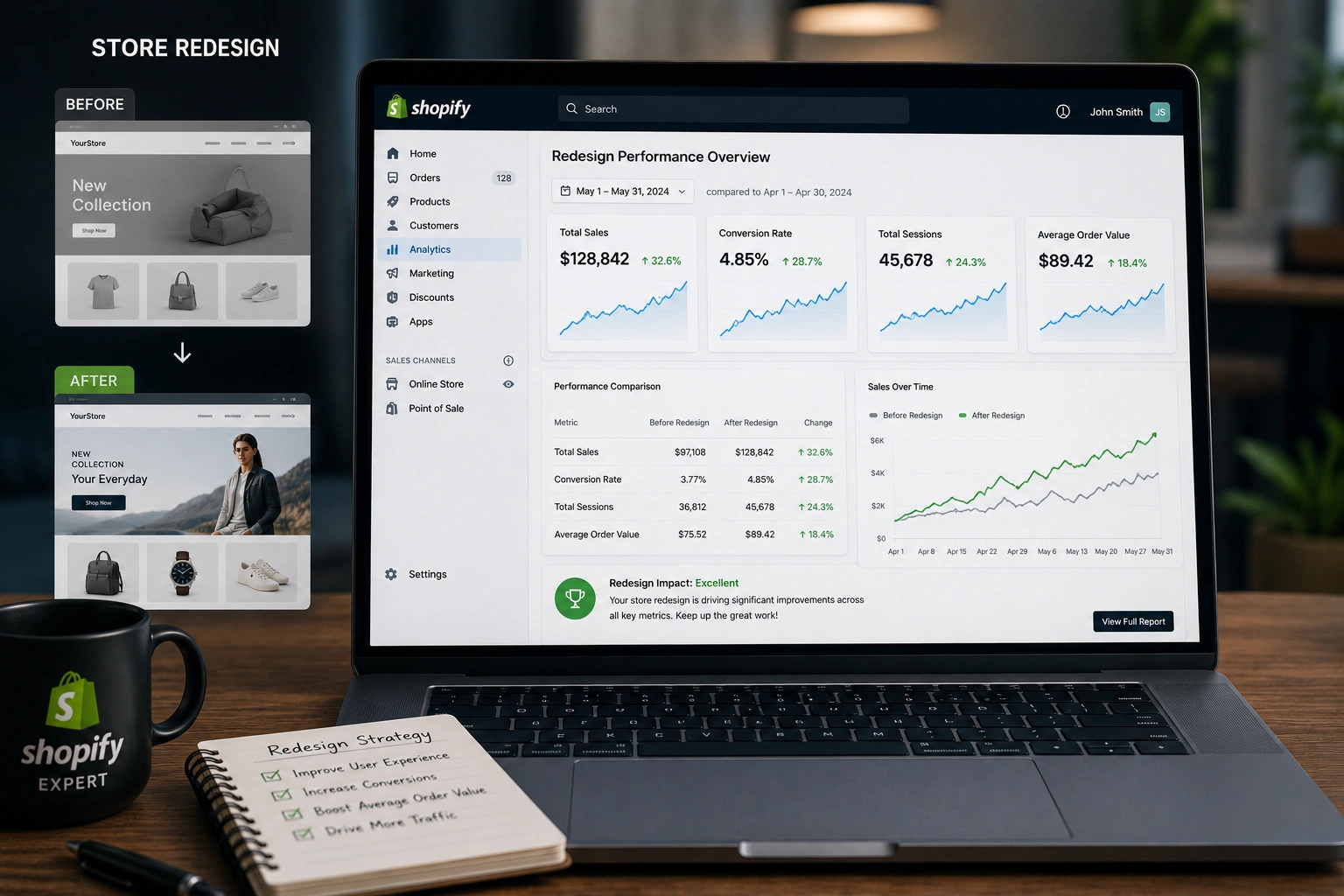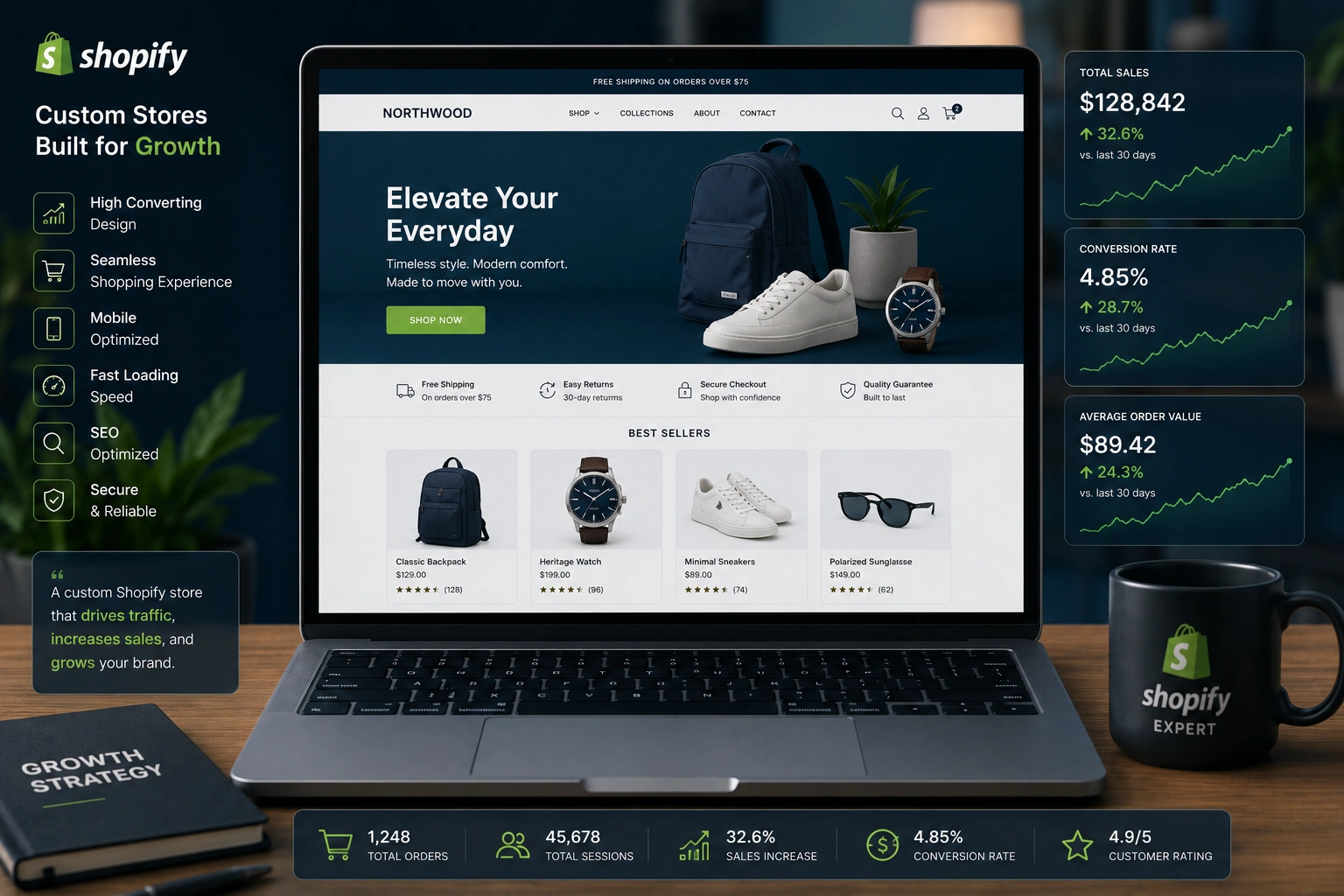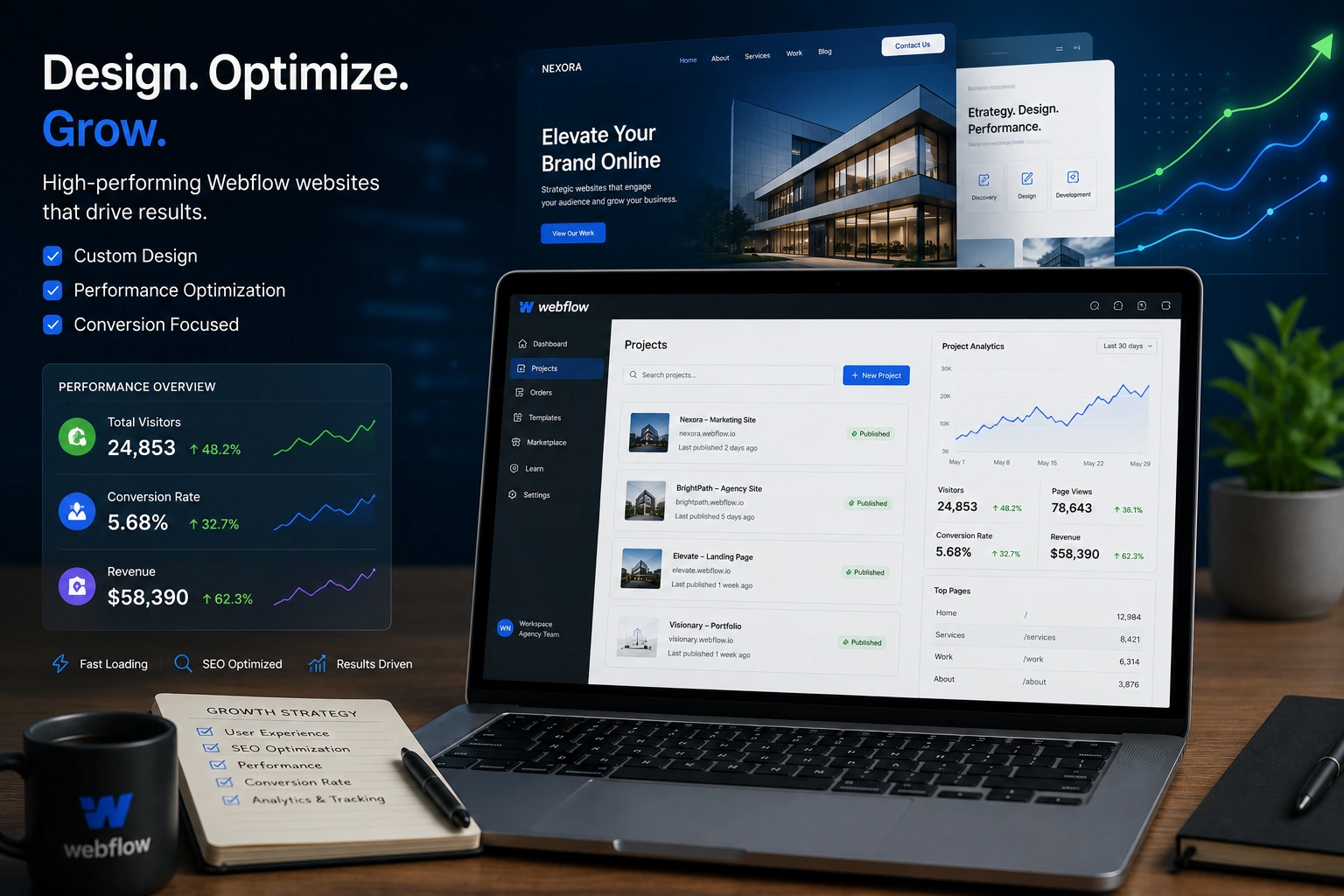
I’ve spent years helping businesses build websites that actually work for marketing teams. Many start with good intentions but end up frustrated by slow updates, poor performance, or designs that look great but convert poorly. That’s where a Webflow expert makes all the difference.
A skilled Webflow developer or Webflow agency doesn’t just build pretty pages. They create marketing machines — fast, flexible sites that support your campaigns, SEO goals, and content strategy without constant developer bottlenecks. In this post, I’ll share practical insights from real projects on how partnering with the right expert elevates your entire marketing game.
What Exactly Does a Webflow Expert Bring to Marketing?
Webflow stands out because it gives designers and marketers visual control with powerful backend capabilities. Unlike traditional platforms that force compromises, a Webflow expert builds custom experiences that load quickly and rank well.
From my experience, the biggest wins come in three areas: speed, flexibility, and integration. Modern marketing demands rapid testing of landing pages, personalized content, and seamless user journeys. A good Webflow developer delivers all that while keeping the site maintainable by non-technical team members.
Core Benefits: Speed, SEO, and Marketing Agility
One of the first things I notice when auditing sites is load time. Slow websites kill conversions. Webflow sites, when built properly by an expert, often achieve excellent Core Web Vitals scores out of the box thanks to clean code and built-in hosting.
A Webflow agency typically implements:
- Automatic sitemaps and clean semantic HTML for better crawling
- Built-in tools for meta titles, descriptions, and Open Graph data
- Easy image optimization and lazy loading
In one project, switching to a properly optimized custom Webflow website improved page speed by over 40%, which directly boosted organic traffic. Search engines love fast sites, and your visitors do too.
Beyond performance, Webflow SEO becomes straightforward. Experts set up proper schema, canonicals, and redirects without plugins that bloat the site. This gives marketing teams confidence to publish content knowing technical foundations are solid.
Real Impact on Business Growth and Monetization
Marketing isn’t just about traffic — it’s about turning visitors into customers. A Webflow expert helps here by building conversion-focused elements that are easy to test and iterate.
Think interactive forms, dynamic content based on user behavior, or smooth animations that guide attention without annoying visitors. I’ve seen clients increase lead capture rates significantly after redesigning key pages with Webflow’s CMS capabilities.
For businesses selling online courses or digital products, integrating with platforms like LearnWorlds or Kajabi becomes seamless. The site acts as the front door, handling everything from lead magnets to nurturing sequences.
Data point worth noting: Companies using Webflow for marketing sites often report faster campaign launches — sometimes cutting production time in half compared to developer-heavy setups. This agility means you can capitalize on trends before competitors.
Step-by-Step: How to Work With a Webflow Expert for Marketing Success
Here’s the practical process I’ve used successfully with clients:
- Discovery & Goal Setting — Define your marketing objectives. What campaigns are coming up? What content types do you need? A good expert asks about your audience, funnels, and analytics setup.
- Site Audit & Strategy — Review your current site. Identify bottlenecks in speed, user flow, or content management. The Webflow developer creates a roadmap focused on quick wins and long-term scalability.
- Design & Build — Collaborate on wireframes. The expert builds responsive, accessible designs with your brand guidelines. They prioritize mobile-first since most marketing traffic comes from phones.
- Marketing Integrations — Connect analytics (Google Analytics), email tools, CRMs, and A/B testing platforms. Set up the CMS so your team can update blog posts, case studies, or landing pages independently.
- Launch, Test & Optimize — Go live with proper redirects. Monitor performance and make data-driven tweaks. Many experts provide training so your team gains confidence.
- Ongoing Support — Choose a partner who offers maintenance. Marketing never stops, and neither should your site evolution.
Following these steps turns your website from a static brochure into an active marketing asset. Check out my services at Shihab Morshed for similar support.
Common Mistakes and Troubleshooting Tips
Even with a great platform, mistakes happen. Here are pitfalls I’ve seen (and fixed):
- Treating Webflow like WordPress — Don’t overload with unnecessary interactions. Subtle animations work better than flashy ones that hurt performance.
- Ignoring mobile optimization — Always test on real devices. A Webflow expert builds with breakpoints in mind.
- Poor content structure — Use the CMS collections properly for blog posts and dynamic pages. This helps with Webflow SEO long-term.
- Neglecting security and backups — Rely on Webflow’s hosting but have a clear update process.
If your site feels sluggish after launch, check for large unoptimized images or complex custom code. A quick audit by your developer usually resolves it. For broader platform comparisons, many find Webflow reduces maintenance headaches compared to self-hosted solutions.
FAQ: Answering Your Questions About Webflow Experts
What is the difference between a Webflow developer and a Webflow agency?
A developer often focuses on technical build and custom features. An agency provides full-service support including strategy, design, content setup, and ongoing marketing optimization.
Can a Webflow expert help with SEO?
Absolutely. They implement technical SEO best practices from day one, making it easier for your content to rank. Many also advise on content strategy.
Is Webflow good for marketing websites?
Yes. It’s particularly strong for design-heavy marketing sites, portfolios, and SaaS landing pages where speed and visual impact matter.
How much does working with a Webflow expert cost?
It varies by project scope. Smaller marketing site refreshes can start reasonably, while complex enterprise builds with custom integrations cost more. Focus on ROI through better performance and faster iterations.
Do I still need developers after launch?
With proper training, marketing teams can handle most content updates. Reserve expert support for major redesigns, new features, or performance tuning.
How does Webflow compare to WordPress for marketing?
Webflow often wins on speed, design control, and lower maintenance. WordPress suits heavy blogging, but for polished marketing sites, Webflow reduces headaches.
Ready to Level Up Your Marketing Website?
Working with the right Webflow expert or Webflow agency changes how your marketing team operates. You get faster launches, better performance, and a site that truly supports growth instead of holding it back.
If you’re tired of fighting your current website and want something built for modern marketing, I’m here to help. Visit Digital Wind IT or reach out through my site to discuss your project. Let’s build a website that works as hard as your marketing team does.