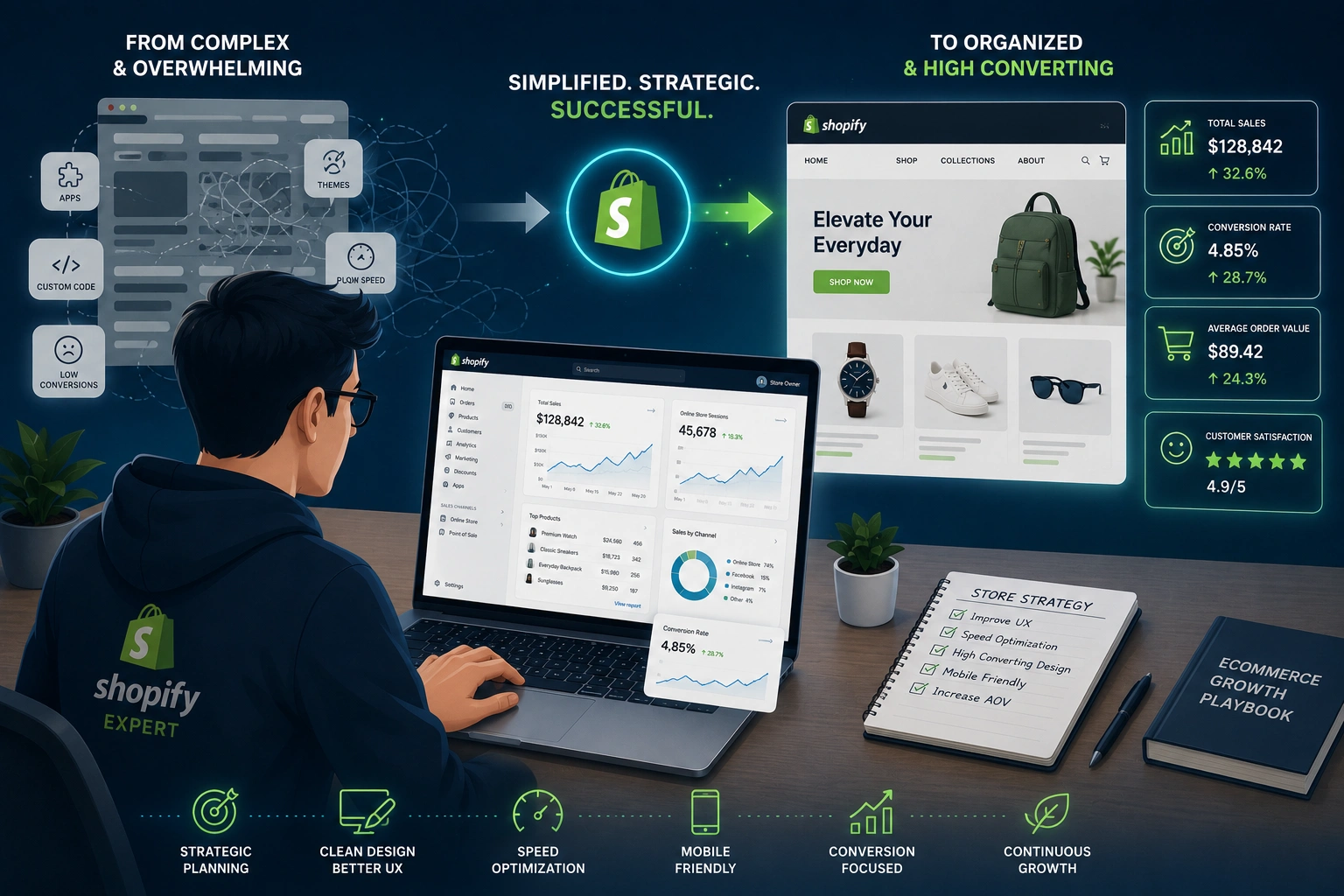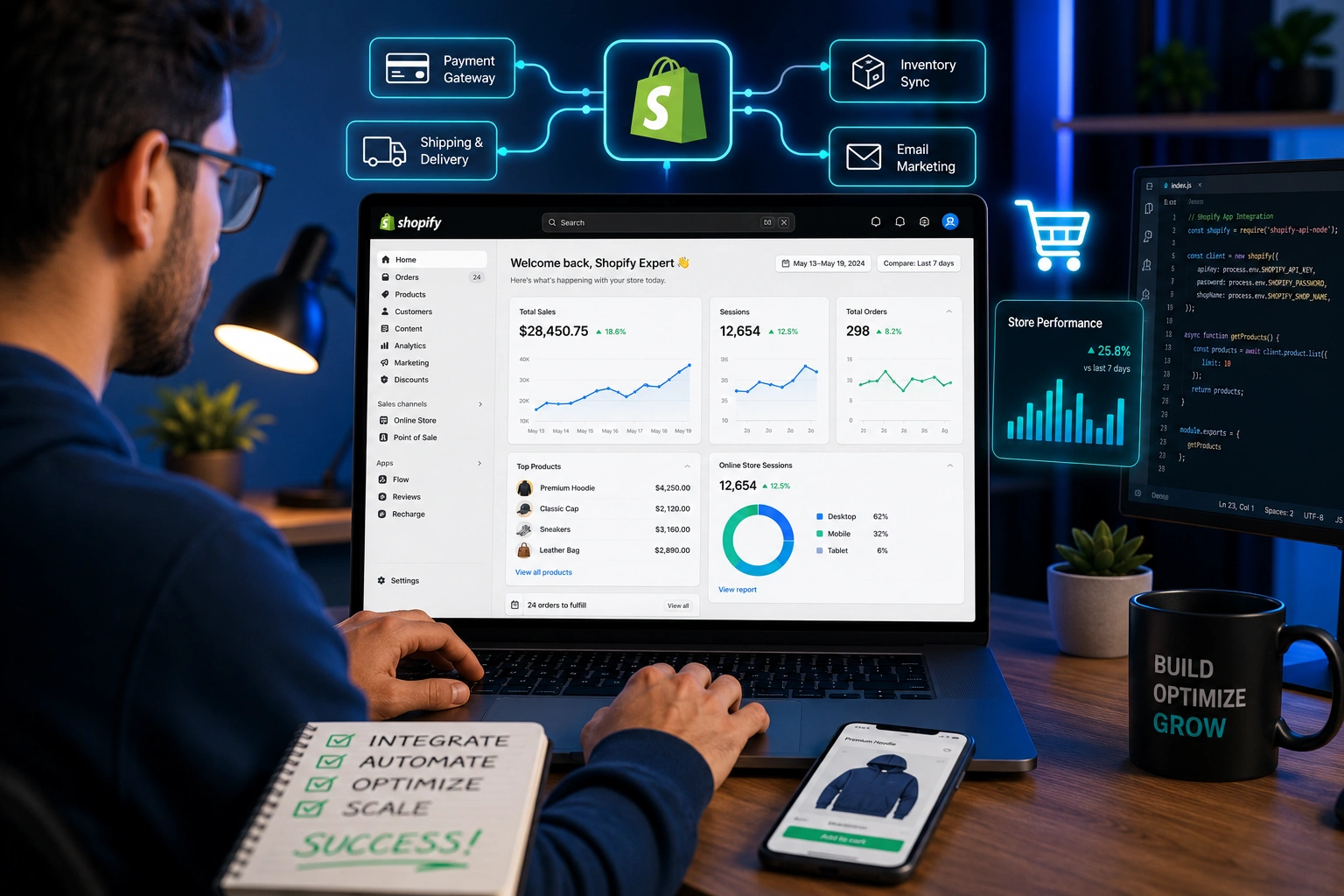
When I first started helping store owners scale their businesses, many were stuck with basic Shopify setups. They had decent traffic but were losing sales due to clunky checkout flows, poor automation, and zero personalization. That’s where a Shopify Expert makes the real difference.
Over the years, I’ve worked with dozens of Shopify dropshipping stores and established brands needing reliable Shopify support. The game-changer is always the same: thoughtfully integrating advanced features that actually move the needle. In this post, I’ll walk you through exactly how that process works, what features matter most, and how to avoid the common pitfalls I’ve seen (and fixed) many times.
Why You Need a Shopify Expert for Advanced Integrations
Most beginners start with Shopify’s built-in tools and free apps. That works for the first few months. But once you hit consistent orders, you quickly outgrow basic functionality. Inventory sync issues, abandoned cart recovery, multi-channel selling, and personalized experiences become critical.
A skilled Shopify Expert doesn’t just install apps. They evaluate your specific business model, choose the right tools, and build custom connections where off-the-shelf solutions fall short. This prevents the dreaded “app overload” that slows down your store and complicates Shopify support later.
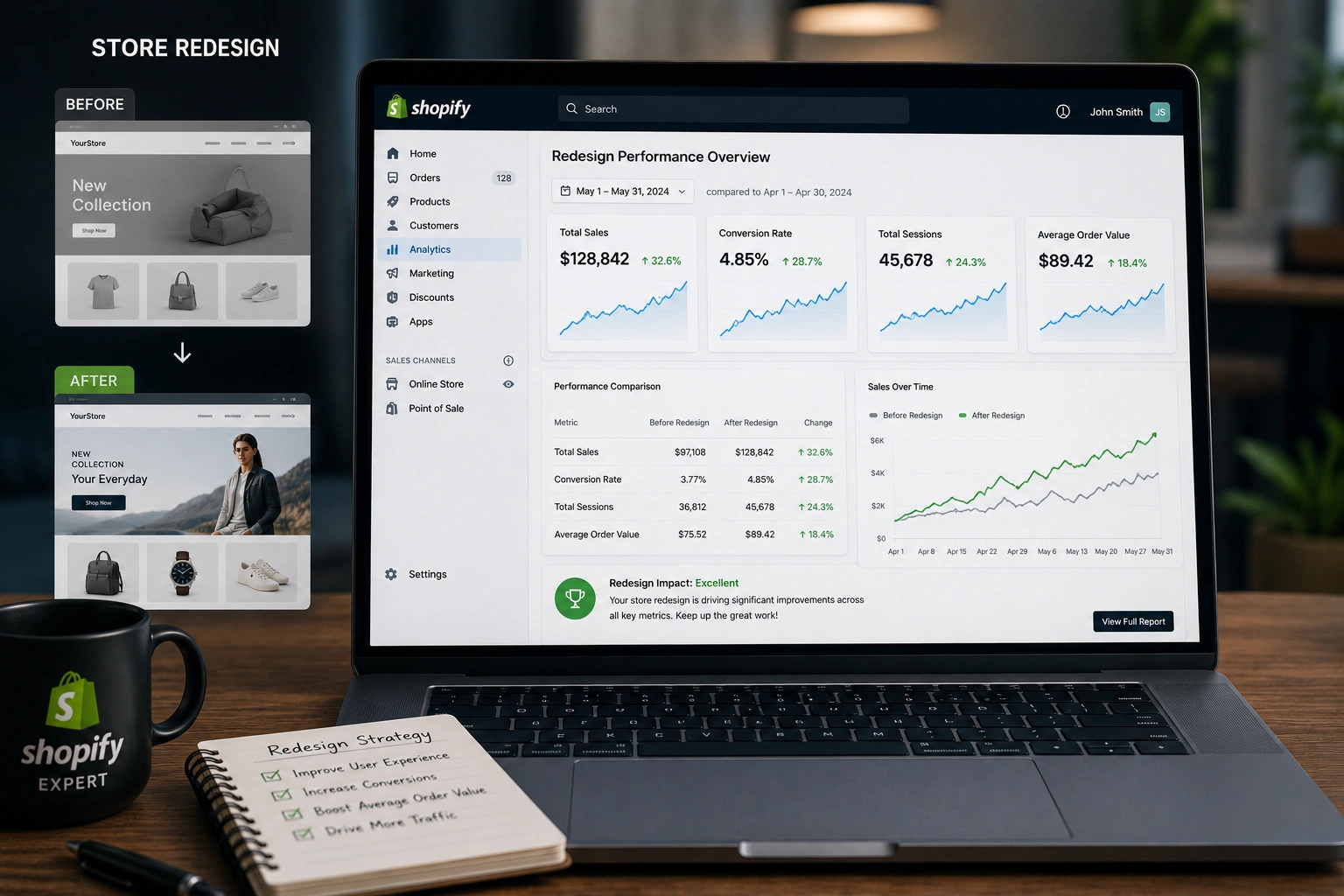
I’ve seen stores go from 2-3% conversion rates to 6-8% after proper integrations. That’s not magic — it’s strategic implementation.
Key Advanced Features a Shopify Expert Can Integrate
Here are the advanced Shopify features I most frequently implement for clients:
Custom API Integrations
Connecting your store to external platforms like ERPs, CRMs, or supplier systems. For Shopify dropshipping, this often means real-time inventory and order syncing with AliExpress, Spocket, or custom warehouses.
Advanced Automation Workflows
Using tools like Shopify Flow or Zapier (with custom code where needed) to automate customer tagging, abandoned cart sequences, post-purchase upsells, and review requests.
Personalization Engines
Dynamic product recommendations, geo-targeted pricing, and customer-specific content. These turn a standard store into a tailored shopping experience.
Headless Commerce Setup
For brands wanting lightning-fast performance and unique front-end designs, decoupling the storefront from the backend while keeping Shopify as the powerful commerce engine.
Multi-Currency and International Selling
Proper tax handling, localized checkout, and shipping integrations that actually work across borders.
These aren’t random add-ons. A Shopify Expert selects and connects them based on your data and goals.
Real Impact: How These Features Boost Shopify Dropshipping Businesses
In one project, a Shopify dropshipping client selling fitness gear was struggling with manual order fulfillment. After integrating automated supplier sync via Shopify API and a custom tracking dashboard, their fulfillment time dropped from 48 hours to under 6 hours. Refunds due to stock issues nearly disappeared.
Another client saw a 42% increase in average order value after we added post-purchase upsells and smart bundling logic. These numbers come from real analytics, not guesswork.
Compared to platforms like WooCommerce, Shopify’s ecosystem makes these integrations cleaner and more scalable — especially when you have an expert who knows the platform’s limits and workarounds. Official Shopify documentation confirms the power of their APIs for custom development.
Step-by-Step: How a Shopify Expert Integrates Advanced Features
Here’s the practical process I follow with every client:
- Discovery & Audit Review current store performance, apps, pain points, and business goals. I map out what needs automation versus customization.
- Feature Prioritization We decide which integrations will deliver the fastest ROI. Not everything needs to be built at once.
- Tool Selection & Planning Choose native Shopify tools first, then trusted apps, and custom code only where necessary. I always document the architecture.
- Development & Integration Build and test in a staging environment. This includes API connections, webhook setup, and thorough error handling.
- Testing & Quality Assurance Simulate real customer journeys, stress test under load, and verify mobile performance.
- Launch, Monitoring & Handover Go live with monitoring in place. I provide clear documentation and training so you’re not dependent on ongoing Shopify support for every change.
This structured approach prevents most disasters I’ve cleaned up from other developers.
Common Mistakes and Troubleshooting Advanced Shopify Integrations
Even experienced store owners run into issues. Here are the ones I see most:
- Installing too many conflicting apps — This slows your site and creates data chaos. Solution: Audit and consolidate regularly.
- Ignoring webhook failures — Orders get missed or inventory desyncs. A Shopify Expert sets up proper logging and alerts.
- Poor testing on mobile — Many advanced features break on smaller screens.
- Security oversights — Especially with custom API work. Always use proper authentication and keep everything updated.
If your store suddenly slows after an integration, check app conflicts and script loading order first. For Shopify support emergencies, having a reliable expert on call saves enormous headaches.
Frequently Asked Questions
How much does it cost to hire a Shopify Expert for advanced features?
It varies widely. Simple app-based integrations might start around $1,500–3,000, while complex custom API work or headless setups can range higher. The best approach is a phased implementation with clear milestones.
Can I integrate advanced features myself without coding knowledge?
For basic automations, yes — using Shopify Flow and quality apps. But for anything involving custom code, API connections, or performance-critical changes, working with a Shopify Expert prevents costly mistakes.
What’s the difference between a Shopify Partner and a Shopify Expert?
Shopify Partners have official recognition. True experts also bring years of hands-on experience across many stores, deep troubleshooting skills, and proven results in Shopify dropshipping and enterprise-level setups.
How long does it take to integrate advanced features?
Simple integrations take 1–2 weeks. Complex projects with multiple systems usually need 4–8 weeks, including testing.
Will advanced integrations slow down my Shopify store?
Not if done correctly. A good Shopify Expert optimizes code, uses efficient APIs, and monitors performance. Poor implementations can definitely hurt speed.
Do I still need ongoing Shopify support after integration?
Ideally minimal. With proper documentation and training, you should be able to handle day-to-day operations. I recommend quarterly check-ins for growing stores.
Ready to Take Your Shopify Store to the Next Level?
Integrating advanced features isn’t about chasing shiny tools. It’s about solving real problems in your Shopify dropshipping business and creating smoother experiences that convert visitors into loyal customers.
If you’re tired of fighting with your current setup or ready to unlock more automation and sales, I can help. Whether you need a full audit, specific integrations, or reliable Shopify support, let’s talk about what’s possible for your store.
Visit my site at Shihab Morshed or check our services at Digital Wind IT to get started.
The right Shopify Expert doesn’t just add features — they build a foundation for sustainable growth. What’s holding your store back right now? Drop a comment or reach out. I’m here to help.