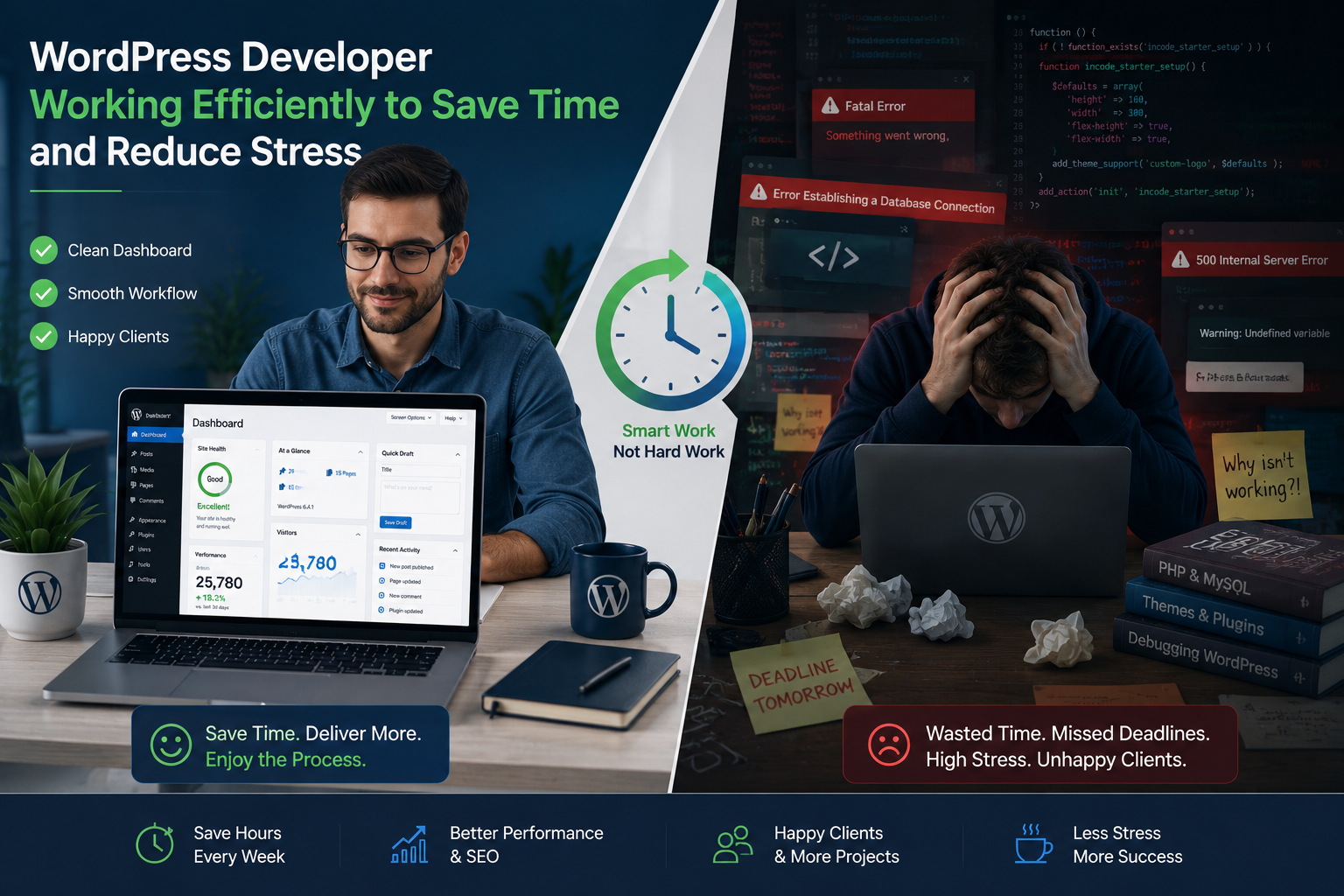
I’ve spent years building and fixing WordPress websites for clients ranging from solo entrepreneurs to growing businesses. One thing keeps coming up: the gap between what people expect and the reality of managing a site themselves. You start with excitement, install WordPress, and soon enough you’re drowning in plugin conflicts, slow load times, or security scares.
That’s where a good WordPress developer makes all the difference. Instead of treating your site like a weekend hobby that eats evenings and weekends, you get a professional who handles the heavy lifting. In this post, I’ll share practical lessons from my work, real examples of time and stress saved, and actionable steps you can take today.
If you’re a beginner or intermediate user tired of tinkering, read on. You’ll see exactly why partnering with a WordPress developer often becomes one of the smartest moves for your online presence.
Why DIY WordPress Websites Often Cost More Time Than Money
Most people think WordPress is “easy.” And the core platform from WordPress.org truly is user-friendly for basic tasks. But building a professional, fast, secure WordPress website that actually grows with your business? That’s another story.
I’ve seen business owners lose weeks tweaking themes, only to watch bounce rates climb because pages load slowly. Others install every “must-have” plugin, then spend days debugging why the site keeps crashing.
Data backs this up. WordPress powers over 43% of all websites online. That popularity brings power but also complexity—thousands of themes and plugins that don’t always play nice together. Without experience, you’re constantly learning on the job while your business waits.
A skilled WordPress developer cuts through this noise. They know which tools actually deliver results and how to make them work together seamlessly. The result? You launch faster, avoid costly mistakes, and reclaim your time.
The Real Time Savings a WordPress Developer Delivers
Time is the one resource you can’t buy back. When I handle a project, clients often tell me they regain 10–20 hours a month they used to spend on site maintenance.
Here’s what that looks like in practice:
- Faster setup and launches: A developer can build a custom, optimized site in days or weeks instead of months of trial and error.
- Ongoing maintenance: Updates, backups, and security patches run automatically in the background without you lifting a finger.
- Performance tuning: Images optimized, code cleaned, caching set up properly—so your site loads in under 2 seconds instead of frustrating visitors.
One client, a coach launching an online course platform, tried building it solo. After three months of frustration and multiple broken plugins, he reached out. We migrated and optimized everything in under two weeks. He went from stressed weekends to focusing on content and client work. His site now runs smoothly on a platform similar to what many use with Thinkific or Kajabi integrations, but fully customized.
How a Professional WordPress Website Boosts Your Business Impact
Beyond time, the right WordPress developer directly affects your bottom line. A slow or broken site loses visitors before they become customers. A well-built one builds trust and converts.
Custom development means your WordPress website matches your brand perfectly—not a generic template that looks like everyone else’s. You get features tailored to your needs, whether that’s seamless booking, membership areas, or e-commerce that scales.
I often compare it to hiring a mechanic versus fixing your car yourself. Sure, you might save a few bucks upfront tinkering, but one major breakdown costs far more in downtime and repairs. The same applies here.
For many, switching or building properly on WordPress beats rigid alternatives like Webflow or Shopify when you need full ownership and flexibility. It’s open-source, highly customizable, and supported by a massive community.
Step-by-Step: How to Work Effectively with a WordPress Developer
Hiring help doesn’t mean losing control. Here’s the process I follow with clients that leads to smooth results:
- Define clear goals — List what your site must do (e.g., blog, store, lead capture). Be specific about must-have features versus nice-to-haves.
- Share references — Send examples of sites you like and any existing content or branding assets.
- Choose the right developer — Look for someone with a portfolio of similar WordPress websites, clear communication, and transparent pricing. Check my own work at Shihab Morshed.
- Set milestones — Break the project into phases (design, development, testing, launch) with review points.
- Plan for maintenance — Discuss ongoing support early so updates and optimizations continue after launch.
- Test thoroughly — Use the staging site to click every link and form before going live.
This structured approach prevents scope creep and ensures the final WordPress website delivers exactly what you need.
Common Mistakes to Avoid (And How a Developer Fixes Them)
Even with good intentions, beginners hit the same walls. Here are the big ones I fix regularly:
- Too many plugins: This kills performance and creates conflicts. A developer audits and uses lightweight, high-quality solutions or custom code instead.
- Ignoring updates and security: Outdated sites get hacked. Professionals set automated, safe update processes and proper security layers.
- Poor hosting choices: Cheap shared hosting slows everything down. We recommend and configure reliable environments.
- Bad theme selection: Bloated themes cause bloat. Custom or lean frameworks perform better long-term.
- No backups or testing: One wrong update and your site is down. Developers build redundancy in.
In my experience at Digital Wind IT, catching these early saves clients from emergency fixes that cost more and add stress.
FAQ: Answering Your Top Questions About WordPress Developers
How much does hiring a WordPress developer cost?
It varies by project scope, but expect investment that pays off through saved time and better results. Simple sites start lower; complex custom work scales accordingly. Focus on value rather than the cheapest quote.
Can I still manage my site after a developer builds it?
Absolutely. Most developers set you up with an easy dashboard and train you on daily tasks while handling complex maintenance.
Is WordPress still worth it compared to Webflow or Shopify?
For most flexible, content-heavy, or custom needs, yes. WordPress offers unmatched control and scalability when built properly.
How long does a professional WordPress website take to build?
Typically 2–8 weeks depending on features. This is far faster than months of DIY learning curves.
What if my existing site has problems?
A developer can audit, fix issues, and optimize without starting from scratch—often the quickest path to relief.
Ready to Reclaim Your Time?
Building and running a successful WordPress website doesn’t have to mean constant stress and late nights. A skilled WordPress developer handles the technical side so you can focus on what matters—your business, your content, and your customers.
I’ve seen the transformation firsthand for many clients. If you’re tired of fighting with your site, let’s talk. Visit Shihab Morshed or explore services at Digital Wind IT to see how we can build something reliable and effective together.
Your time and peace of mind are worth it. Stop struggling and start thriving with a WordPress website that works for you.