
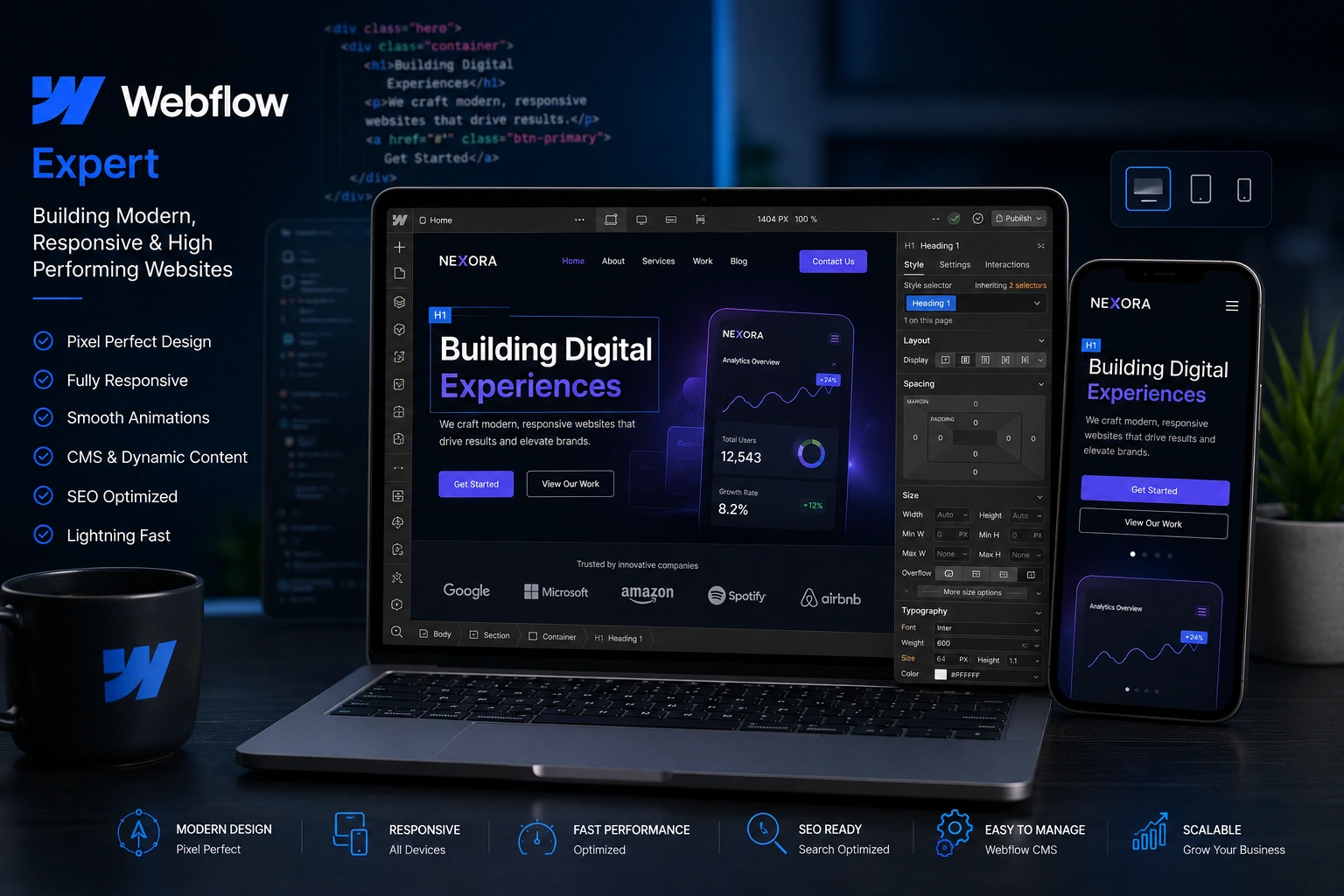
Over the years I’ve built dozens of websites for clients ranging from startups to established brands. Many started on WordPress or other platforms, only to hit walls with speed, design limitations, or endless maintenance. Switching to Webflow changed everything.
As a Webflow expert and developer, I’ve seen firsthand how this platform lets you create truly modern websites that load fast, look stunning on every device, and stay easy to update without constant developer help. In this post, I’ll share why hiring a Webflow developer or Webflow agency often beats traditional options, backed by real experience and practical insights.
If you’re a business owner or marketer tired of clunky sites that don’t convert, you’ll find actionable advice here. Let’s dive in.
What Makes Webflow Stand Out for Modern Websites
Webflow isn’t just another page builder. It gives designers and developers pixel-perfect control while generating clean, professional code automatically. No more fighting with theme conflicts or bloated plugins.
I remember one client who came to me after their WordPress site slowed to a crawl despite optimization attempts. After rebuilding it as a Webflow expert, their page load time dropped dramatically, and bounce rates improved. The visual editor lets you see changes in real time, which means fewer back-and-forths and faster launches.
Official Webflow stats and customer stories show big brands achieving impressive results — faster time to market, better conversions, and significant cost savings.
Key Benefits of Working with a Webflow Expert
Here’s where the rubber meets the road. A skilled Webflow developer brings advantages that go beyond pretty visuals:
- Superior Performance & SEO: Webflow sites often outperform WordPress because there’s no plugin bloat. Clean code means better Core Web Vitals scores out of the box.
- True Responsive Design: Build once and it works perfectly across devices. No more fixing mobile issues after launch.
- Powerful Built-in CMS: Manage blog posts, portfolios, or dynamic content without touching code. Clients love being able to update their own sites confidently.
- Advanced Interactions & Animations: Add smooth scroll effects, hover states, and micro-interactions visually — no JavaScript headaches.
- Integrated Hosting & Security: No separate hosting provider drama. Automatic updates and enterprise-level security come standard.
In my experience, these features translate to real business impact: higher engagement, better search rankings, and happier teams.
Webflow vs WordPress: A Practical Comparison
I’ve worked extensively with both platforms, so here’s a no-fluff comparison based on real projects:
| Aspect | Webflow | WordPress |
| Design Control | Pixel-perfect visual editor | Theme + builder dependent |
| Performance | Excellent (clean code) | Varies heavily with plugins |
| Maintenance | Minimal, managed hosting | Regular updates & security |
| Learning Curve | Designer-friendly | Flexible but can get complex |
| Best For | Modern branding & marketing sites | High-content blogs & complex apps |
Webflow wins for most modern business sites that prioritize brand experience and speed. WordPress still has its place for very content-heavy sites, but the maintenance overhead often eats into ROI.
One real-world example: A nonprofit client needed an impactful site to showcase their programs. We built it in Webflow with dynamic CMS collections for stories and events. They launched faster than planned, and the site now drives more donations thanks to clear calls-to-action and beautiful storytelling layouts.
Step-by-Step: How a Webflow Agency Builds Your Site
Here’s the typical process I follow as a Webflow developer:
- Discovery & Strategy — We discuss your goals, audience, and brand voice. I review your current site (if any) for quick wins.
- Wireframing & Design — Create low-fidelity layouts, then move to high-fidelity designs in Webflow’s visual canvas.
- Development & Interactions — Build responsive structure, add CMS collections, and create custom animations.
- Content Integration & Testing — Populate real content, test across devices, and optimize performance.
- Launch & Training — Go live on Webflow hosting, then train your team on easy updates.
- Ongoing Support — Optional retainer for updates, new pages, or SEO tweaks.
This structured approach keeps projects on track and avoids common surprises.
Check out my personal services or agency work for examples of this process in action.
Common Mistakes to Avoid with Webflow (And How to Fix Them)
Even experienced users hit snags. Here are the biggest ones I’ve seen and helped clients fix:
- Ignoring Mobile-First Design: Always start with the mobile breakpoint. Fixing desktop-first designs later wastes hours.
- Poor Class Naming & Organization: Use clean, reusable classes instead of too many combo classes. It keeps your project maintainable.
- Skipping Image Optimization: Compress images before upload. Webflow has great tools, but starting with optimized assets is key.
- Overcomplicating Interactions: Add animations that serve a purpose — don’t slow down the site with unnecessary effects.
- Not Using the CMS Properly: Static pages for dynamic content lead to duplication nightmares. Plan your collections early.
A good Webflow agency helps you avoid these from day one, saving time and money long-term.
FAQ: Webflow Expert Questions Answered
Is Webflow better than WordPress for SEO?
Yes, for most modern sites. Clean code and full control over technical SEO elements give Webflow sites an edge, especially in performance metrics that Google loves.
How much does a Webflow developer cost?
It varies by project scope. Simple sites start lower, while complex custom builds with e-commerce or advanced CMS run higher. The long-term savings on maintenance often balance it out.
Can I update my Webflow site myself?
Absolutely. With proper setup and training, non-technical users can easily manage content through the visual CMS.
Does Webflow support e-commerce?
Yes, with solid built-in tools. For very large stores, it pairs well with other solutions, but for most brands it’s more than enough.
How long does it take to build a Webflow website?
Typically 4–8 weeks depending on complexity. This is often faster than traditional custom development because of the visual tools.
Is Webflow good for beginners?
With a Webflow expert guiding the project, yes. The platform rewards learning, and official resources from Webflow University are excellent.
Ready to Build a Better Website?
After years of working with different platforms, I’m convinced that partnering with a Webflow expert or Webflow agency is one of the smartest moves for modern businesses. You get beautiful design, strong performance, and a site that’s actually enjoyable to maintain.
If you’re ready to move beyond outdated templates and constant fixes, let’s talk. Visit my site or reach out through Digital Wind IT to discuss your project. Your next website could be the one that truly represents your brand and drives results.






