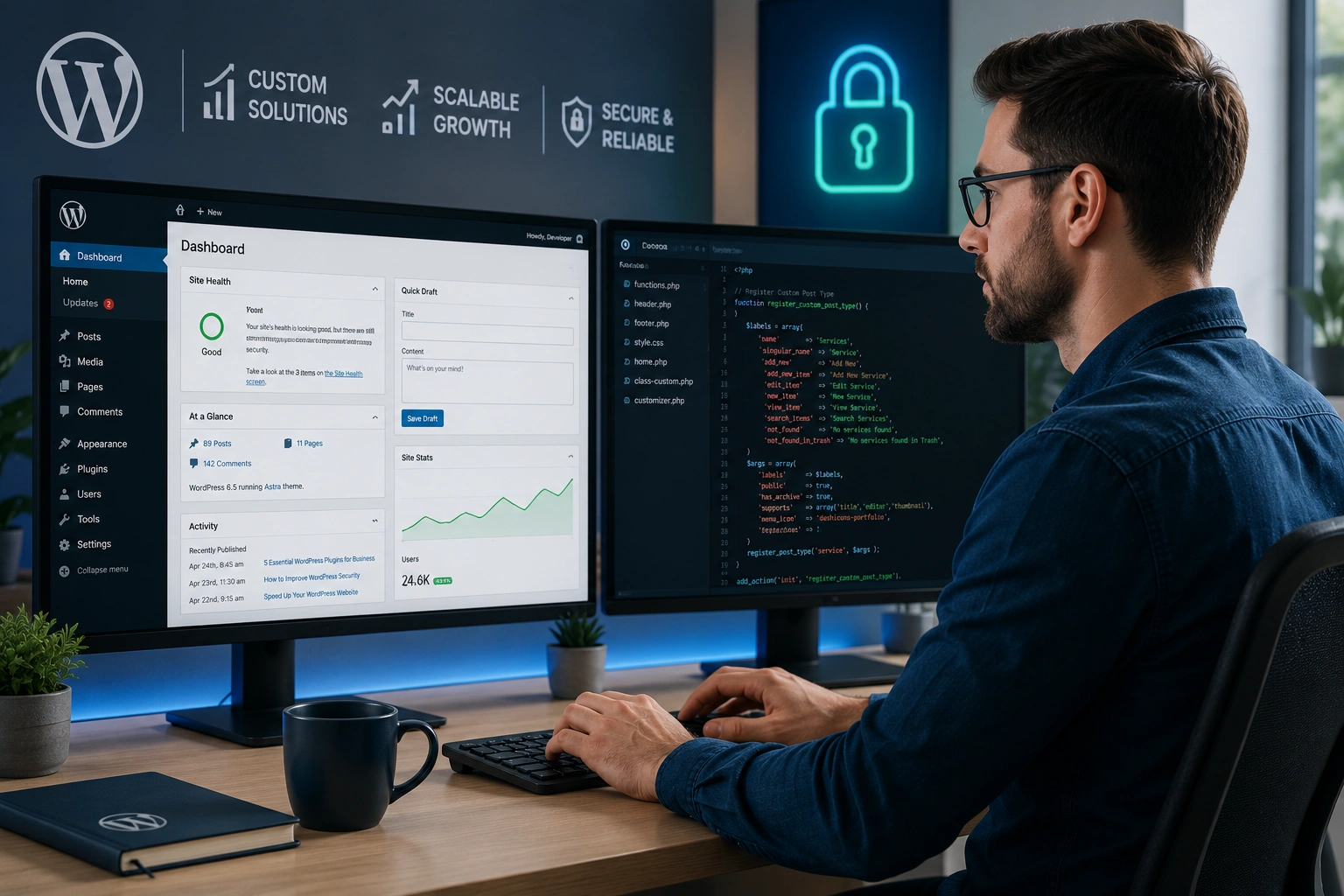
I’ve built and fixed dozens of WordPress websites over the years, both for myself and clients. Early on, I tried the DIY route like many beginners. I installed themes, added plugins, and thought I had it handled. What I actually got was a slow, vulnerable site that needed constant patching.
As a WordPress developer, the experience taught me a valuable lesson: while WordPress makes it easy to get started, turning it into a professional, high-performing WordPress website usually requires a skilled WordPress developer. If you’re running a business, blog, or online service, hiring the right expert is often one of the smartest investments you can make.
In this post, I’ll share practical reasons why it pays off, real examples from the trenches, and actionable steps to hire effectively.
The Reality of Building a WordPress Website Today
WordPress powers over 40% of all websites on the internet. It’s flexible, has thousands of plugins and themes, and you can launch something functional in hours. But there’s a big gap between “functional” and “successful.”
A basic site might look okay at first, but issues quickly surface: slow loading times, security vulnerabilities, poor mobile experience, or limited customization. These problems hurt user trust, SEO rankings, and ultimately your bottom line.
This is where a WordPress developer shines. They don’t just install things—they architect solutions tailored to your needs. From my experience, the difference shows up fast in traffic, conversions, and peace of mind.
Key Benefits of Hiring a Professional WordPress Developer
Hiring a specialist delivers advantages that DIY or template-based approaches rarely match.
Custom Functionality That Actually Works
Off-the-shelf plugins often conflict or become outdated. A good developer builds or modifies features specifically for you—whether it’s a custom booking system, membership portal, or advanced e-commerce logic. No more workarounds that break on the next update.
Better Performance and Speed
I’ve seen sites drop from 8-second load times to under 2 seconds after proper optimization. Developers handle clean code, image optimization, caching, and database tuning. Faster sites rank better and keep visitors engaged.
Stronger Security
WordPress sites are popular targets. A developer sets up proper security protocols, regular updates, firewalls, and monitoring. This prevents hacks that could cost you thousands in downtime or reputation damage.
SEO Foundation
Technical SEO goes far beyond meta tags. Proper schema markup, clean URLs, fast core web vitals, and mobile-first design come standard with professional work.
I once helped a client whose DIY site had duplicate content issues and poor crawlability. After redevelopment, organic traffic nearly doubled within months.
How a Custom WordPress Website Impacts Business Growth
A professional WordPress website isn’t just prettier—it becomes a reliable business asset.
For online course creators or service providers, this often means seamless integration with tools like LearnWorlds or Thinkific for content delivery. Or building a robust store that scales without constant headaches.
One real-world example: A small consulting client came to me after struggling with a bloated theme and conflicting plugins. Their site kept crashing during traffic spikes. We rebuilt it with a lightweight custom setup, proper caching, and CDN integration. Lead generation increased by over 40% in the first quarter, and maintenance time dropped dramatically.
Data backs this up too. Businesses using optimized, custom WordPress sites typically see higher conversion rates and lower bounce rates compared to generic templates. The initial investment quickly pays for itself through better performance and reduced long-term fixes.
Step-by-Step: How to Hire the Right WordPress Developer
Don’t rush into hiring. Follow these practical steps:
- Define Your Needs Clearly Write down specific goals: redesign, speed optimization, custom features, ongoing maintenance, or full build. This helps filter candidates.
- Review Portfolio and Real Projects Look beyond pretty screenshots. Ask for case studies showing before/after metrics, especially similar projects to yours.
- Check Technical Expertise Verify experience with custom theme development, plugin integration, security hardening, and performance optimization. Ask about their process for updates and backups.
- Discuss Communication and Timeline Good developers explain things in plain English and set realistic timelines. Discuss revision rounds and post-launch support.
- Start with a Small Project or Milestone Test the working relationship before committing to a large build. Many offer discovery calls or audit packages.
- Agree on Clear Deliverables and Support Include ongoing maintenance options. A solid developer often provides training so you can handle simple updates yourself.
Check my services at Digital Wind IT or learn more about my approach on my personal site.
Common Mistakes to Avoid When Working with WordPress
From years of fixing other people’s sites, here are frequent pitfalls:
- Overloading with Plugins: More isn’t better. It leads to conflicts, slow speeds, and security holes. A developer selects and customizes only what’s necessary.
- Ignoring Mobile and Speed: Many DIY sites look great on desktop but fail on phones. Professional work tests across devices.
- Skipping Regular Maintenance: Themes and plugins need updates. Without proper processes, your site becomes vulnerable.
- Choosing Based on Price Alone: Cheap work often costs more later in fixes and lost opportunities.
- Poor Planning: Jumping straight into design without clear site structure leads to messy architecture.
Avoiding these saves headaches and money.
When Does It Make Sense to Hire vs. DIY?
If you’re comfortable with code and have simple needs, you might manage yourself using the official WordPress.org resources. For anything involving custom features, high traffic, or business-critical performance, a WordPress developer is the smarter path.
Compared to no-code platforms like Webflow or Shopify, WordPress offers unmatched flexibility and ownership when built properly.
FAQ: Hiring a WordPress Developer
How much does hiring a WordPress developer cost?
Costs vary widely—from a few hundred dollars for small tweaks to several thousand for full custom builds. Factor in long-term value: a well-built site saves money on fixes and lost revenue.
Can I build a good WordPress website without a developer?
For very basic sites, yes. But for professional results with good speed, security, and scalability, most people benefit from expert help.
How long does it take to build a custom WordPress site?
Simple sites might take 2–4 weeks. Complex projects with custom features can take 6–12 weeks or more, depending on scope.
What should I ask during the initial consultation?
Ask about their experience with similar projects, development process, how they handle security and performance, and what post-launch support they offer.
Is ongoing maintenance necessary?
Yes. Regular updates, backups, and monitoring keep your site secure and running smoothly. Many developers offer monthly maintenance packages.
How do I know if a developer is good?
Look at their portfolio, client testimonials, communication style, and willingness to explain technical concepts clearly.
Final Thoughts: Invest in Your WordPress Website Wisely
Building a WordPress website that actually grows your business requires more than clicking buttons. A skilled WordPress developer brings expertise that turns your site into a powerful, reliable asset rather than a constant source of frustration.
From my experience, the businesses that invest in professional development see better results, fewer problems, and more time to focus on what they do best.
Ready to take your site to the next level? Reach out to me or explore our services. Let’s build something that works for you long-term.