
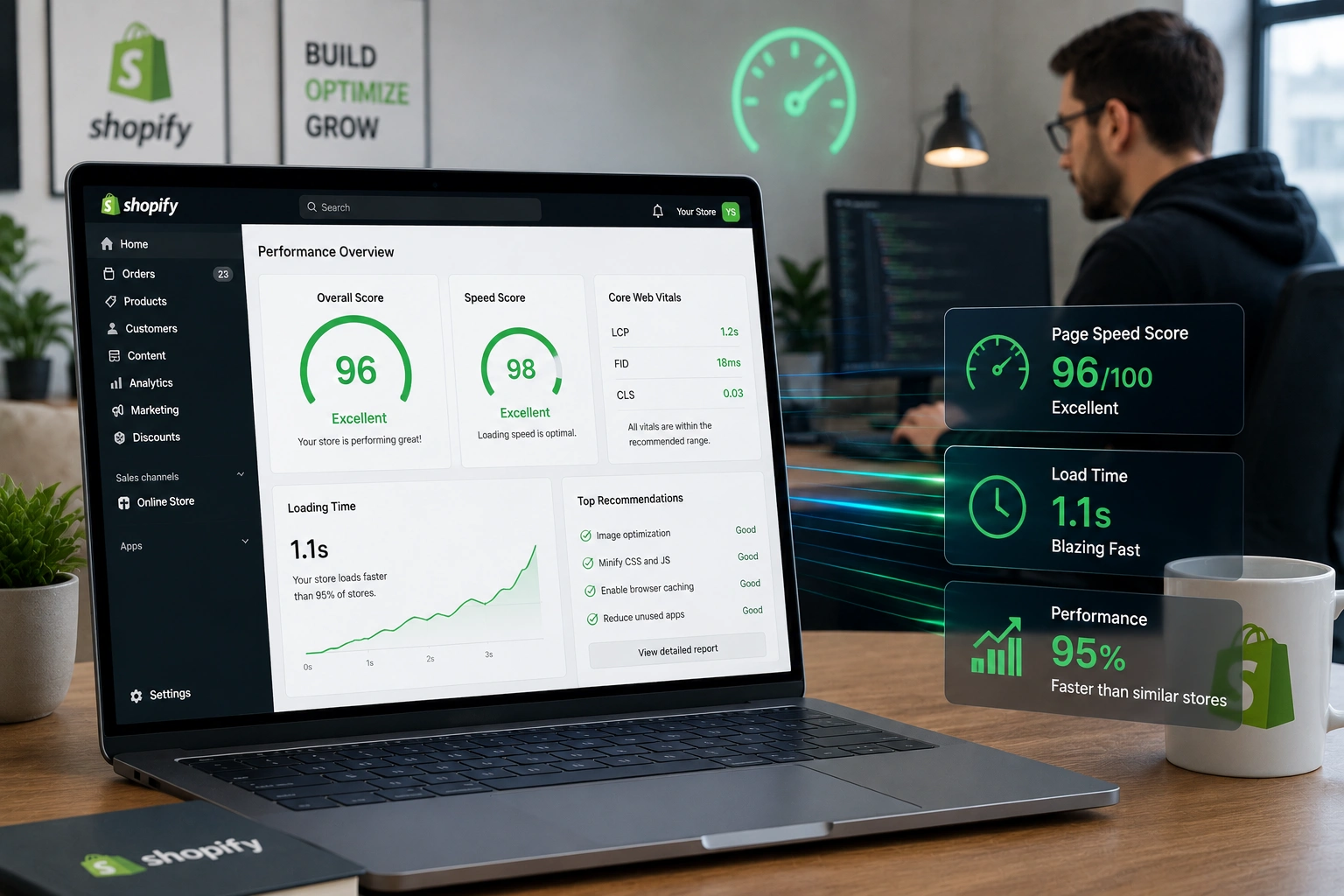
I’ve spent years helping store owners fix sluggish Shopify sites. Nothing kills momentum faster than a store that takes forever to load. As a Shopify expert, I’ve seen firsthand how speed optimization transforms struggling dropshipping stores into smooth, high-converting machines.
If your Shopify store feels slow, you’re not alone. Many beginners pile on apps, heavy images, and custom code without realizing the impact. The good news? A targeted approach from someone who knows the platform inside out can change everything. In this post, I’ll walk you through exactly how a Shopify expert improves store speed, with steps you can start today.
Why Store Speed Matters More Than Ever for Shopify Dropshipping
Slow stores lose sales. Data shows that for every second of delay, conversions can drop significantly—sometimes by 7% or more. In Shopify dropshipping, where competition is fierce and customers expect instant gratification, every millisecond counts.
Google’s Core Web Vitals now directly influence rankings. A fast store not only ranks better but keeps visitors engaged. I’ve worked with stores where fixing speed alone boosted bounce rates and average order value noticeably.
Shopify support resources and built-in tools help, but they only go so far. An experienced Shopify expert digs deeper into your specific setup.
Core Benefits of Hiring a Shopify Expert for Speed
Working with a Shopify expert delivers more than just faster load times. Here’s what typically improves:
- Better user experience: Pages feel snappy, reducing frustration.
- Higher conversions: Faster stores convert better, especially on mobile.
- Improved SEO: Core Web Vitals compliance helps search visibility.
- Lower ad costs: Quality traffic stays longer, improving relevance scores.
In one project, a dropshipping client saw their mobile load time drop from over 6 seconds to under 2. This led to a noticeable uplift in sales without changing products or ads.
Real Impact on Business Growth
Speed isn’t just technical—it’s business. Fast stores build trust. Customers perceive premium brands as faster. For Shopify dropshipping operations handling high traffic, this means scaling without performance hiccups.
I’ve helped clients reduce cart abandonment by addressing speed-related drop-offs. One comparison I often share: a store with 3+ second load times might see 2-3% conversion, while optimized ones push toward 4-5% or higher, depending on niche.
Step-by-Step: How a Shopify Expert Optimizes Your Store
Here’s the practical process I follow. You can tackle some of these yourself, but a pro ensures nothing breaks.
- Audit Current Performance Start with Shopify’s Web Performance reports and Google PageSpeed Insights. Identify issues like large images, render-blocking scripts, and app bloat.
- Choose and Customize a Lightweight Theme Switch to or optimize a fast theme like Dawn. Remove unnecessary sections and animations that slow things down.
- Optimize Images Aggressively Compress images, use modern formats like WebP, and implement lazy loading. Shopify handles some of this, but manual tweaks make a huge difference.
- Audit and Reduce Apps Many apps add heavy scripts. Review permissions and remove or replace those loading on every page. Clean up leftover code from uninstalled apps.
- Minify and Defer Code Minify CSS/JS, defer non-critical scripts, and optimize fonts. This reduces initial load.
- Test and Monitor Run repeated tests across devices. Set up ongoing monitoring for Core Web Vitals.
For deeper custom work, I often dive into Liquid code adjustments tailored to the store’s needs.
Common Mistakes and Troubleshooting Speed Issues
Even experienced owners make these errors:
- Over-relying on apps: They seem convenient but pile up quickly.
- Ignoring mobile optimization: Most traffic is mobile—test there first.
- Using unoptimized custom code: Fancy effects often hurt more than they help.
- Skipping regular audits: Performance degrades over time as you add features.
If your store suddenly slows after an update, check recent app installs or theme changes. Tools like GTmetrix help pinpoint exact culprits. A Shopify expert spots these patterns quickly and fixes them without breaking functionality.
Frequently Asked Questions
How much can a Shopify expert improve my store speed?
Results vary, but many stores see 40-70% faster load times with proper optimization. It depends on the starting point.
Is speed optimization worth it for small Shopify dropshipping stores?
Absolutely. Even modest improvements can increase sales and reduce ad waste.
Can I optimize speed myself or do I need Shopify support?
You can handle basics like image compression. For advanced tweaks and code-level fixes, professional Shopify support or an expert saves time and avoids risks.
What tools does a Shopify expert use?
PageSpeed Insights, Shopify’s own performance dashboard, GTmetrix, and custom audits.
How long does Shopify speed optimization take?
Basic wins come in days. Full optimization, including testing, usually takes 1-3 weeks depending on store complexity.
Will optimizing speed affect my design?
Done right, no. The goal is a faster store that still looks great.
Ready to Make Your Shopify Store Lightning Fast?
Speed optimization isn’t a one-time task—it’s an ongoing practice that pays off in higher sales and happier customers. As a Shopify expert, I’ve helped numerous store owners turn slow sites into competitive advantages.
If you’re ready to stop losing sales to a sluggish store, let’s talk. Visit my site at Shihab Morshed or check out services at Digital Wind IT for personalized Shopify support. For official guidance, explore Shopify’s resources on improving web performance.






