
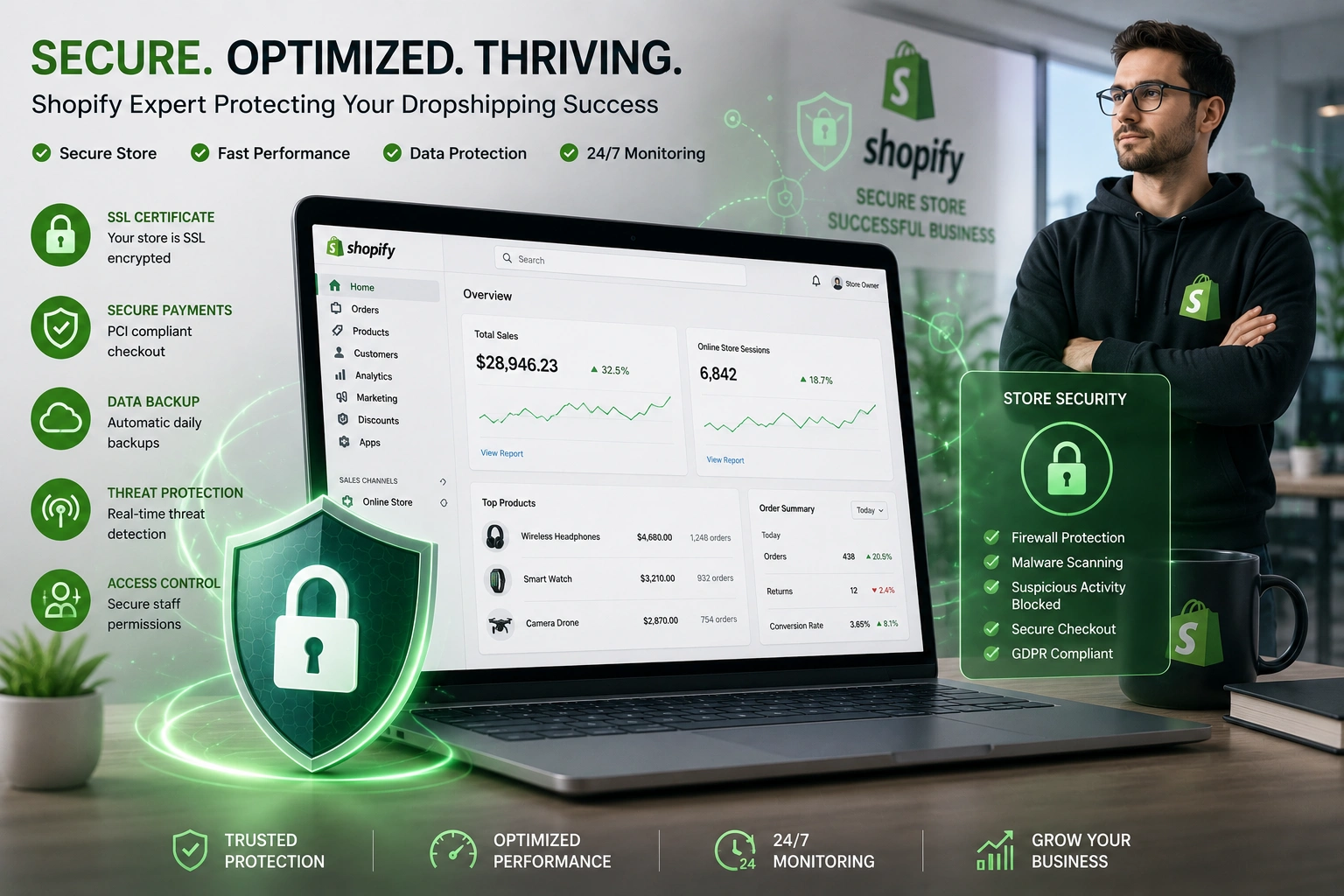
I’ve worked with dozens of beginners and growing sellers who launched their Shopify dropshipping stores excited about sales, only to face unexpected headaches from security issues. One weak password or unchecked app can turn a promising business into a nightmare overnight.
That’s where having the right Shopify Expert makes all the difference. In this post, I’ll share practical insights from real experience on why security should be your top priority and how professional Shopify support helps you build a store that’s both safe and profitable.
The Growing Risks in Shopify Dropshipping Stores
E-commerce is booming, but so are threats. Hackers target small and medium stores because they often lack robust protections. Common issues include account takeovers, malware through third-party apps, phishing attacks, and payment fraud.
According to industry patterns I’ve seen, stores without proper security lose an average of thousands in chargebacks, lost inventory data, or downtime. For Shopify dropshipping operations, this hits harder because your margins are tight and trust is everything.
Customers expect secure checkouts. One missing trust signal—like a proper SSL or visible security badges—and they bounce. Security isn’t just defensive; it directly impacts conversions.
How a Shopify Expert Strengthens Your Store’s Defenses
A good Shopify Expert goes beyond basic setup. They implement layered protections tailored to your business.
From my work, the biggest value comes in proactive audits. Experts review your apps, permissions, and theme code for vulnerabilities that most beginners miss. They set up proper user roles so staff or freelancers can’t accidentally (or intentionally) expose the store.
I remember one client who came to me after a minor breach via an outdated app. We locked everything down, and within weeks their chargeback rate dropped significantly. That peace of mind let them focus on marketing instead of constant worry.
Real Business Impact: Security as a Growth Tool
Secure stores build trust faster. When customers see professional setup, clear policies, and smooth checkout, they buy more confidently.
In Shopify dropshipping, reliable Shopify support ensures your supplier integrations stay protected and order data flows securely. This reduces errors and builds long-term supplier relationships.
Data from e-commerce operations shows that stores with strong security practices often see higher repeat purchase rates. Customers return to places that feel safe.
Step-by-Step: How a Shopify Expert Secures Your Store
Here’s the practical process I typically follow when helping clients:
- Full Account Audit – Enable two-factor authentication (2FA) on the main account and all staff logins. Use strong, unique passwords managed through a vault.
- App and Theme Review – Audit every installed app. Remove unused ones and ensure active ones are from reputable developers with regular updates.
- Payment and Checkout Hardening – Confirm PCI compliance (Shopify handles much of this automatically), add fraud filters, and implement address verification where needed.
- Theme and Code Security – Add proper security headers, check for vulnerabilities in custom code, and ensure the site uses HTTPS everywhere.
- Ongoing Monitoring – Set up regular backups, activity logs review, and alerts for suspicious behavior.
- Staff Training – Educate anyone with access on phishing recognition and safe practices.
This isn’t a one-time fix. A Shopify Expert builds systems for continuous protection.
Common Mistakes and Troubleshooting Security Issues
Many beginners make predictable errors. Using the same password across tools is one of the biggest. Another is installing every “free” app without checking reviews or update history.
I’ve fixed stores hit by fake checkout scams or injected scripts. Quick troubleshooting steps include:
- Immediately change all passwords and enable 2FA if you suspect trouble.
- Review recent app installations and staff accounts.
- Check order logs for unusual patterns like sudden high-value international orders from new customers.
- Contact Shopify support right away for suspected breaches.
Avoid cheap themes or nulled scripts—they’re common entry points for malware.
FAQ: Shopify Security Questions Answered
How do I know if my Shopify store is secure?
Run a basic checklist: 2FA enabled, apps audited, HTTPS active, and regular backups. A Shopify Expert can do a deeper audit.
Does Shopify handle security automatically?
Shopify provides a strong foundation with PCI compliance and SSL, but your account settings, apps, and custom work still need attention.
Is security more important for dropshipping stores?
Yes. You handle customer data and supplier connections. Breaches can damage supplier trust and lead to lost inventory syncs.
Can a beginner manage Shopify security alone?
Basic steps are manageable, but as your store grows, professional Shopify support prevents costly mistakes.
What should I do after a security incident?
Secure accounts first, remove suspicious access, restore from backup, and review what went wrong with an expert.
How much does hiring a Shopify Expert cost?
It varies, but think of it as insurance. The cost of prevention is far lower than recovery from a breach.
Building a Secure and Successful Shopify Store
Security isn’t about fear—it’s about creating a solid foundation so your Shopify dropshipping business can grow without constant worry. A skilled Shopify Expert brings experience that helps you avoid common pitfalls and implement protections that actually support your goals.
If you’re serious about protecting your investment and scaling sustainably, professional guidance makes the process straightforward.
Ready to strengthen your store? Visit my site at Shihab Morshed or explore more services at Digital Wind IT. For the official platform guide, check out Shopify’s own resources on account security.






