I’ve spent years building and fixing websites for clients who thought “good enough” was fast enough—until their bounce rates told a different story. Slow sites kill conversions. As a web developer, I’ve seen firsthand how proper site speed optimization turns frustrated visitors into loyal customers.
In this post, I’ll walk you through exactly how I approach speeding up websites, with a strong emphasis on responsive web design that doesn’t sacrifice performance. Whether you’re running a small business site or planning website redesign services, these practical steps will make a real difference.
Why Site Speed Matters More Than Ever
Users are impatient. If your page takes more than three seconds to load, over half of them will leave. One extra second of delay can slash conversions by 7%. For e-commerce or lead-generation sites, that adds up fast.
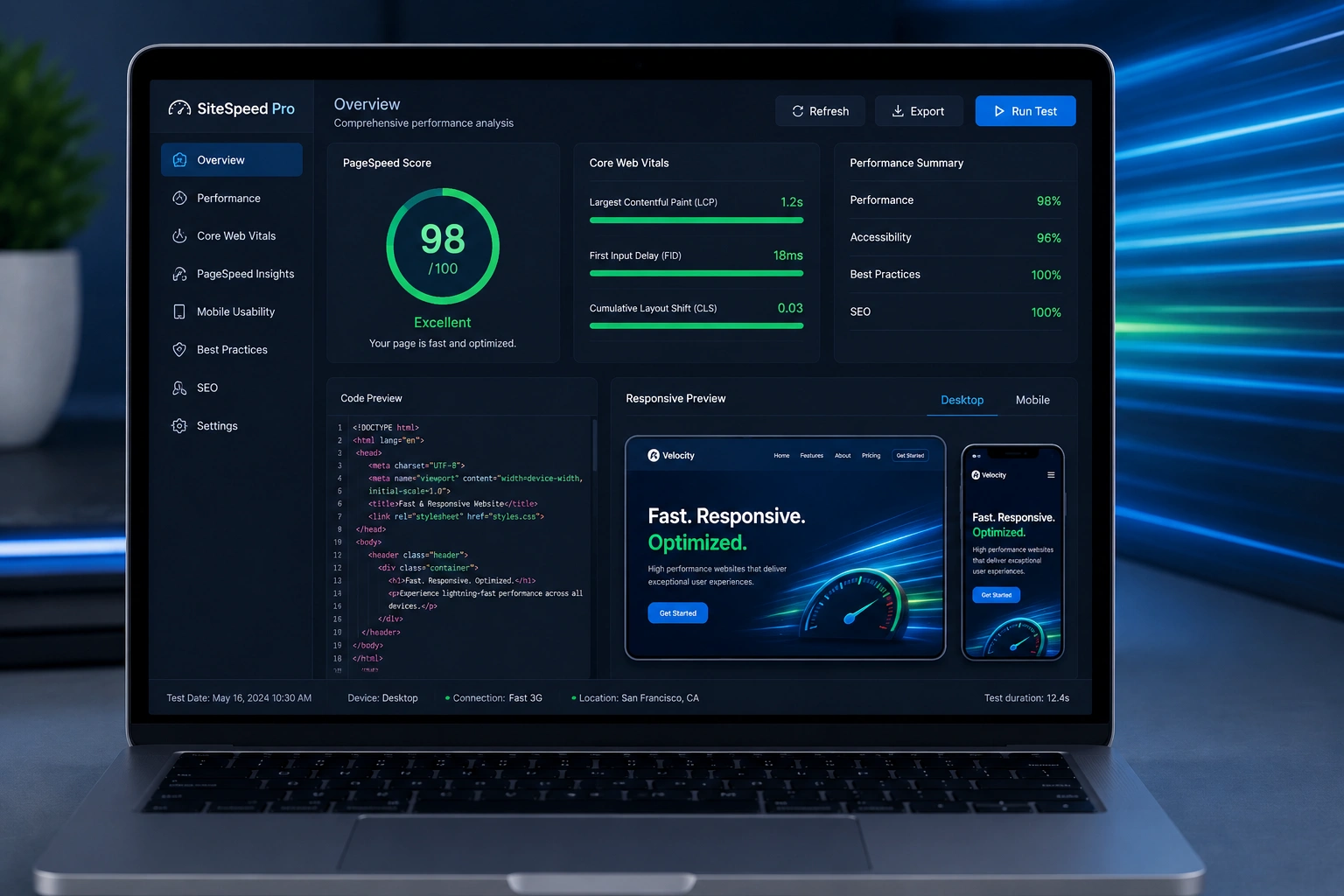
Google agrees. Page speed is a ranking factor, especially on mobile. Core Web Vitals—metrics like Largest Contentful Paint (LCP), Interaction to Next Paint (INP), and Cumulative Layout Shift (CLS)—directly influence your search visibility.
From my experience, most slow sites I audit suffer from bloated images, unoptimized code, and designs that weren’t built mobile-first. That’s where responsive web design shines: it delivers the right content for each device without loading unnecessary assets.
The Role of Responsive Web Design in Faster Loading
Responsive web design isn’t just about looking good on phones—it directly impacts speed. A well-implemented responsive site uses flexible grids, media queries, and efficient asset delivery so the browser downloads only what it needs.
In contrast, older fixed-width designs often force mobile users to download desktop-sized images and then scale them down. That’s wasted bandwidth.
When I handle website redesign services for clients, I always start with a mobile-first approach. This means building the smallest, fastest version first and progressively enhancing for larger screens. The result? Better performance scores and happier users across devices.
One comparison I’ve seen repeatedly: A client’s old non-responsive site loaded in 6.8 seconds on mobile. After redesign with clean responsive techniques, it dropped to 1.9 seconds. Traffic from mobile search increased noticeably within weeks.
How Site Speed Optimization Drives Business Results
Faster sites don’t just feel better—they make money. I’ve helped service businesses and online creators see real lifts after optimization.
For example, a coaching client using platforms like those from Thinkific or Kajabi had their main marketing site dragging. After I optimized it, their lead form submissions jumped because visitors stayed long enough to engage.
Good speed also supports better SEO. Google prefers fast, responsive web design sites. Combine that with quality content, and you rank higher without constant backlink chasing.
If you’re working with a websites design company, make sure they treat performance as a core feature, not an afterthought.
Step-by-Step: How I Optimize a Site for Speed
Here’s my proven process. I follow these steps on nearly every project:
- Run a Baseline Audit I use Google PageSpeed Insights and Lighthouse to identify issues. Focus on mobile scores first.
- Optimize Images Compress images, use modern formats like WebP, and implement lazy loading. For responsive setups, serve different sizes via srcset.
- Minify and Defer Code Remove unused CSS/JS, minify files, and defer non-critical JavaScript. On WordPress sites, I lean on the official WordPress.org ecosystem with lightweight plugins.
- Enable Caching and Compression Browser caching for repeat visitors and server-side Gzip/Brotli compression.
- Improve Hosting and CDN Switch to faster hosting if needed and use a Content Delivery Network to serve assets closer to users.
- Test and Monitor Check across real devices, then set up ongoing monitoring.
This isn’t theory—I’ve applied it to dozens of sites, including projects through my work at Digital Wind IT.
Common Mistakes and Troubleshooting Slow Sites
Even experienced teams slip up. Here are the pitfalls I fix most often:
- Overloading with Plugins/Themes: Especially on WordPress. More features often mean more bloat. I audit and remove anything unnecessary.
- Unoptimized Third-Party Scripts: Analytics, chat widgets, and social embeds can kill performance. Load them asynchronously or defer them.
- Ignoring Mobile: Desktop might look fine, but mobile suffers. Always test with real network conditions (throttled 3G/4G).
- Large Hero Images Without Optimization: A common redesign mistake. Use responsive images and proper formats.
- Cumulative Layout Shift: Elements jumping around as the page loads frustrates users and hurts scores.
If your site feels slow, start by testing it yourself on PageSpeed Insights. Fix the biggest red flags first—usually images and render-blocking resources.
Frequently Asked Questions
How fast should my website load?
Aim for under 3 seconds total, with LCP under 2.5 seconds. Faster is better, especially on mobile.
Does responsive web design slow down my site?
No—properly implemented responsive web design actually improves speed by serving appropriate assets per device.
Should I hire a web developer or use a page builder?
For serious site speed optimization, a developer can deliver custom, lean code that builders often can’t match without heavy customization.
How often should I check my site speed?
After any major update, and at least quarterly. Tools like Google Search Console help track Core Web Vitals over time.
Can website redesign services include speed optimization?
Absolutely. The best websites design company treats performance as integral to the redesign, not an add-on.
What’s the quickest win for better speed?
Image optimization and enabling caching usually deliver the biggest immediate gains.
Ready to Make Your Site Faster?
Responsive web design done right, combined with targeted site speed optimization, transforms how people experience your website. It’s one of the highest-ROI improvements you can make.
If your site feels sluggish or you’re planning updates, I can help. Check out my services at Shihab Morshed or reach out through Digital Wind IT to discuss your needs. Let’s build something fast, responsive, and effective.
What’s one speed issue you’re facing right now? Drop a comment below—I read them all.