
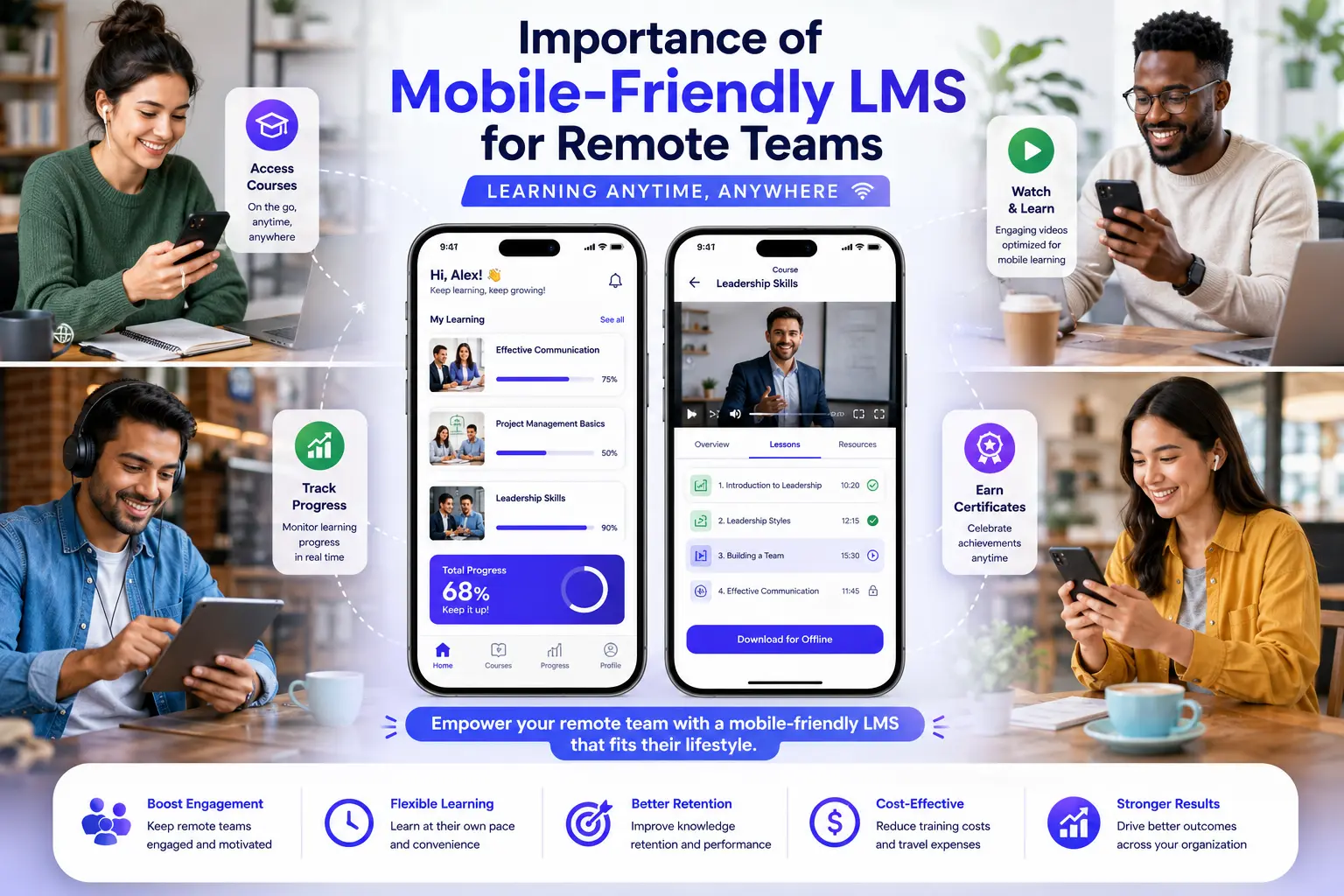
Remote and hybrid work is no longer a trend — it’s the standard for many organizations. Yet many companies still use learning management systems designed primarily for desktop use. The result? Low engagement, poor completion rates, and frustrated employees trying to complete training on small screens.
In my experience helping businesses build training platforms for distributed teams, a truly mobile-friendly LMS has become one of the most important factors for training success. When employees can learn anywhere, anytime, on any device, participation and results improve dramatically.
This post explores why mobile responsiveness matters so much for remote teams and how to ensure your learning management system supports today’s flexible workforce.
Why Mobile Access Is Critical for Remote Workers
Remote employees work from home offices, co-working spaces, client sites, or while traveling. They rarely sit at a desk with a large monitor all day. If your LMS isn’t optimized for phones and tablets, you’re creating unnecessary friction.
A mobile-friendly learning management system removes barriers and fits naturally into flexible schedules. Employees can complete short modules during commutes, lunch breaks, or between meetings — making learning feel achievable instead of overwhelming.
Key Benefits of a Mobile-Friendly LMS
Here’s what changes when your LMS works seamlessly on mobile devices:
- Higher Completion Rates — Employees are far more likely to finish training when they can do it conveniently.
- Better Engagement — Touch-friendly interfaces, easy navigation, and offline capabilities keep learners motivated.
- Increased Flexibility — Supports true asynchronous learning across time zones.
- Improved Knowledge Retention — Bite-sized, mobile-optimized content is easier to absorb.
- Inclusive Experience — Supports field workers, parents, and employees with limited computer access.
Comparison Insight: Platforms like LearnWorlds and Thinkific offer decent mobile experiences. Kajabi also performs reasonably well. However, a custom LMS built with mobile-first design usually delivers superior usability, faster loading times, and better offline functionality for truly distributed teams.
Real-World Example
A client with a fully remote sales team of 120 people struggled with their previous LMS. Desktop-focused design led to only 38% completion rates. After switching to a custom mobile-friendly LMS with offline access and responsive design, completion rates jumped to 91%. Sales reps started completing training between client meetings and while traveling. The company also saw faster product knowledge adoption and improved sales performance.
Step-by-Step: Creating an Effective Mobile-Friendly LMS
Follow this practical process:
- Understand Your Team’s Mobile Habits — Survey remote employees about devices and situations where they learn.
- Adopt Mobile-First Design — Prioritize small screens during development instead of adapting later.
- Ensure Fast Loading & Performance — Optimize images, videos, and code for mobile networks.
- Add Offline Capabilities — Allow downloading courses for areas with poor connectivity.
- Test Thoroughly — Have actual remote team members test on various phones and networks.
- Monitor Mobile Analytics — Track usage by device type and make continuous improvements.
- Provide Clear Mobile Guidance — Offer tips on the best way to use the LMS on phones.
This approach ensures your learning management system truly supports how remote teams work.
Common Mistakes That Hurt Mobile Experience
- Treating mobile as an afterthought instead of a priority
- Using heavy videos and large files without optimization
- Ignoring offline functionality
- Poor touch navigation and small buttons
- Failing to test with real remote employees
These mistakes lead to frustration and low adoption. If your current system has these issues, feel free to explore better options at Digital Wind IT.
FAQ: Mobile-Friendly LMS for Remote Teams
How important is offline access in a mobile LMS?
Extremely important for remote and field-based teams who often work in areas with unreliable internet.
What makes an LMS truly mobile-friendly?
Fast performance, responsive design, easy navigation, readable text, and offline capabilities.
Can I make my existing LMS more mobile-friendly?
Yes. A good developer can significantly improve responsiveness and add mobile-specific features.
Do all generations prefer mobile learning?
Most remote workers across age groups appreciate mobile access, though younger employees often expect it.
Is a custom LMS necessary for excellent mobile experience?
Not always required, but it gives the best control and performance for demanding remote teams.
Support Your Remote Team with Mobile Learning
A mobile-friendly LMS is no longer a nice-to-have — it’s essential for engaging and developing remote and hybrid teams effectively. When learning fits into real life instead of forcing people to adapt to the platform, you see higher participation, better retention, and stronger business results.
If your current learning management system isn’t delivering for your distributed workforce, it may be time to prioritize mobile optimization.
Ready to build or improve a truly mobile-first training platform? Visit Digital Wind IT for custom solutions or connect with me at Shihab Morshed.The future of work is mobile. Make sure your LMS is ready for it.






