
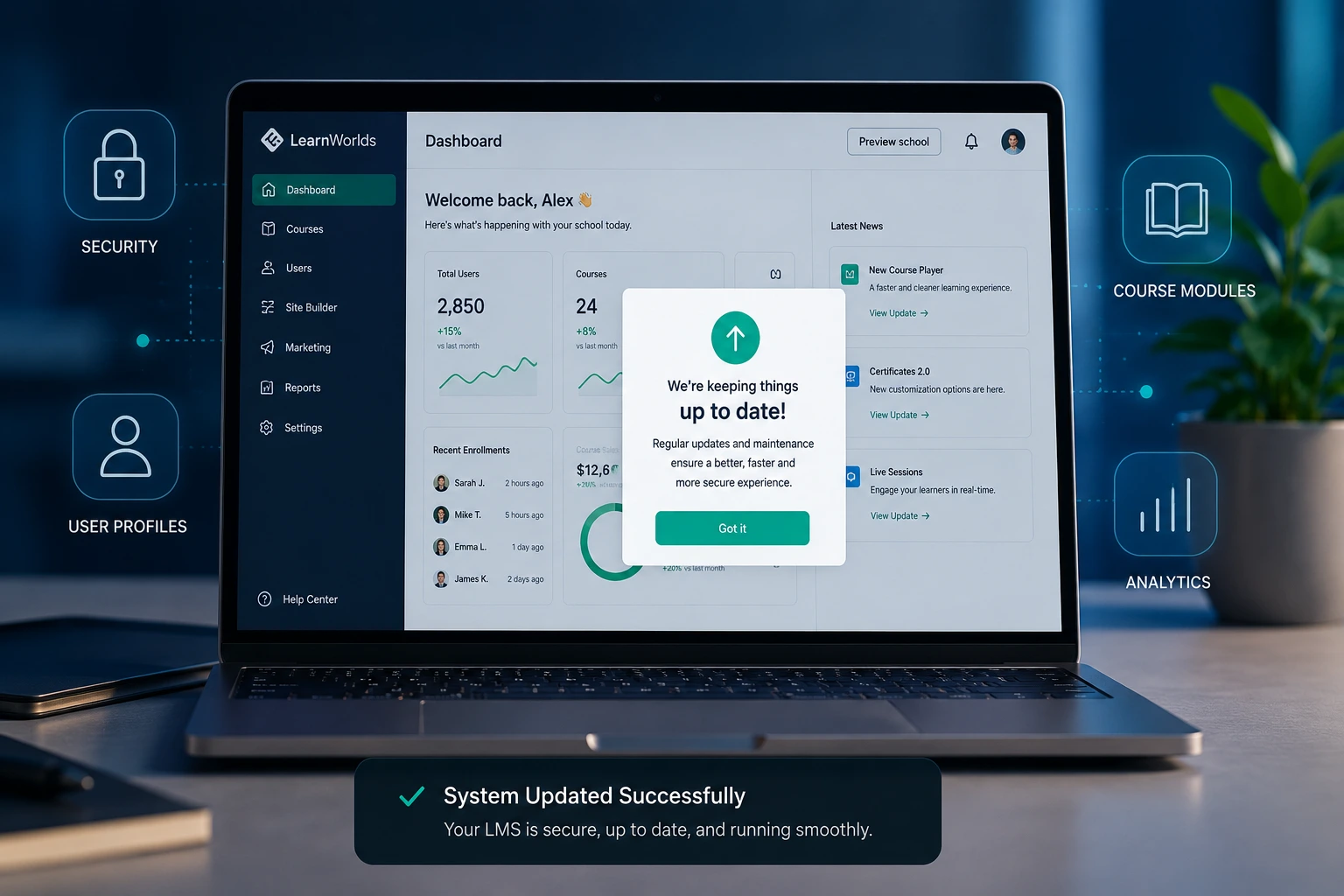
I’ve built and maintained dozens of LMS platforms over the years for coaches, training companies, and small businesses. One thing I’ve learned the hard way: an LMS that sits untouched for months quickly becomes a liability instead of an asset.
If you’re running online courses, employee training, or client education programs, regular LMS updates aren’t optional—they’re what keep your platform secure, fast, and actually useful. In this post, I’ll walk you through why maintenance matters, the real costs of neglect, and how partnering with a developer turns this ongoing work into a smooth, low-stress process.
What Regular LMS Updates Actually Mean
An LMS, or learning management system, is the backbone of your online education efforts. Whether you’re using a hosted platform or a custom-built solution, it needs consistent attention in several areas:
- Security patches to protect user data
- Feature improvements that match evolving learner expectations
- Content refreshes so courses stay relevant
- Performance optimizations for speed and mobile experience
- Integration updates with tools like payment processors, CRMs, or email systems
From my experience, most people only think about updates when something breaks. By then, it’s usually more expensive and disruptive than it needed to be.
The Real Risks of Skipping LMS Maintenance
Outdated systems create problems that quietly compound. Here’s what I’ve seen happen repeatedly:
Security vulnerabilities top the list. Hackers target education platforms because they often hold sensitive user information. Regular LMS updates close those doors before problems start.
Performance suffers too. Slow loading times frustrate learners. I’ve had clients come to me after their completion rates dropped 30-40% because their platform felt clunky on mobile devices.
Content becomes stale. Learners notice when examples, videos, or statistics are years old. This damages trust and reduces the perceived value of your courses.
One client I worked with ran a popular certification program on an older LMS. They hadn’t updated in over a year. Suddenly, their payment integration failed during a big launch, costing them several thousand dollars in lost sales and support headaches. We migrated and set up proper maintenance afterward. The difference was night and day.
How Regular Updates Drive Business Results
Keeping your LMS current isn’t just technical housekeeping—it directly impacts your bottom line.
Updated platforms see higher completion rates and better learner satisfaction. Modern features like progress tracking, gamification, and personalized learning paths keep people engaged longer.
For businesses selling courses, this translates to more repeat customers and stronger word-of-mouth. For internal training, it means employees actually finish their required modules instead of putting them off.
I always recommend comparing platforms when evaluating maintenance needs. For example, hosted solutions like Thinkific handle many updates automatically on their end, which works great for beginners. But custom or self-hosted LMS setups give you more control—and require more hands-on attention from someone who knows the system inside out.
Step-by-Step: How a Developer Keeps Your LMS Healthy
Here’s the practical process I follow with clients for ongoing LMS maintenance:
- Initial Audit – Review current version, security status, performance metrics, and integration health. Identify quick wins and long-term needs.
- Update Scheduling – Set a realistic cadence. Core security updates happen monthly or as patches release. Bigger feature updates happen quarterly.
- Testing Environment – Never update the live site first. I create a staging version to test everything thoroughly.
- Backup Routine – Automated daily or weekly backups ensure nothing gets lost if something goes wrong.
- Content Review – Schedule regular checks of course materials. Update statistics, refresh videos, and fix broken links.
- Performance Monitoring – Use tools to track load times, error rates, and user behavior. Fix issues before learners complain.
- Documentation & Training – Keep clear records and show you (or your team) how to handle simple tasks yourself.
This structured approach prevents most emergencies and keeps everything running smoothly.
Common LMS Problems and How to Fix Them
Many issues I troubleshoot stem from the same root causes.
Problem: Slow site speed after adding new courses.
Fix: Optimize images, clean up unused plugins, and upgrade hosting if needed.
Problem: Broken mobile experience.
Fix: Test across devices regularly and prioritize responsive design updates.
Problem: Compatibility issues with new tools.
Fix: Choose flexible platforms and maintain clean integration architecture.
Problem: Users complaining about outdated interface.
Fix: Gradual UI/UX improvements instead of massive overhauls that confuse everyone.
The biggest mistake I see is treating your LMS like a set-it-and-forget-it tool. Even excellent platforms like those from LearnWorlds benefit from thoughtful customization and ongoing care.
FAQ: Your LMS Update Questions Answered
How often should I update my LMS?
Aim for security patches within days of release and full system reviews every 1-3 months. The exact frequency depends on your platform and traffic levels.
Can I handle LMS maintenance myself?
Basic tasks yes, but complex updates, custom features, or troubleshooting often need developer expertise to avoid breaking something.
What’s the cost of professional LMS maintenance?
It varies widely. Many of my clients invest a few hours monthly for ongoing support, which is far cheaper than emergency fixes or lost revenue.
Should I switch platforms instead of updating?
Only if your current LMS fundamentally can’t meet your needs. Often, proper maintenance and targeted custom development extend the life of your existing system significantly.
How do developers help with custom LMS features?
We build tailored functionality—like unique reporting, advanced certifications, or specific integrations—that off-the-shelf platforms can’t provide.
Keep Your Learning Platform Strong
Your LMS is more than software—it’s the foundation of your education business or training program. Regular updates protect your investment, improve learner experience, and support long-term growth.
Don’t wait for problems to force your hand. Consistent LMS maintenance, especially with the right developer support, turns potential headaches into competitive advantages.
If you’re tired of worrying about technical issues or want to take your learning platform to the next level, reach out to me here. I also share more practical web and development insights at Digital Wind IT.
What challenges are you facing with your current LMS? Drop a comment below—I read and reply to every one.






