Over the years working as a Webflow expert, I’ve seen countless businesses struggle with basic templates that look good but fall short when it comes to real performance and scalability. That’s where a skilled Webflow developer or Webflow agency makes the difference. Instead of settling for static pages, they turn Webflow into a powerful, custom platform.
In this post, I’ll share practical ways a Webflow expert can integrate advanced features that actually move the needle — from dynamic content to seamless third-party connections. Whether you’re a founder looking to upgrade your site or a designer wanting to level up, you’ll walk away with actionable insights I’ve used across client projects.
Why Hire a Webflow Expert for Advanced Features
Most people start with Webflow because of its visual designer and clean code output. But the real power shows up when you go beyond drag-and-drop.
A good Webflow developer knows how to blend no-code speed with custom development. This means faster load times, better SEO, and experiences that feel native to your brand. According to Webflow’s own data, sites built with advanced interactions and proper CMS structure often see significantly higher engagement rates.
I’ve worked on projects where adding advanced features reduced bounce rates and increased conversions. The difference isn’t flashy effects — it’s thoughtful implementation that solves real user problems.
Core Benefits of Advanced Webflow Integrations
When a Webflow agency or expert properly integrates advanced features, several things happen:
- Performance & Speed: Clean custom code and optimized interactions keep sites lightning fast.
- Scalability: Dynamic CMS collections let you manage hundreds of pages without touching code.
- User Experience: Advanced animations and logic create delightful, intuitive interfaces.
- Business Flexibility: Easy connections to tools like Memberstack, Zapier, or e-commerce platforms.
One client came to me with a static site that required developer help for every content update. After rebuilding with Webflow CMS and custom logic, they could manage everything themselves while gaining advanced functionality they never had before.
Real-World Example: Membership Platform Integration
A few months ago I helped a coaching client migrate from a clunky WordPress setup to Webflow. The goal was to create a membership area with gated content, progress tracking, and automated email flows.
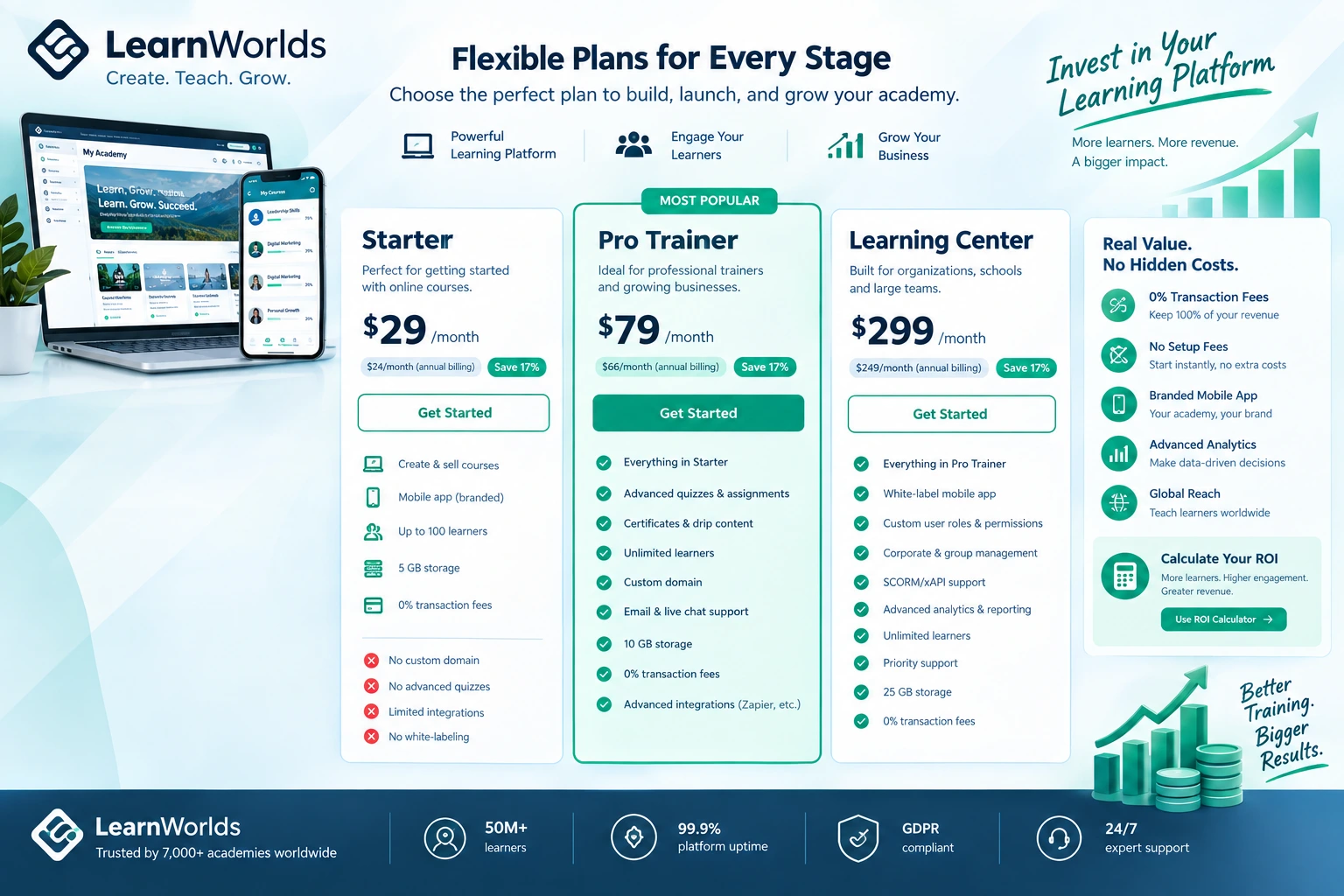
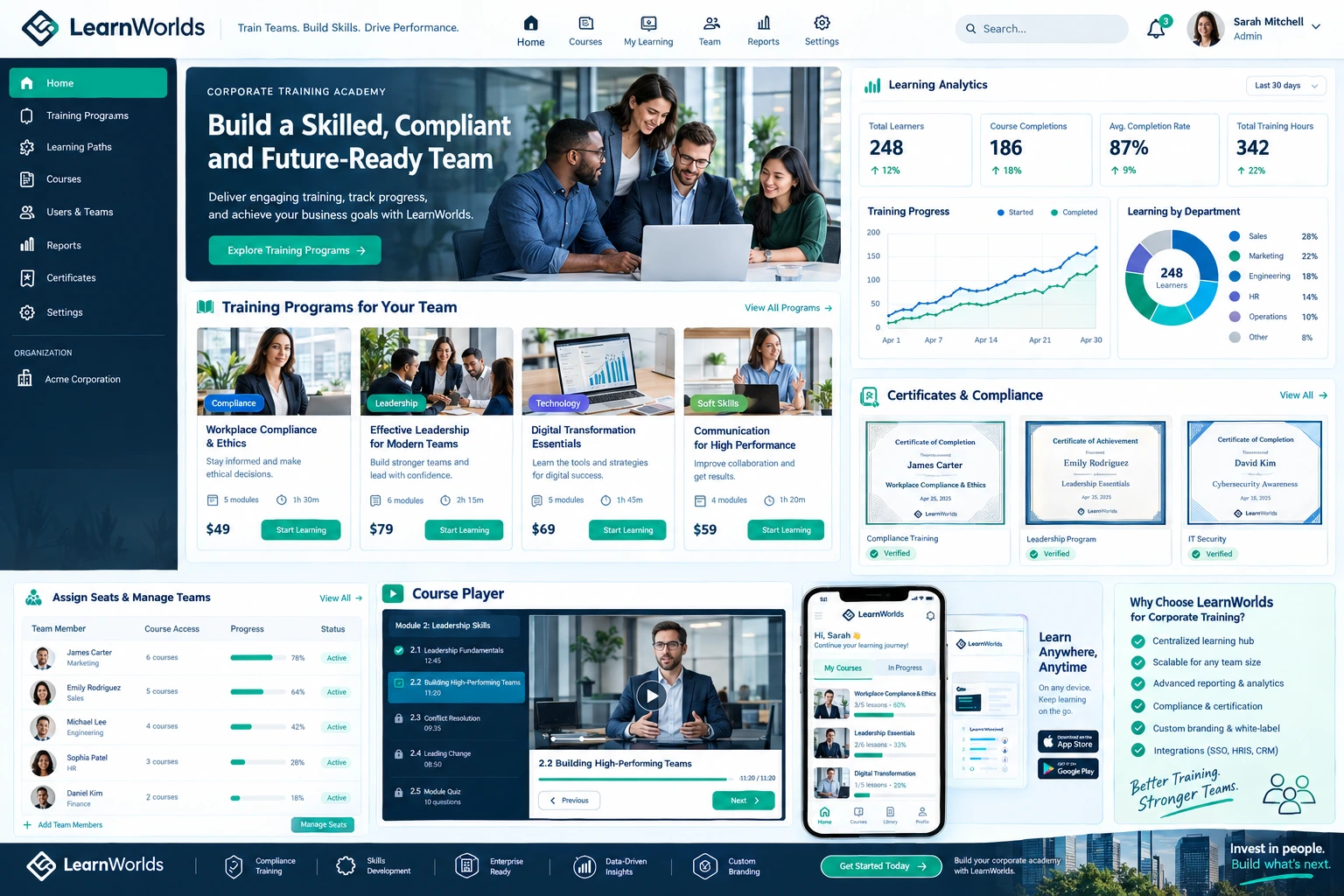
Using Webflow’s native tools plus strategic custom code, we integrated membership functionality that felt premium. The result? Higher retention and smoother user journeys. You can see similar approaches on platforms like LearnWorlds or Kajabi, but built directly in Webflow for more design control.
This project showed me how a Webflow expert can deliver enterprise-level features without the enterprise price tag.
Step-by-Step: How a Webflow Developer Integrates Advanced Features
Here’s the practical process I follow on most projects:
- Discovery & Planning I start by mapping business goals to specific Webflow capabilities. What needs to be dynamic? Where do users get stuck?
- Structure with Webflow CMS Set up robust Collection Lists and reference fields. This is the foundation for blogs, products, team pages, or course libraries.
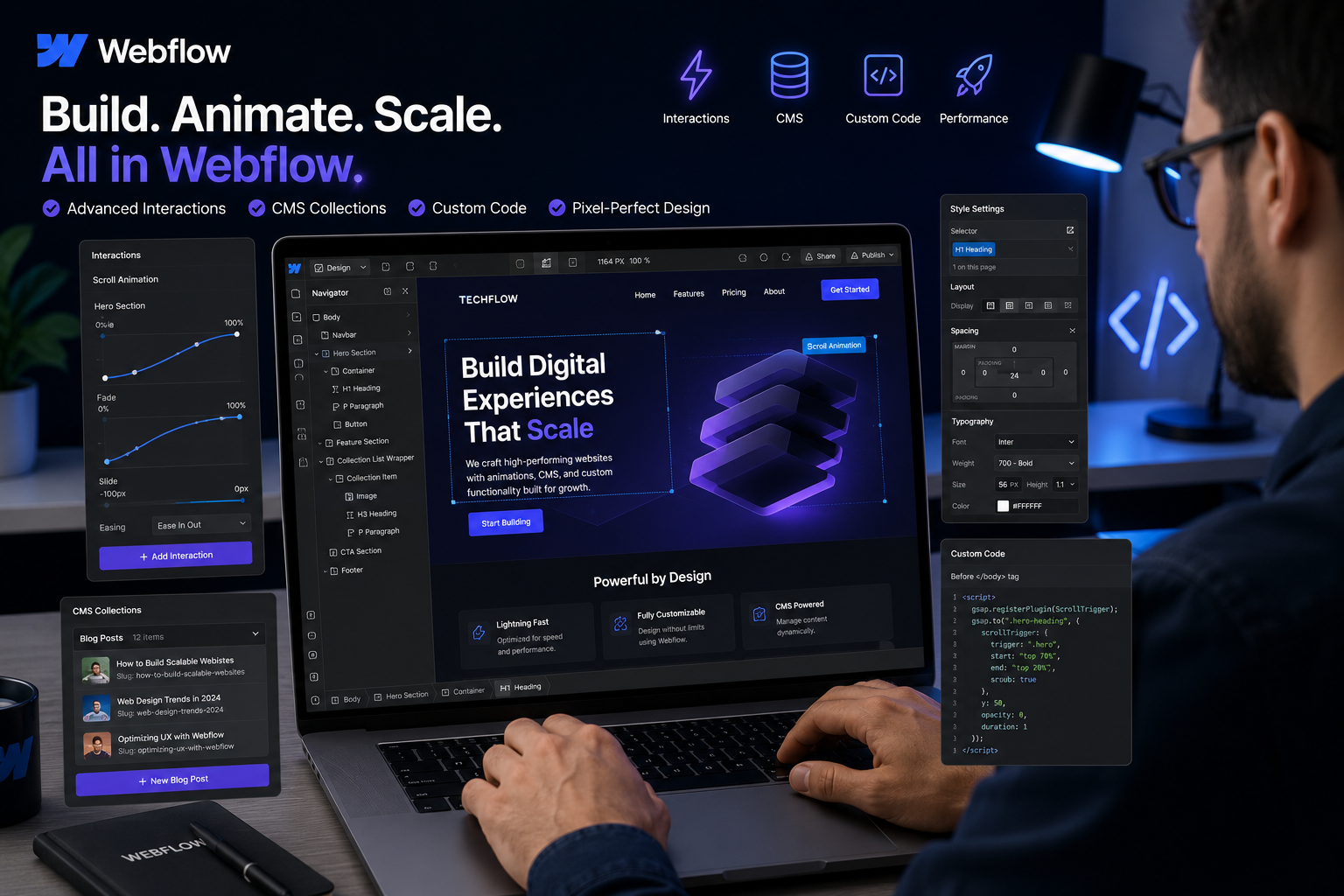
- Custom Code & Interactions Add custom JavaScript where native interactions aren’t enough. For example, building a multi-step form with conditional logic.
- Third-Party Integrations Connect tools like Stripe for payments, Airtable for data, or Zapier for automation. A Webflow agency usually has battle-tested solutions for these.
- Advanced Animations & Effects Use Webflow’s interaction system combined with GSAP or Lottie for complex scroll-triggered animations that don’t kill performance.
- Testing & Optimization Mobile testing, accessibility checks, and performance audits before launch.
This structured approach prevents the common trap of adding features that look cool but don’t serve the business.
Common Mistakes and Troubleshooting Advanced Webflow Features
Even experienced designers run into issues. Here are the ones I see most often and how to fix them:
- Overusing Interactions: Too many animations slow down the site. Solution: Prioritize meaningful motion and test on real devices.
- Poor CMS Architecture: Bad collection setup leads to maintenance nightmares. Always plan your fields and references early.
- Custom Code Conflicts: Poorly written scripts can break the designer. I always wrap custom code carefully and test incrementally.
- Integration Overload: Connecting too many tools creates complexity. Focus on 2-3 core integrations that solve your biggest problems.
If something breaks after an update, check the Webflow console first and review recent changes. Most issues come from conflicting scripts or unoptimized images. Webflow University has excellent troubleshooting resources.
Advanced Webflow Features FAQ
What advanced features can a Webflow expert add that basic users can’t?
A skilled Webflow developer can implement custom logic, complex animations, membership systems, dynamic filtering, e-commerce with advanced checkout flows, and seamless API connections.
How much does hiring a Webflow agency cost for advanced work?
It varies widely. Simple custom features might start around a few thousand, while full platforms with multiple integrations run higher. The value comes from long-term savings on maintenance and better performance.
Can Webflow handle e-commerce like Shopify?
Yes, especially with Finsweet or custom solutions. Many Webflow experts now build hybrid setups that combine Webflow’s design power with Shopify’s backend when needed.
Is custom code necessary for advanced Webflow sites?
Not always, but it unlocks features that native tools can’t handle efficiently. A good Webflow expert knows exactly when to use it and when to stay no-code.
How long does it take to add advanced features to an existing Webflow site?
Simple integrations take days, while full membership platforms or complex dashboards can take weeks. Proper planning speeds everything up.
What’s the best way to find a reliable Webflow expert?
Look for professionals with a strong portfolio of complex projects. Check case studies and ask about their integration experience. My own work is at shihabmorshed.com and digitalwindit.com.
Ready to Build Something Powerful?
Working with a Webflow expert who truly understands advanced features can transform your website from a simple online presence into a growth engine. The combination of beautiful design, smart functionality, and maintainable code is hard to beat.
If you’re tired of fighting with your current platform or want to unlock the full potential of Webflow, I’d love to chat. Head over to shihabmorshed.com and let’s discuss your project.
What advanced feature are you most interested in adding to your site? Drop a comment below — I read and reply to every one.