As an independent educator or solo course creator, you wear every hat — teacher, marketer, tech support, and business owner. The last thing you need is a complicated platform that requires a team or drains your budget.
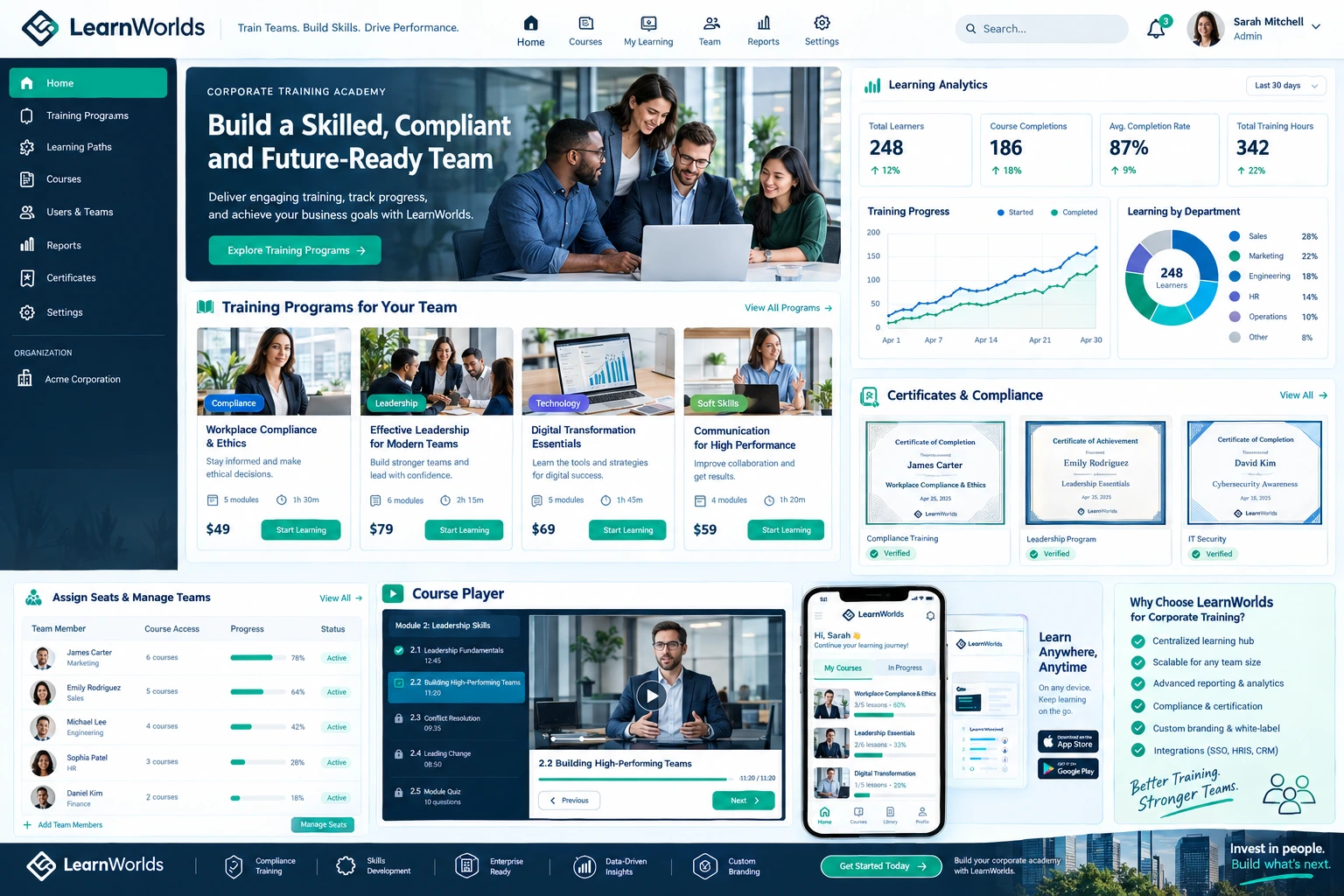
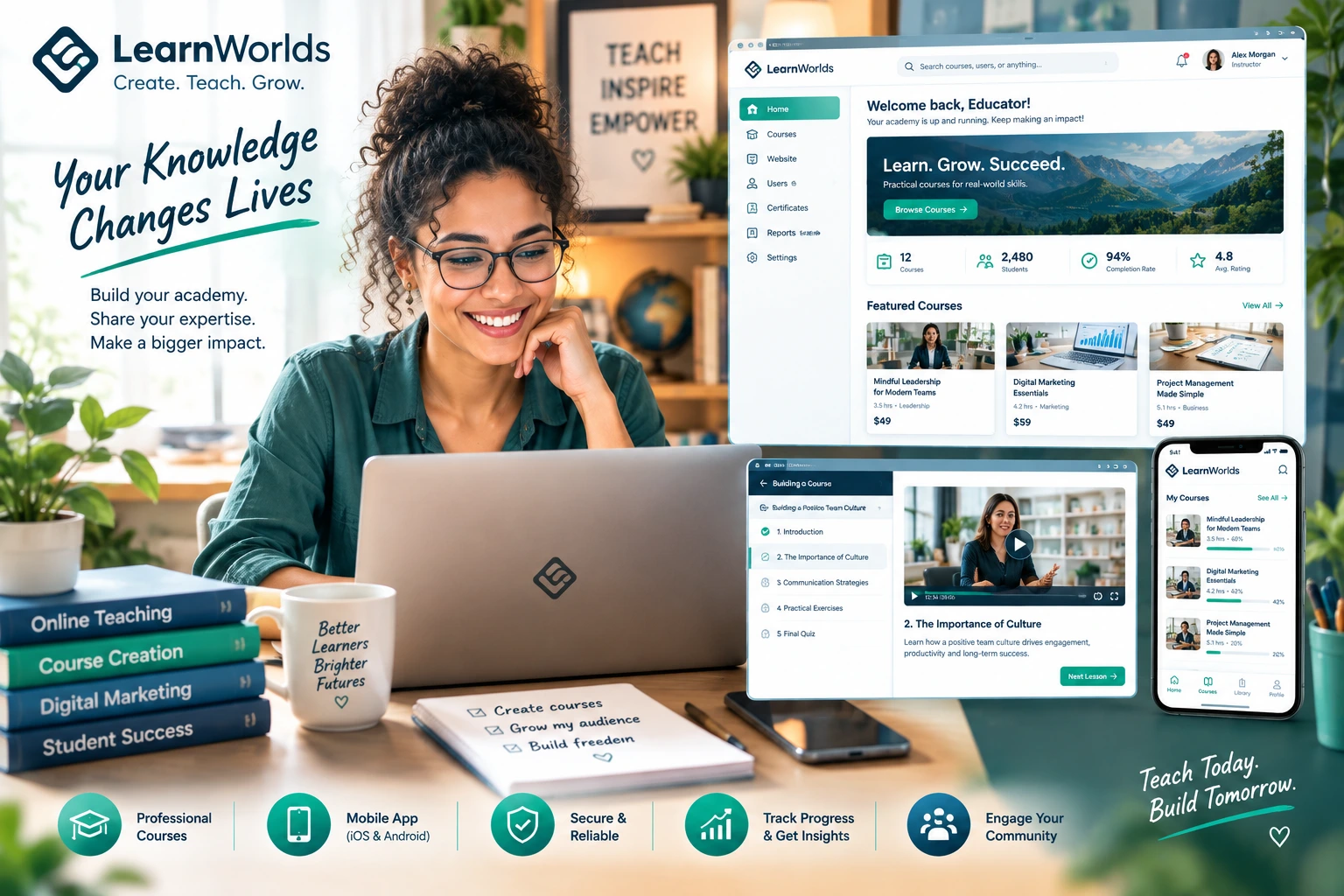
LearnWorlds stands out as one of the best online class platforms for people like us. It gives you professional tools to create course online and make online courses without needing developers, designers, or expensive add-ons. I’ve seen many solo educators go from scattered lessons to polished academies that actually generate steady income.
In this post I’ll explain exactly why LearnWorlds feels tailor-made for independent educators and how it can support your growth.
Full White-Label Branding Without the Headache
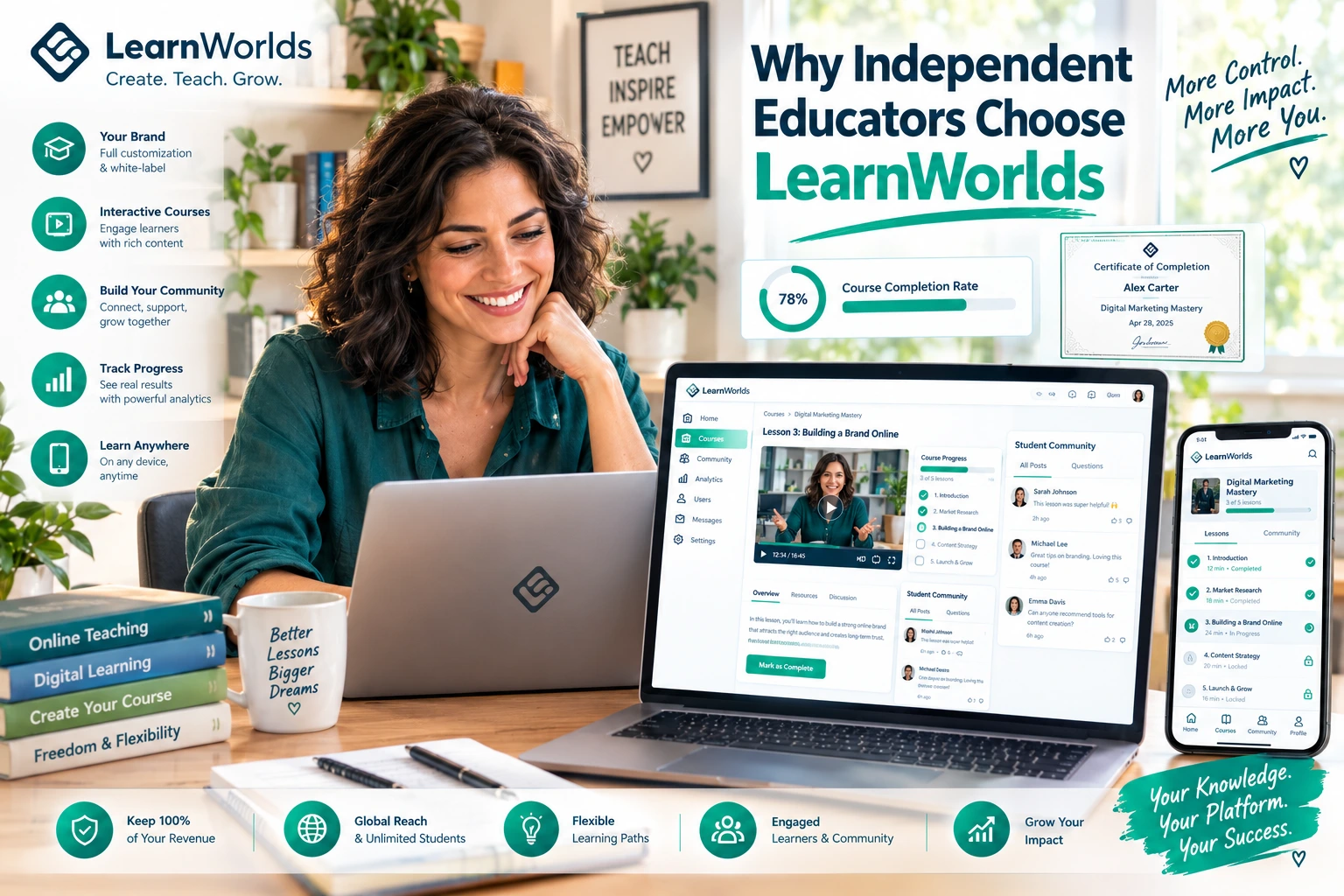
One of the biggest wins for solo creators is true white-label control. You connect your own domain, remove any platform mentions, and make the entire academy look and feel like your personal school.
No more “powered by” badges that make your work feel less professional. Students see your brand everywhere — from the homepage to certificates and emails. This builds trust fast, especially when you’re competing with bigger names.
Many independent educators I’ve worked with say this single feature made their offerings feel premium from day one.
Branded Mobile App That Reaches Students Anywhere
Most learning happens on phones these days. LearnWorlds lets you create a fully branded native app for iOS and Android with no coding. Students get push notifications, offline access to videos, and a smooth experience that keeps them coming back.
For busy independent educators, this is huge. You don’t have to beg students to check email or log into a clunky website. They open your app like they would any favorite tool.
I’ve watched completion rates improve noticeably once the app went live for solo creators.
Interactive Tools That Make Teaching More Effective
Independent educators often struggle with low engagement when content is just videos and PDFs. LearnWorlds changes that with interactive video (quizzes and hotspots inside the video), branching scenarios, gamification, assessments, and certificates.
You can create real learning experiences that help students actually retain and apply what you teach. This leads to better results, stronger testimonials, and easier repeat business.
The platform’s 50+ ready templates also mean you can launch a good-looking academy quickly instead of spending weeks on design.
Easy Setup and Affordable for Solo Creators
Many educators tell me they had their first courses live in under a week using LearnWorlds. The intuitive builder and templates remove technical barriers so you can focus on teaching.
Support is another strong point — responsive, helpful, and knowledgeable. Several creators mention feeling “cared for” by the team, which matters a lot when you’re running everything yourself.
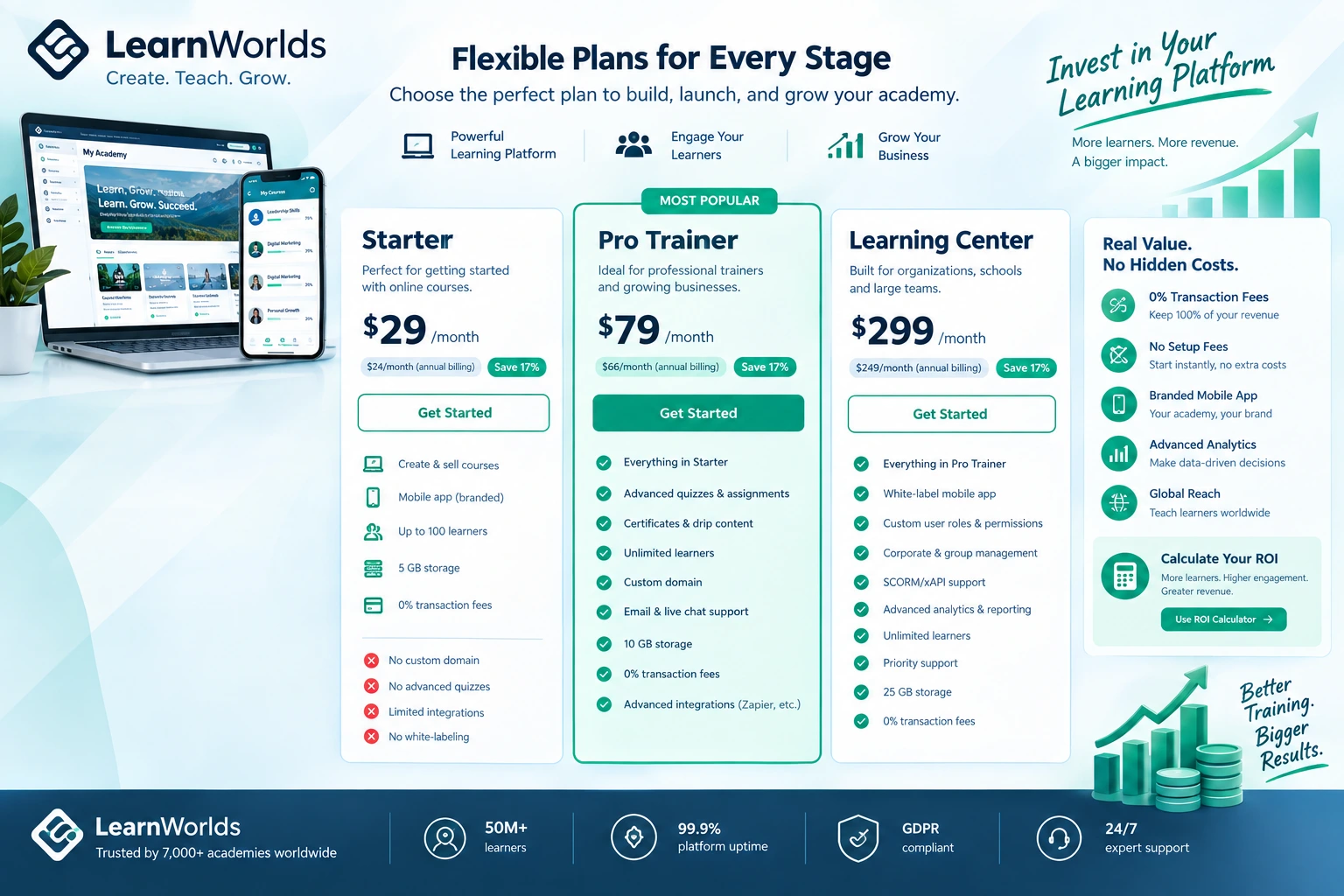
Pricing starts at an accessible level for testing ideas, with higher plans that remove fees as you grow. It often costs less overall than piecing together multiple tools (video hosting, community, email, etc.).
Real Example: From Solo Teacher to Sustainable Business
Charlie Baxter from The British English Podcast shared that in six months with LearnWorlds his revenue increased by $18K. Another educator built a full academy quickly and appreciated the affordability and ease for those just starting.
I’ve seen similar stories with language teachers, coaches, and subject-matter experts who previously juggled Teachable or free tools. Once they switched to LearnWorlds, branding, engagement, and monetization all improved without adding more work hours.
Step-by-Step: Getting Started as an Independent Educator
Here’s the simple path I recommend:
- Sign up for the 30-day trial on the official LearnWorlds site.
- Pick a template that matches your teaching style or niche.
- Customize branding and connect your domain.
- Build your first course with interactive elements — start small.
- Set up basic sales pages and pricing (one-time or membership).
- Enable the community space for student interaction.
- Launch the branded mobile app and test with a small group.
- Review analytics and adjust based on real feedback.
This process keeps things manageable even if you’re working alone.
Common Mistakes Independent Educators Make
Trying to launch with every feature at once — start simple and add interactivity or the app later.
Ignoring mobile from the beginning — most of your students will learn on phones.
Underusing the community tools — solo creators benefit hugely from peer support that reduces your workload.
Comparing only price instead of total time and tools saved.
Avoid these and you’ll get better results faster.
Data Insight for Independent Users
Thousands of creators and educators use LearnWorlds successfully. Many report strong ROI, with some seeing significant revenue growth in the first months. The platform powers over 12,000 schools, with many being solo or small-team operations that value the balance of power and simplicity.
Frequently Asked Questions
Is LearnWorlds good for complete beginners as independent educators?
Yes. Templates and the easy builder make it accessible, while advanced features let you grow without switching platforms.
How does it compare to simpler platforms for solo creators?
It offers more engagement and branding tools than basic hosts, helping you stand out and retain students better.
Can I run memberships or multiple courses easily?
Absolutely. Memberships, bundles, and learning paths are built-in and work well for independent educators expanding their offerings.
Do I need technical skills to use LearnWorlds?
No. Most setup is drag-and-drop, and support is readily available if you get stuck.
Is the branded mobile app worth it for independent educators?
For most, yes — it increases accessibility and engagement without extra cost or complexity on eligible plans.
Is LearnWorlds good for complete beginners as independent educators?
Yes. Templates and the easy builder make it accessible, while advanced features let you grow without switching platforms.
How does it compare to simpler platforms for solo creators?
It offers more engagement and branding tools than basic hosts, helping you stand out and retain students better.
Can I run memberships or multiple courses easily?
Absolutely. Memberships, bundles, and learning paths are built-in and work well for independent educators expanding their offerings.
Do I need technical skills to use LearnWorlds?
No. Most setup is drag-and-drop, and support is readily available if you get stuck.
Is the branded mobile app worth it for independent educators?
For most, yes — it increases accessibility and engagement without extra cost or complexity on eligible plans.
LearnWorlds feels ideal for independent educators because it removes the usual barriers while giving you professional-grade tools to create course online and make online courses that students love and recommend.
You don’t need a big team or huge budget to build something credible and sustainable. The platform handles the tech so you can focus on what you do best — teaching and helping others.
If you’re an independent educator ready to take the next step, visit https://shihabmorshed.com/ and download my free “Solo Educator Launch Guide.” It includes specific LearnWorlds tips I share with creators in your exact situation.
Your knowledge deserves a strong home. LearnWorlds can help you build one that supports your independence and growth.
What’s holding you back from launching your own academy right now? Share in the comments and I’ll give you a practical LearnWorlds tip.