Corporate training has shifted. Companies no longer want generic slideshows or expensive in-person workshops. They need flexible, branded, trackable programs that employees can complete on their schedule while still meeting compliance and skill goals.
LearnWorlds has become a strong choice for this because it functions as a full online class platform with enterprise-friendly tools. You can create course online with interactive elements, deliver training at scale, and maintain full brand control.
I’ve helped training providers and businesses set up corporate programs on LearnWorlds, and the difference in engagement and reporting is clear compared to basic tools. Here’s exactly how to use it effectively.
Why LearnWorlds Fits Corporate Training Needs
Traditional LMS platforms can feel clunky or overly expensive. LearnWorlds offers a modern, intuitive alternative with white-label branding, so your academy looks like it belongs to your company — not a third-party tool.
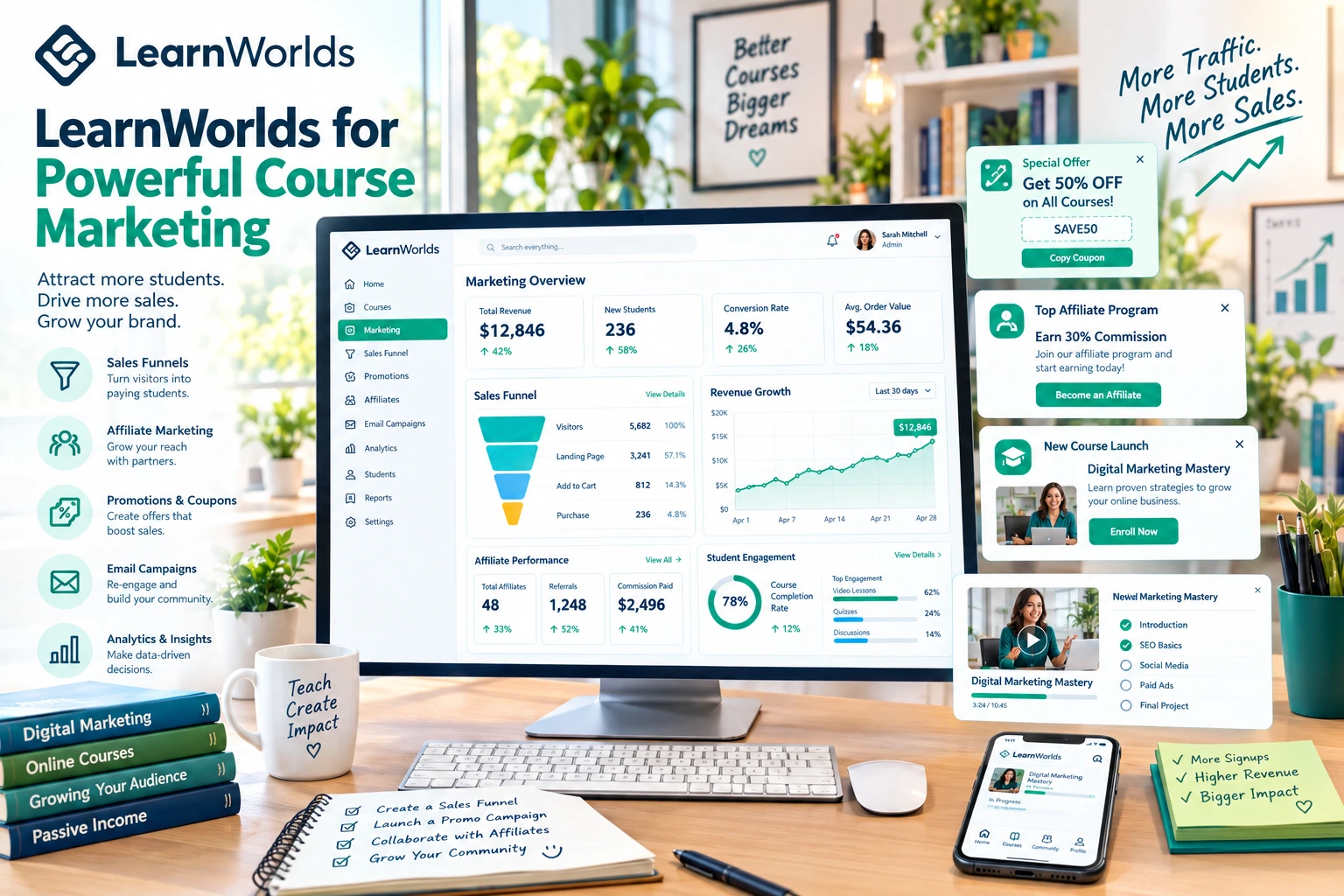
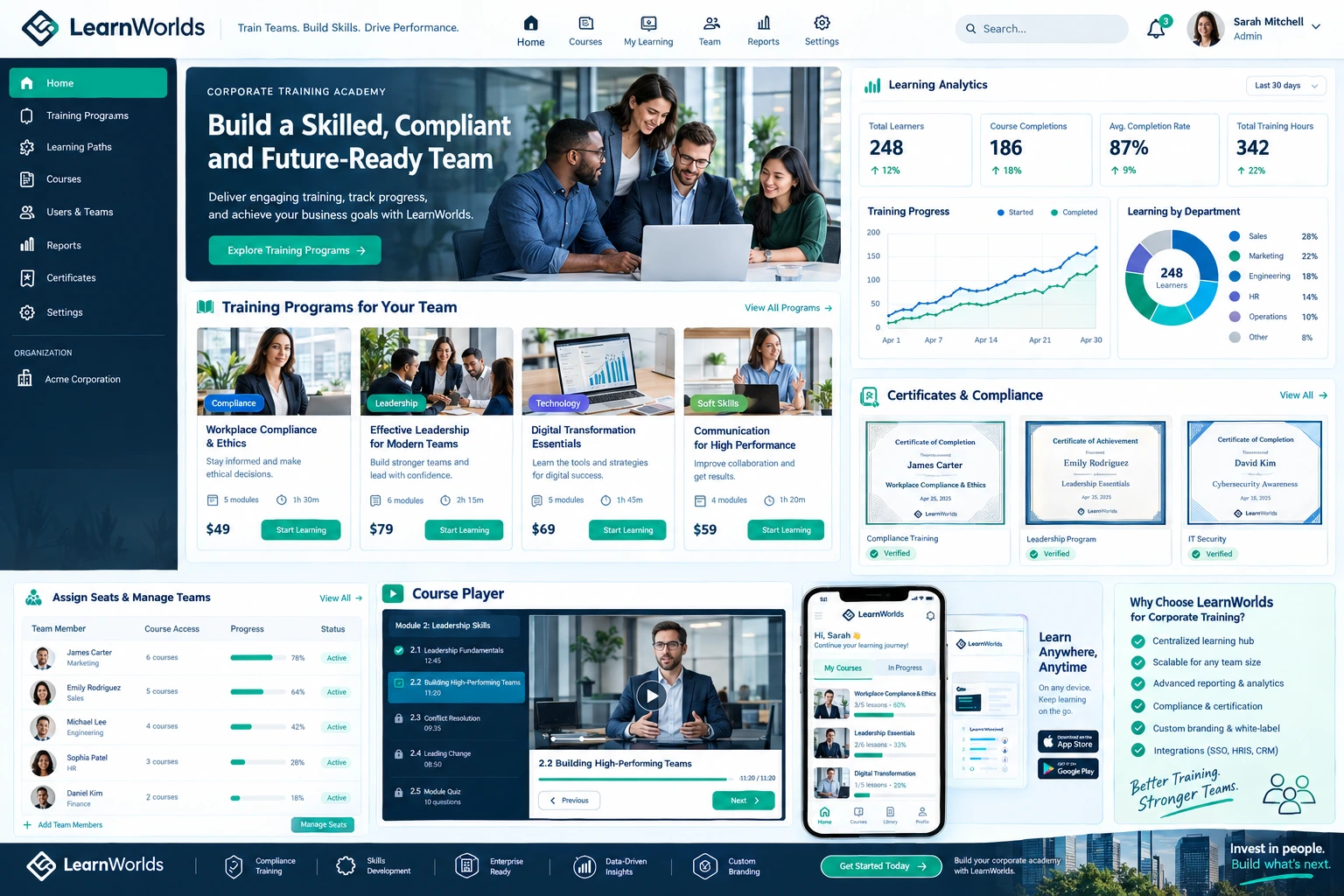
Key strengths include SCORM support for importing existing materials, advanced assessments, automated certificates, and detailed analytics for compliance and ROI tracking. For B2B training providers, features like seat management and bulk licensing make selling and delivering to multiple organizations much easier.
Whether you’re handling internal employee onboarding, compliance training, or external client programs, the platform supports both self-paced and blended learning with live sessions.
Essential Features for Corporate Training Programs
LearnWorlds provides several tools that directly solve corporate pain points:
- White-Label Branding & Custom Domain: Build a fully branded academy with your logo, colors, and domain.
- Seat Management & Bulk Licensing: Sell or assign seats to teams or entire companies with client-side user management and reporting.
- Interactive Content & Assessments: Create engaging modules with in-video quizzes, branching scenarios, surveys, and gamification.
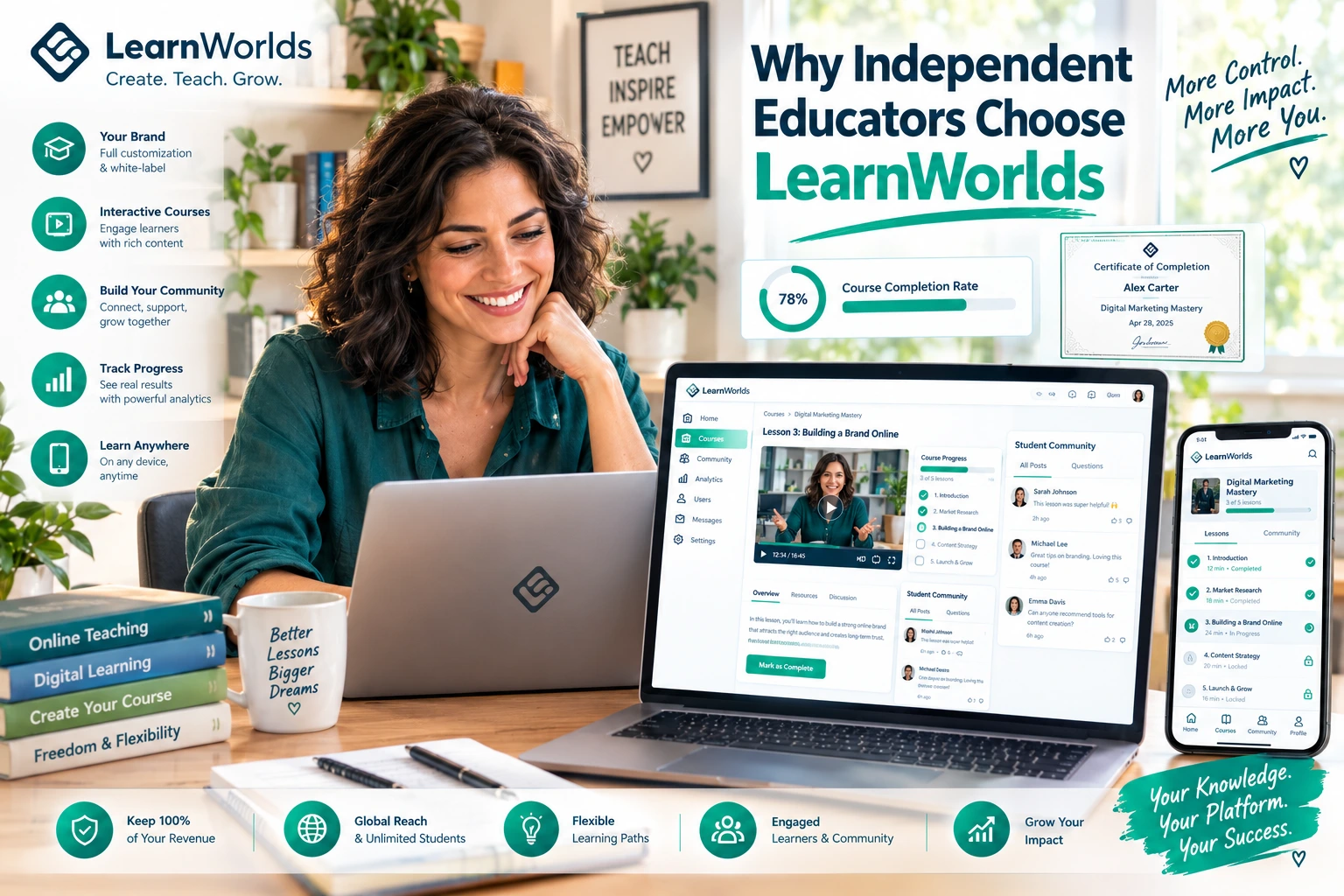
- Certificates & Compliance Tracking: Issue branded certificates and monitor completion for regulatory needs.
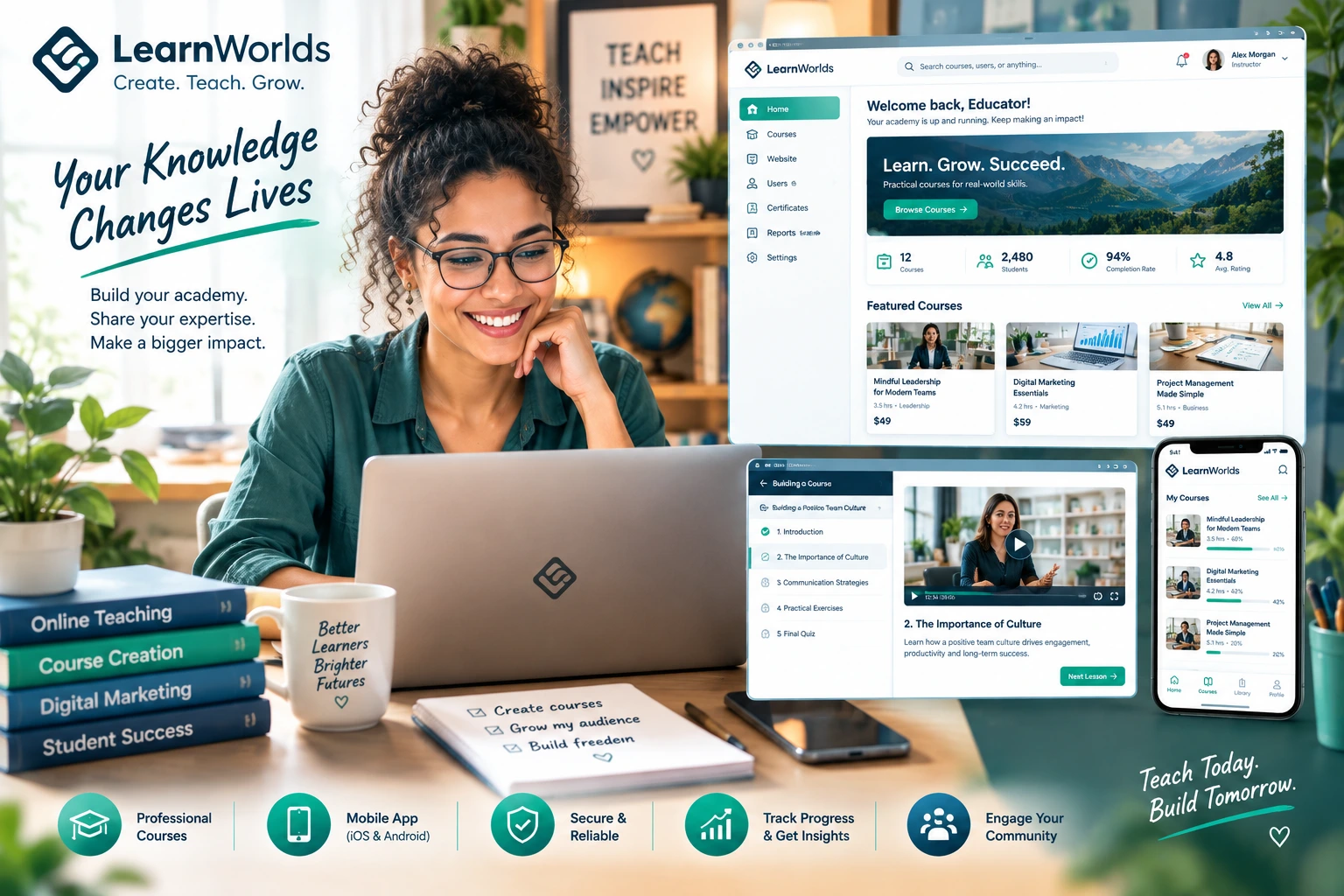
- Branded Mobile App: Employees access training on phones with push notifications and offline capabilities.
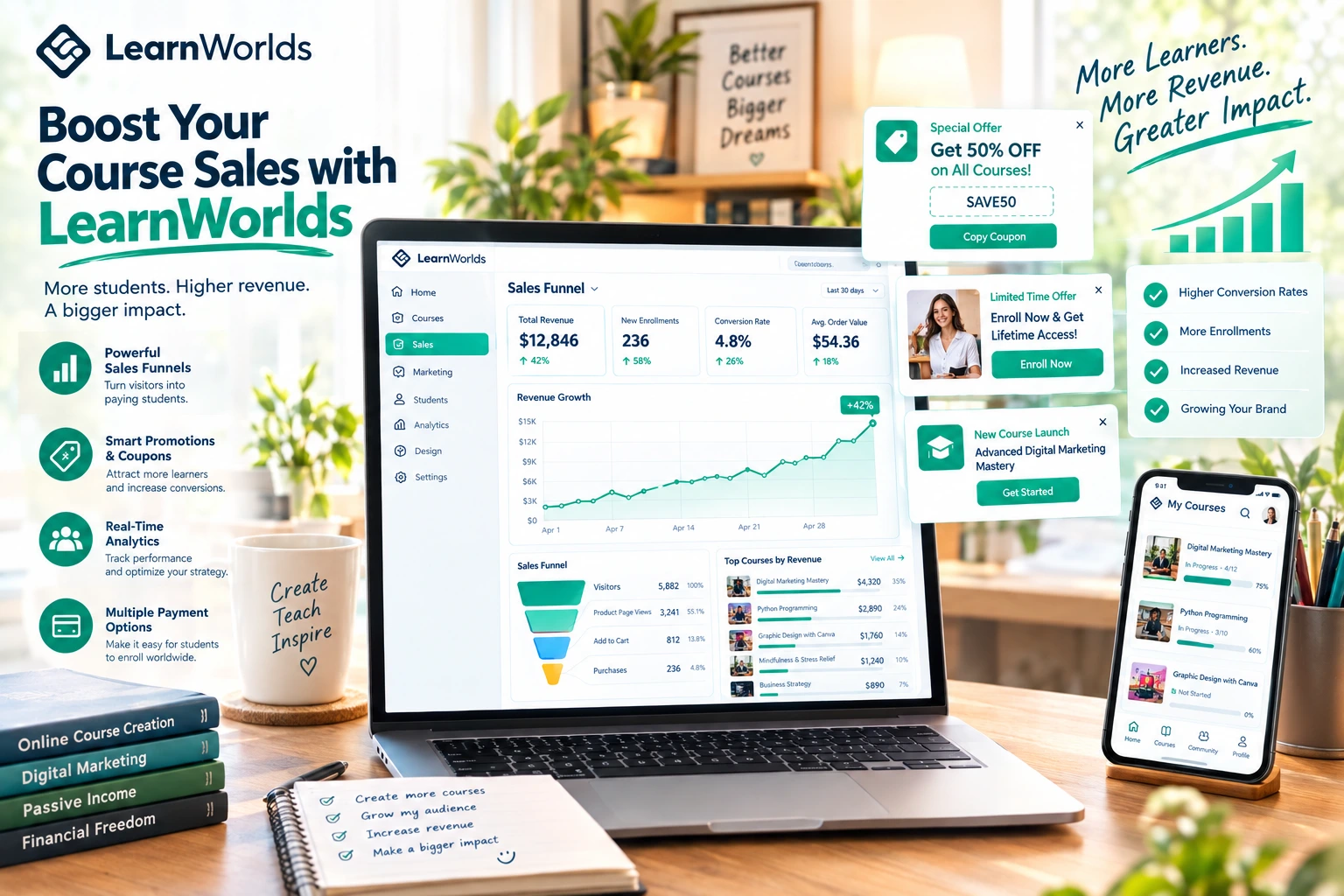
- Analytics & Reporting: Get insights on progress, engagement, and effectiveness — exportable for stakeholders.
These features let you deliver professional training without needing multiple systems.
Step-by-Step: Setting Up Corporate Training Programs in LearnWorlds
Here’s the practical workflow I recommend:
- Define Your Training Goals and Audience Clarify whether it’s internal employee development, compliance, customer onboarding, or partner enablement. Map required skills and compliance standards.
- Set Up Your Branded Academy Choose a template and customize with your company branding. Connect your custom domain for a professional look.
- Import or Build Content Upload existing SCORM packages or build new modules using interactive video, PDFs, quizzes, and live sessions. Keep modules bite-sized for busy professionals.
- Organize into Programs and Paths Group courses into learning paths with prerequisites. Use categories for different departments or topics.
- Configure Access and Seat Management For B2B, enable seat licensing so client companies can assign users and track their own team progress. Set role-based access if needed.
- Add Assessments, Certificates, and Automations Include mandatory quizzes and issue automatic certificates upon completion. Set up welcome sequences and reminders.
- Enable Mobile Access and Integrations Activate the branded app and connect with your existing tools (HR systems, email, analytics) via native integrations or Zapier.
- Test, Launch, and Monitor Run a pilot group, gather feedback, then roll out fully. Use built-in analytics to measure completion rates and effectiveness.
Most setups for a solid corporate program take 2–4 weeks, depending on content volume.
Real-World Impact: Corporate Training in Action
Companies like Wagamama have used LearnWorlds to deliver employee training online, saving significant time and money while maintaining consistent quality. Similarly, Workable built an academy that enrolled over 2,000 learners for customer training, reducing support tickets noticeably.
In one project I supported, a SaaS company moved their customer onboarding to LearnWorlds. They created interactive modules with the branded app, resulting in faster adoption and measurable skill improvements across client teams.
Common Mistakes to Avoid
Treating corporate training like consumer courses — keep content professional, concise, and goal-oriented.
Overlooking seat management for B2B clients — this feature streamlines bulk deals and client reporting.
Ignoring mobile optimization — employees learn on the go; the native app makes a big difference.
Not reviewing analytics regularly — data on completion and engagement helps prove ROI to leadership.
Fix these and your programs will run smoother with better results.
Data Insight from Corporate Users
Training providers and companies using LearnWorlds for B2B or internal programs often report strong outcomes, such as faster onboarding (one case showed 41% improvement) and reduced support needs. The combination of interactivity and detailed reporting helps demonstrate clear value to stakeholders.
Frequently Asked Questions
Is LearnWorlds suitable for large-scale corporate training?
Yes. It offers white-label features, seat management, and custom enterprise plans designed for high-volume training needs.
Does LearnWorlds support SCORM and compliance requirements?
It does. You can import SCORM content and use assessments plus certificates to meet many compliance standards.
How does seat management work for B2B corporate clients?
Clients can purchase seats, assign them to their employees, and access their own progress reports while you maintain overall control.
Can employees access training offline?
Yes, through the branded mobile app, which supports offline video downloads and learning on the go.
What pricing applies to corporate or enterprise use?
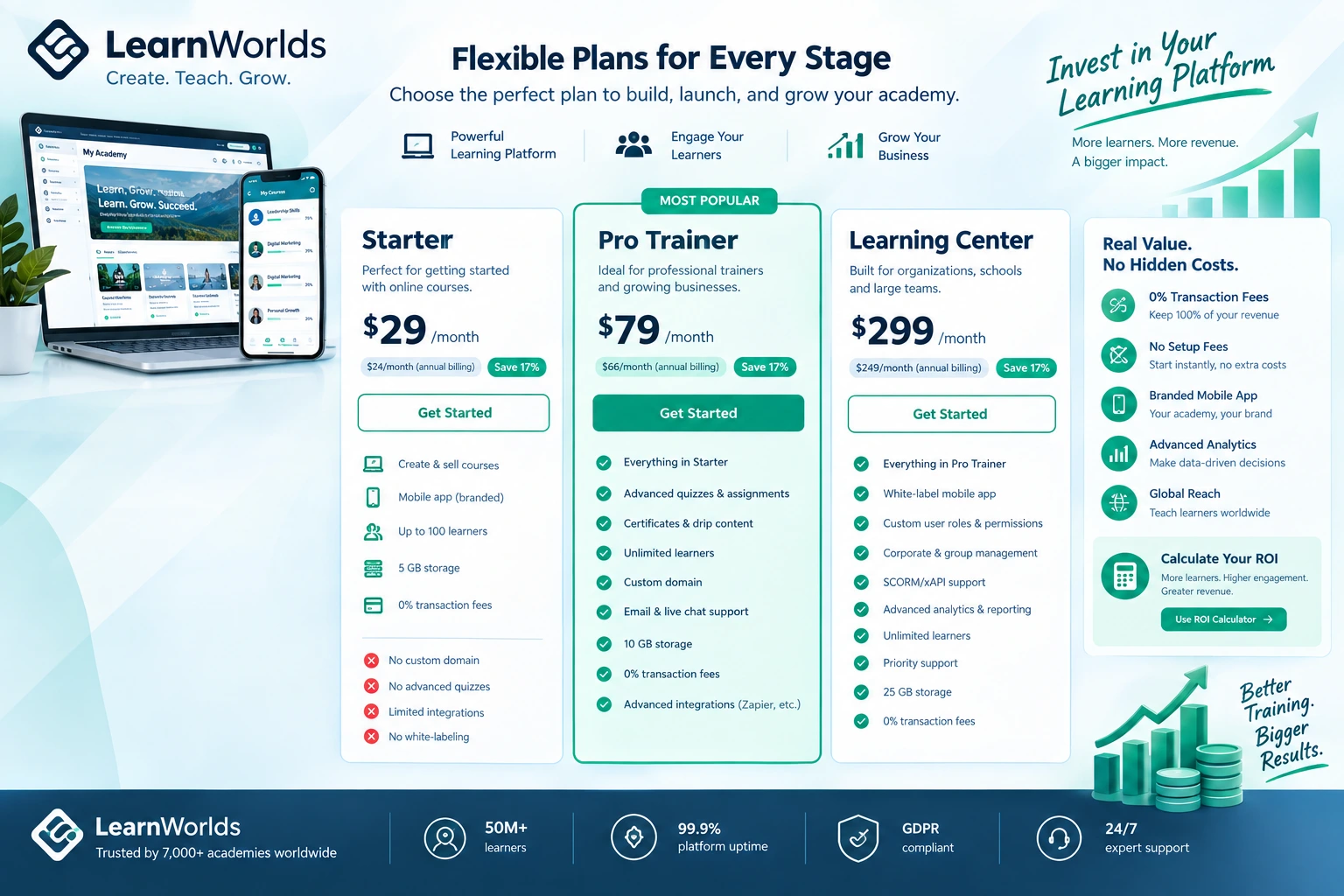
Plans scale with needs; higher tiers and custom enterprise options remove limits and add dedicated support for large programs.
Using LearnWorlds for corporate training programs gives you a modern, engaging, and scalable solution without the usual enterprise complexity.
Whether you’re training your own teams or delivering programs to clients, the platform helps you create course online with the professionalism and tracking that companies expect.
If you’re exploring options for your organization, head to https://shihabmorshed.com/ and download my free “Corporate Training Setup Checklist” — it includes LearnWorlds-specific recommendations I share with clients.
Your team or clients deserve training that actually sticks. LearnWorlds makes delivering it straightforward and effective.
What type of corporate training are you planning — internal, client-facing, or compliance? Share in the comments and I’ll offer a targeted tip.