
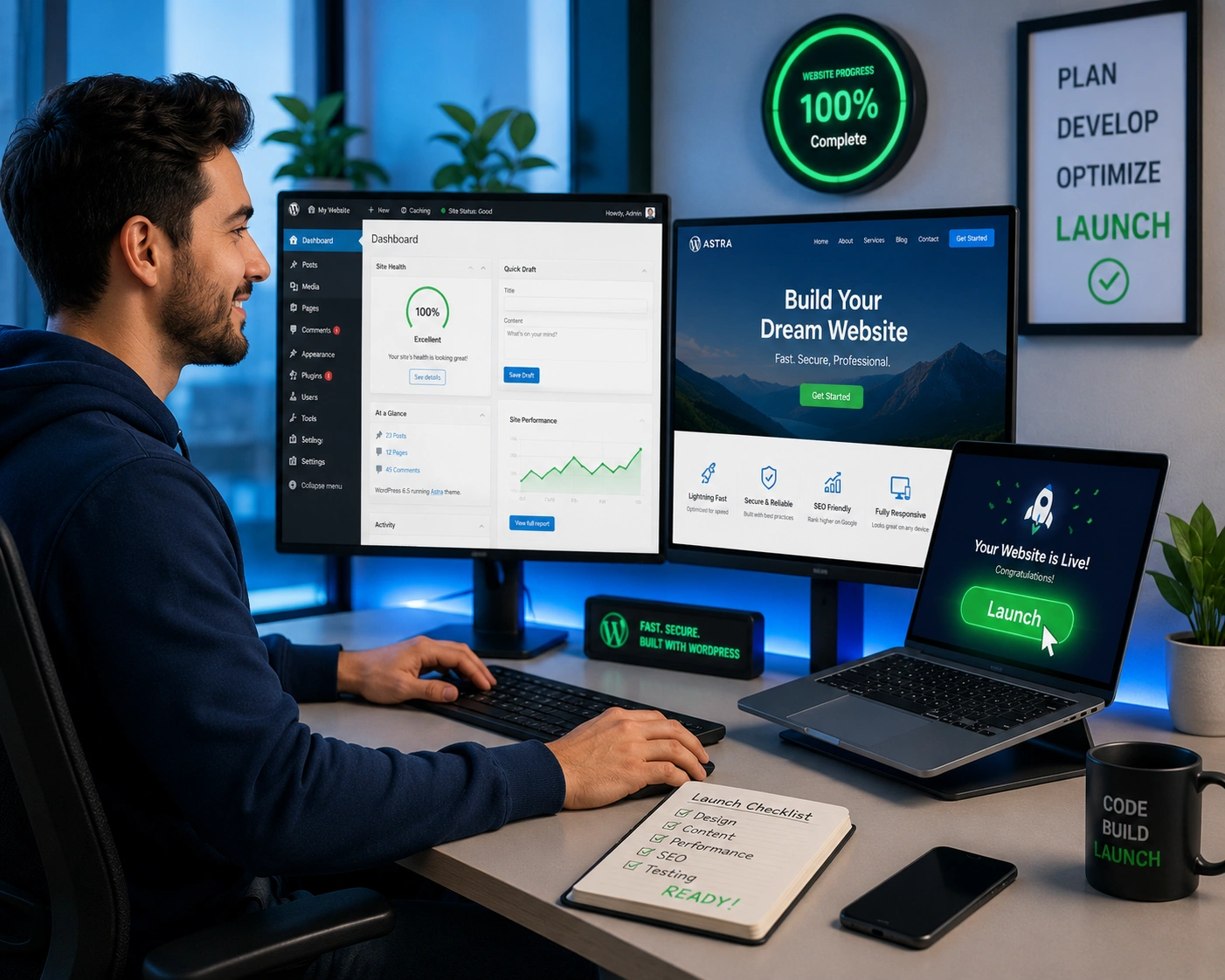
I’ve spent years building and fixing WordPress websites for clients who started the journey thinking they could do it all themselves. Most come back after weeks of frustration, realizing that launching a professional site involves far more than picking a theme and hitting publish.
If you’re a coach, course creator, small business owner, or freelancer ready to get online, working with a WordPress developer can cut your launch time dramatically while delivering better results. In this post, I’ll share exactly how that works based on real projects I’ve handled.
Why Most People Struggle to Launch a WordPress Website Alone
Building a WordPress website sounds straightforward until you actually start. You pick a hosting plan, install WordPress, choose a theme, and then spend hours trying to make everything look right. Suddenly you’re dealing with plugin conflicts, slow loading times, mobile responsiveness issues, and security headaches.
I’ve seen it countless times. One client spent three months tweaking Elementor blocks only to end up with a site that still felt slow and unprofessional. Another got hacked because they used outdated plugins they didn’t know how to update safely.
The truth is, a WordPress developer brings years of pattern recognition. We’ve seen the same problems hundreds of times and know the fastest, most reliable way to solve them.
The Real Advantages of Working with a WordPress Expert
Hiring a WordPress developer isn’t just about speed — it’s about avoiding expensive mistakes and building something that actually grows with your business.
Faster Time to Launch
What takes most beginners 4–12 weeks can often be completed in 1–3 weeks with an experienced developer. This isn’t because we work faster magically. It’s because we don’t waste time on dead-end solutions or trial-and-error configurations.
Better Performance and Security
Professional WordPress websites load quickly and stay secure. I always set up proper caching, image optimization, database cleanup, and security layers from day one. These aren’t afterthoughts — they’re built in.
Custom Functionality Without Bloat
Instead of stacking ten plugins that slow your site down, a good developer creates clean custom solutions or carefully selects lightweight alternatives.
For example, one of my clients needed a custom booking system for their coaching practice. Rather than using a heavy plugin that would slow everything down, we built a lightweight custom solution that integrated perfectly with their existing setup.
How a Fast WordPress Launch Impacts Your Business
Getting your WordPress website live quickly means you start generating leads, selling products, or building your email list much sooner. Every week you delay is lost opportunity.
I worked with a course creator who was losing potential students while her site was stuck in “almost ready” mode. After we took over, we launched in 12 days. Within the first month, she had her first 50 enrollments through the new site.
There’s also a psychological benefit. A polished, fast-loading site builds instant credibility. Visitors trust professional WordPress websites more than clunky homemade ones.
Step-by-Step: How We Launch a Professional WordPress Website
Here’s the exact process I typically follow with clients:
- Discovery & Planning We start with a clear brief — your goals, target audience, must-have features, and content. This prevents endless revisions later.
- Structure & Design I create a custom design tailored to your brand. We focus on user experience first — clear navigation, fast loading, and mobile-first approach.
- Development & Customization Using clean code and best practices, I build the site. This includes custom post types, advanced functionality, and performance optimization from the start.
- Content Integration & Testing We add your content, test on multiple devices and browsers, check speed scores, and fix any issues.
- Security & Launch Preparation Set up SSL, security plugins, backups, and performance monitoring. Then we move to your live domain with minimal downtime.
- Handover & Training I provide clear documentation and a quick training session so you can manage the site confidently going forward.
This structured approach is why my launches are consistently faster and smoother than DIY attempts.
Common Mistakes That Slow Down Your WordPress Launch
Many beginners make the same errors that turn a simple project into a nightmare:
- Installing too many plugins early on
- Choosing the wrong hosting plan for their needs
- Ignoring mobile responsiveness until the end
- Using heavy page builders without optimization
- Skipping proper backup and staging workflows
I once took over a project where the client had 47 plugins active. The site took 8 seconds to load. We reduced it to 12 essential plugins and brought load time under 2 seconds.
Another common issue is poor theme choice. Some premium themes look beautiful but come with terrible code that’s hard to customize. A WordPress developer knows which themes and builders work well together.
WordPress Developer vs DIY vs Other Platforms
Many people wonder whether they should use WordPress.org, Webflow, Shopify, or a page builder like Elementor alone.
For most service-based businesses and content sites, WordPress offers the best balance of flexibility, cost, and control. It powers over 43% of the web for good reason.
Compared to closed platforms, a custom WordPress website gives you ownership and the ability to scale without platform limitations. A skilled developer makes sure you get those benefits without the usual headaches.
FAQ: Hiring a WordPress Developer for Your Launch
How long does it actually take a WordPress developer to launch a site?
For a standard business or portfolio site, 1-3 weeks is realistic. Complex sites with memberships or e-commerce take longer, but still much faster than DIY.
Will I still be able to update my site myself after launch?
Yes. I always provide training and documentation so you can handle day-to-day updates confidently.
How much does hiring a professional WordPress developer cost?
It varies by project scope, but the time and frustration saved usually makes it a smart investment compared to months of your own time.
What if I already started building my WordPress website?
No problem. I regularly take over existing projects, clean up messy code, and finish them properly.
Is WordPress still a good choice in 2026?
Absolutely. With ongoing improvements to the block editor and core performance, WordPress remains one of the most powerful and flexible platforms available.
Ready to Launch Your WordPress Website Faster?
Building a successful online presence shouldn’t drain months of your time. A good WordPress developer handles the technical heavy lifting so you can focus on what you do best — running your business and serving your clients.
If you’re tired of spinning your wheels and ready to get your site live professionally, I’d love to help. Visit my homepage or check out recent work at Digital Wind IT to see what’s possible.
Drop me a message and let’s get your WordPress website launched the right way.






