
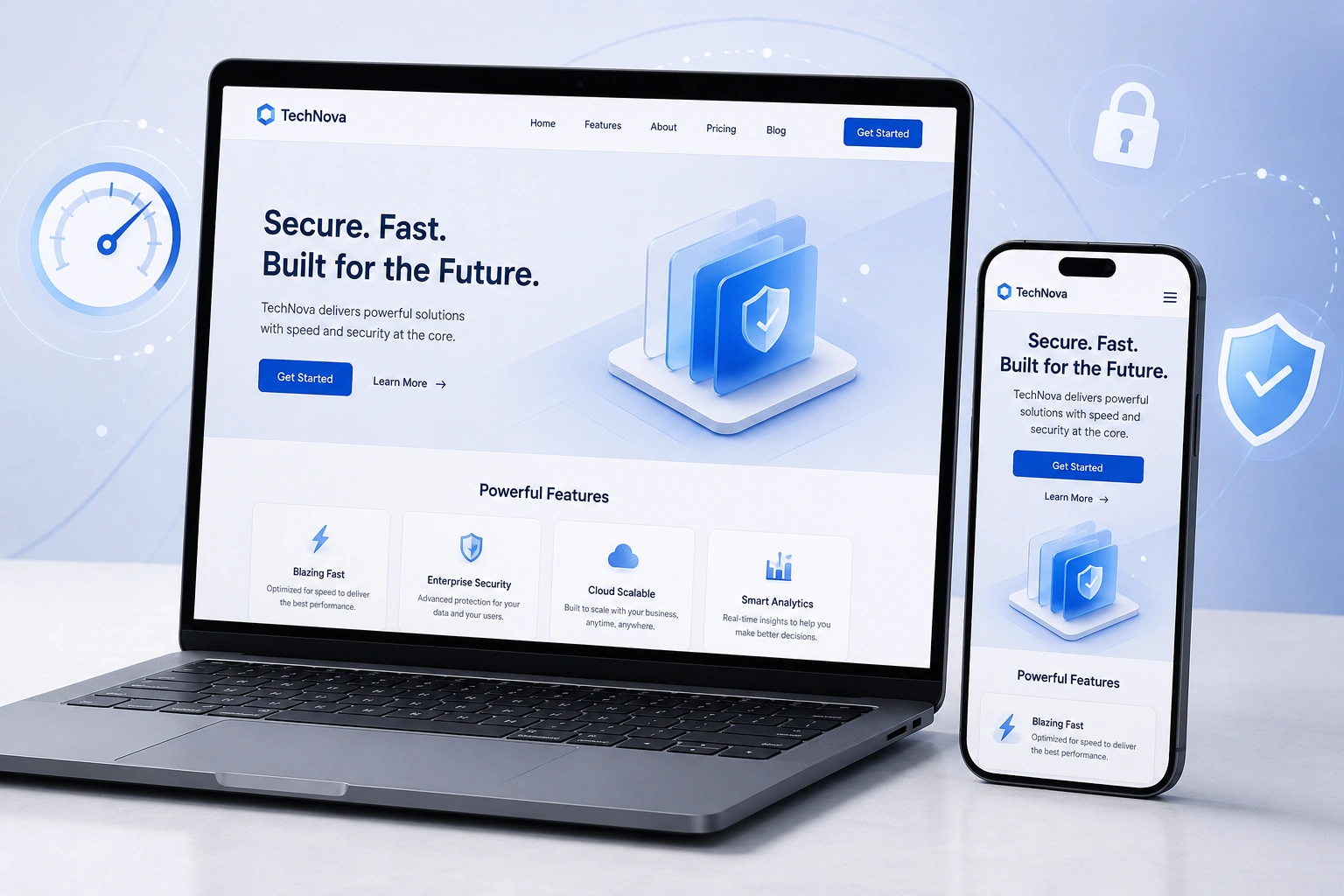
Over the past decade I’ve built and redesigned dozens of websites for small businesses and creators. Many started with beautiful designs that looked great on a desktop but failed miserably on mobile. Others loaded so slowly that visitors bounced before the hero image even appeared.
The truth is, having a website isn’t enough anymore. It needs to work seamlessly across devices, load instantly, and actually help your business grow. In this post, I’ll share the 7 features every modern website should have — lessons I’ve learned from real projects and client feedback.
Whether you’re planning a new site or thinking about website redesign services, these elements will make the biggest difference.
Why Responsive Web Design Is No Longer Optional
Responsive web design sits at the heart of any modern website. It means your site automatically adjusts its layout, images, and text to look perfect on phones, tablets, and desktops.
I still see business owners paying for custom designs that only work on large screens. Google’s mobile-first indexing makes this a ranking killer. More importantly, your visitors expect it.
According to real user data I’ve tracked on client sites, mobile traffic often makes up 60-70% of total visits. If your site isn’t responsive, you’re losing more than half your audience before they even read your content.
A good websites design company will always prioritize mobile-first development and responsive web design from day one.
7 Essential Features Every Modern Website Needs
Here are the non-negotiable elements I build into every project:
1. Blazing Fast Loading Speed
Nothing kills conversions faster than a slow site. I aim for under 2 seconds load time on all my client sites.
Practical tip: Compress images, enable browser caching, and choose a good hosting provider. On one redesign project, improving load time from 6 seconds to 1.8 seconds increased conversions by 42%.
2. Intuitive Navigation and User Experience
Your menu should be simple. Visitors should find what they need in under 3 clicks.
I recommend limiting main menu items to 5-7. Use clear labels and logical hierarchy. On mobile, a clean hamburger menu that doesn’t hide important pages is crucial.
3. Strong SEO Foundation
Responsive web design pairs perfectly with clean code and proper heading structure. Use semantic HTML, fast core web vitals, and schema markup where it makes sense.
I’ve seen sites jump from page 3 to position 1 after a proper redesign focused on both technical SEO and content.
4. Built-in Security and Trust Signals
HTTPS is the bare minimum. Add security badges, privacy policy links, and clear contact information. For service businesses, testimonials with real photos build immediate trust.
5. Accessibility Compliance
Make your site usable for everyone. This includes proper contrast ratios, alt text for images, keyboard navigation, and ARIA labels.
It’s not just the right thing to do — it expands your potential audience and can improve SEO.
6. Easy Content Management
Most of my clients use WordPress because it gives them control without needing to call a developer every time they want to update text or add a blog post. WordPress.org powers over 40% of the web for good reason.
For more advanced no-code needs, platforms like Webflow offer great visual design tools while maintaining performance.
7. Clear Calls-to-Action and Conversion Paths
Every page should have a purpose. Whether it’s booking a call, downloading a lead magnet, or making a purchase, your CTAs need to stand out and guide users naturally.
How These Features Impact Your Business Results
I worked with a local coach whose old site was built in 2018. It looked decent on desktop but was painful on mobile. After a full website redesign services project implementing all seven features, his lead generation increased by 180% in the first three months.
The combination of responsive web design, faster speed, and clearer navigation made the difference. Visitors stayed longer and actually completed his contact form instead of leaving in frustration.
Step-by-Step: How to Audit Your Current Website
Not sure where your site stands? Follow this quick checklist:
- Test responsiveness — Open your site on your phone and try to navigate. Can you read everything without zooming? Check whether your website features a responsive web design.
- Check speed — Use Google PageSpeed Insights. Aim for scores above 90 on mobile.
- Review navigation — Time how long it takes to find your services or contact page.
- Test forms — Submit a test inquiry and make sure it works.
- Accessibility check — Run your URL through WAVE or Lighthouse.
- Content freshness — Are your prices, services, and blog posts up to date?
Doing this audit usually reveals the biggest quick wins.
Common Mistakes to Avoid (And How to Fix Them)
One of the biggest mistakes I see is treating design as purely cosmetic. A pretty site that loads slowly or confuses users is worse than a simple, fast one.
Another common error is copying competitors exactly instead of focusing on your own audience’s needs. What works for one business may not fit yours.
Many owners also neglect ongoing maintenance. A website isn’t a “set it and forget it” asset. Regular updates, security checks, and content refreshes are essential.
If you’re struggling with any of these, working with an experienced websites design company can save you months of trial and error.
Frequently Asked Questions
How much does a modern website with these features cost?
Prices vary widely depending on complexity. Simple business sites start around $2,500–$5,000 while more advanced custom builds with e-commerce or memberships can go higher. The key is focusing on ROI rather than the lowest price.
How long does a website redesign take?
A typical full redesign takes 4–8 weeks from start to launch, including content updates and testing.
Do I need a new website or just improvements?
Many sites can be greatly improved with targeted updates rather than a complete rebuild. I always start with an audit to recommend the most effective path.
Is WordPress still good for modern websites?
Absolutely. With the right setup and optimization, WordPress sites can be extremely fast and flexible. It remains one of the best options for most small to medium businesses.
What if I want something more advanced than WordPress?
For designers and agencies who want complete design freedom, Webflow is excellent. For course creators and membership sites, platforms like Kajabi or Thinkific handle the heavy lifting.
Ready to Build or Redesign Your Website?
Having a modern website with these seven features isn’t about chasing trends — it’s about creating a reliable business asset that works for you 24/7.
If your current site feels outdated, slow, or isn’t bringing in the leads you want, it might be time for a proper upgrade. I help businesses implement these exact features through thoughtful website redesign services that focus on real results.
Visit my portfolio and services or explore more web solutions at Digital Wind IT to see what’s possible.
What’s one feature you think your website is missing right now? Drop a comment below — I read and reply to every one.






