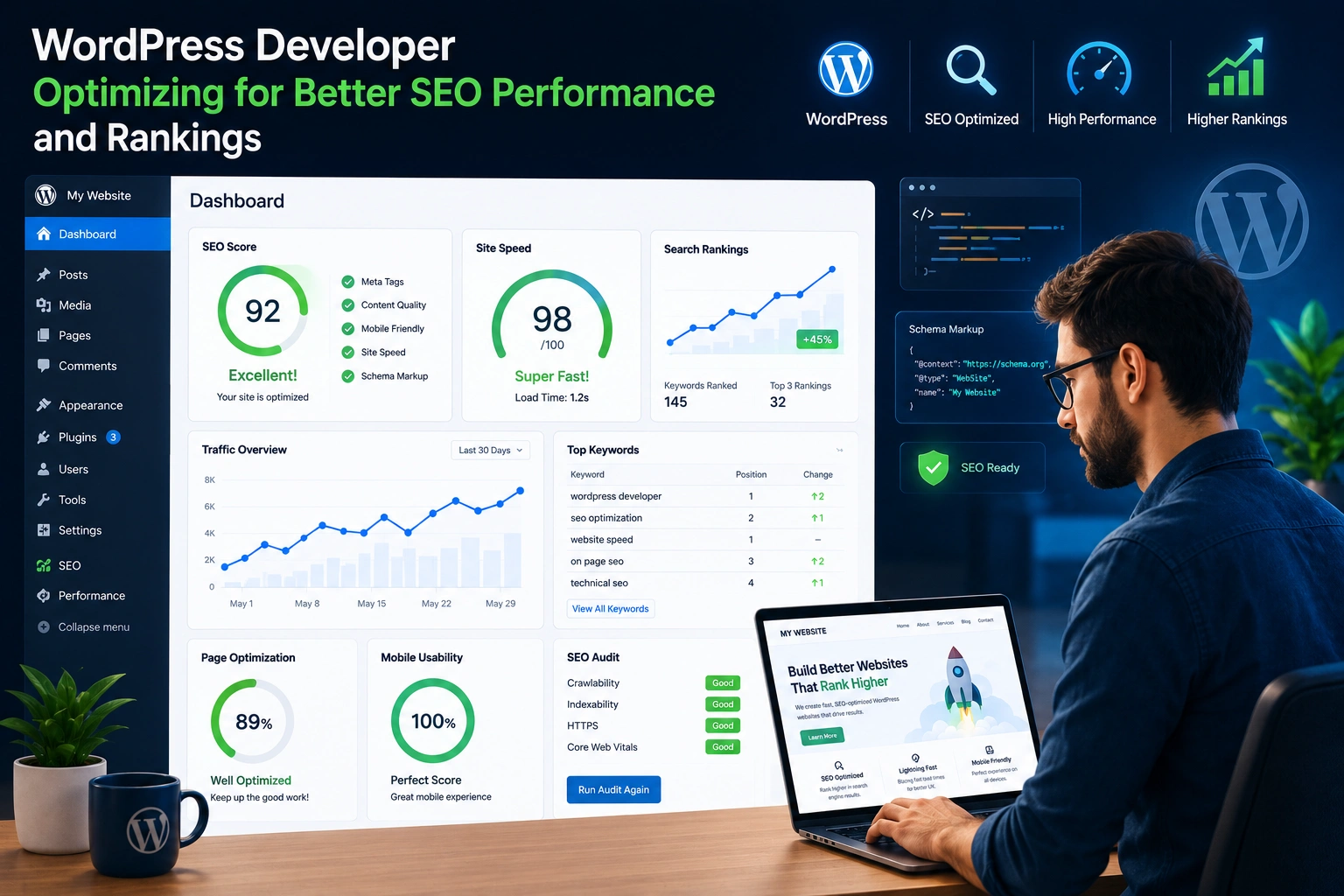
I’ve spent years building and optimizing WordPress websites for clients who started with slow, invisible sites and ended up ranking on page one. A good WordPress developer does more than install themes and plugins. They turn your site into a lean, search-friendly machine that Google actually rewards.
If you’re a business owner or solopreneur struggling with traffic, this post breaks down seven practical ways a skilled developer can dramatically improve your results. No fluff—just the tactics I’ve seen deliver real growth.
Why Your WordPress Website Needs Expert SEO Attention
Most people launch a WordPress website, add some content, and hope for the best. But search engines have grown smarter. They now prioritize speed, user experience, structured data, and genuine expertise.
A WordPress developer who understands SEO bridges the gap between a pretty site and one that ranks. They fix issues you can’t see in the dashboard—like bloated code, poor mobile performance, or missing schema—that quietly kill your visibility.
In my experience, clients who invest in proper development early save months of frustration and thousands in ad spend later.
1. Lightning-Fast Performance That Google Loves
Site speed is one of the biggest ranking factors. I’ve audited dozens of WordPress websites where loading times exceeded 5 seconds. After optimization, many dropped below 2 seconds and saw immediate traffic lifts.
A skilled developer:
- Chooses lightweight themes and eliminates unnecessary bloat.
- Implements advanced caching and CDN integration.
- Optimizes images and serves them in modern formats like WebP.
- Upgrades to the latest PHP version for backend efficiency.
Data insight: Sites meeting Core Web Vitals targets often see better rankings. One e-commerce client jumped from average LCP of 4.8s to 1.9s and gained over 40% organic traffic within three months.
2. Bulletproof Technical SEO Foundations
Technical SEO is where most DIY WordPress websites fail. A WordPress developer sets up proper URL structures, XML sitemaps, robots.txt rules, and canonical tags from day one.
They also implement:
- Secure HTTPS everywhere.
- Clean, semantic HTML code.
- Proper heading hierarchy for better crawlability.
- Efficient database management to prevent slowdowns.
This foundation prevents duplicate content issues and helps search engines understand your site structure faster.
3. Smart On-Page Optimization at Scale
While plugins like Yoast help, a developer takes it further by customizing templates so every page follows best practices automatically.
They optimize title tags, meta descriptions, internal linking structures, and image alt texts across the entire site. More importantly, they build custom post types and taxonomies that align with your content strategy—making it easier for Google to index relevant pages.
4. Advanced Schema Markup Implementation
Structured data has become huge for rich results and AI-driven search. A good WordPress developer adds custom schema (FAQ, HowTo, Product, Organization, etc.) that standard plugins often miss or implement poorly.
This helps your content appear as rich snippets, knowledge panels, or even in AI overviews. One of my projects saw click-through rates increase by 25% after proper schema rollout.
5. Mobile-First Design and User Experience
Google uses mobile-first indexing. Developers ensure your WordPress website delivers fast, intuitive experiences on every device. This includes responsive navigation, touch-friendly elements, and optimized Core Web Vitals metrics.
Poor mobile experience leads to high bounce rates, which tanks rankings. Expert development prevents that.
Step-by-Step: How a WordPress Developer Optimizes Your Site
Here’s the process I typically follow with clients:
- Full Audit — Analyze speed, SEO health, security, and content gaps using tools like Google PageSpeed, Search Console, and SEMrush.
- Performance Cleanup — Remove bloat, optimize code, and set up caching.
- Technical Setup — Configure sitemaps, schema, security plugins, and redirects.
- On-Page & Content Optimization — Refine templates, improve internal linking, and guide content creation.
- Testing & Monitoring — Launch, monitor rankings, and iterate based on real data.
This systematic approach consistently delivers better results than scattered tweaks.
Common Mistakes and How to Avoid Them
Many owners hire cheap developers who deliver pretty designs but ignore SEO. Others rely solely on plugins without custom development, leading to conflicts and slow sites.
Troubleshooting tips:
- Avoid too many plugins — they often slow things down.
- Don’t ignore regular updates and maintenance.
- Never skip proper image optimization and lazy loading.
- Test changes on a staging site first.
I once rescued a site that lost rankings after a bad theme update. Rolling back and applying clean development practices recovered everything within weeks.
Real-world example: A coaching client came to me with a beautiful but sluggish WordPress website. After a developer-led overhaul—focusing on speed, schema, and content structure—their organic leads tripled in four months. They now outrank bigger competitors for key service terms.
Comparing DIY vs. Expert Development
Doing it yourself with free plugins works for simple blogs. But for serious business sites, a WordPress developer brings custom solutions that scale. The upfront cost pays off through higher rankings, better conversions, and lower long-term maintenance headaches.
Frequently Asked Questions
How much does hiring a WordPress developer for SEO cost?
It varies widely, but expect investment based on your site’s complexity. Many see ROI within months through increased traffic.
Can I do WordPress SEO myself without a developer?
You can handle basics with good plugins, but technical depth and custom optimizations usually require expert help for competitive results.
What’s the best SEO plugin for WordPress?
Tools like Yoast SEO or Rank Math are excellent starting points. A developer can configure them optimally and go beyond what they offer alone.
How long until I see SEO improvements?
Technical fixes can show results in weeks. Content and authority building take 3–6 months or longer.
Should I switch from WordPress to another platform for better SEO?
For most users, no. WordPress remains one of the most flexible and SEO-friendly platforms when properly developed.
Ready to Transform Your WordPress Website?
A skilled WordPress developer doesn’t just build your site—they engineer it for long-term search success. From faster loading times to smarter technical setups, the right expertise makes your WordPress website a powerful marketing asset.
If you’re tired of low traffic and want sustainable growth, let’s talk. Visit my site at https://shihabmorshed.com/ or explore services at https://digitalwindit.com/ to see how we can help your project.
What’s one SEO challenge you’re facing with your WordPress site right now? Drop a comment—I read and reply to them all.