
I’ve spent years building and optimizing websites for clients who started with slow, frustrating experiences. Many came to me after struggling with bloated WordPress sites or rigid templates. Switching to Webflow and working directly with or as a Webflow expert changed everything for them.
If your site feels sluggish, ranks poorly, or fails to convert visitors, you’re not alone. A skilled Webflow developer or Webflow agency can transform your online presence from average to exceptional. In this post, I’ll share practical insights from real projects on exactly how that happens.
What Makes a Webflow Expert Different
A Webflow expert isn’t just someone who knows the platform—they understand how design, code, and performance work together. Unlike traditional developers who might hand-code everything or rely on heavy plugins, Webflow experts build visually while producing clean, semantic HTML.
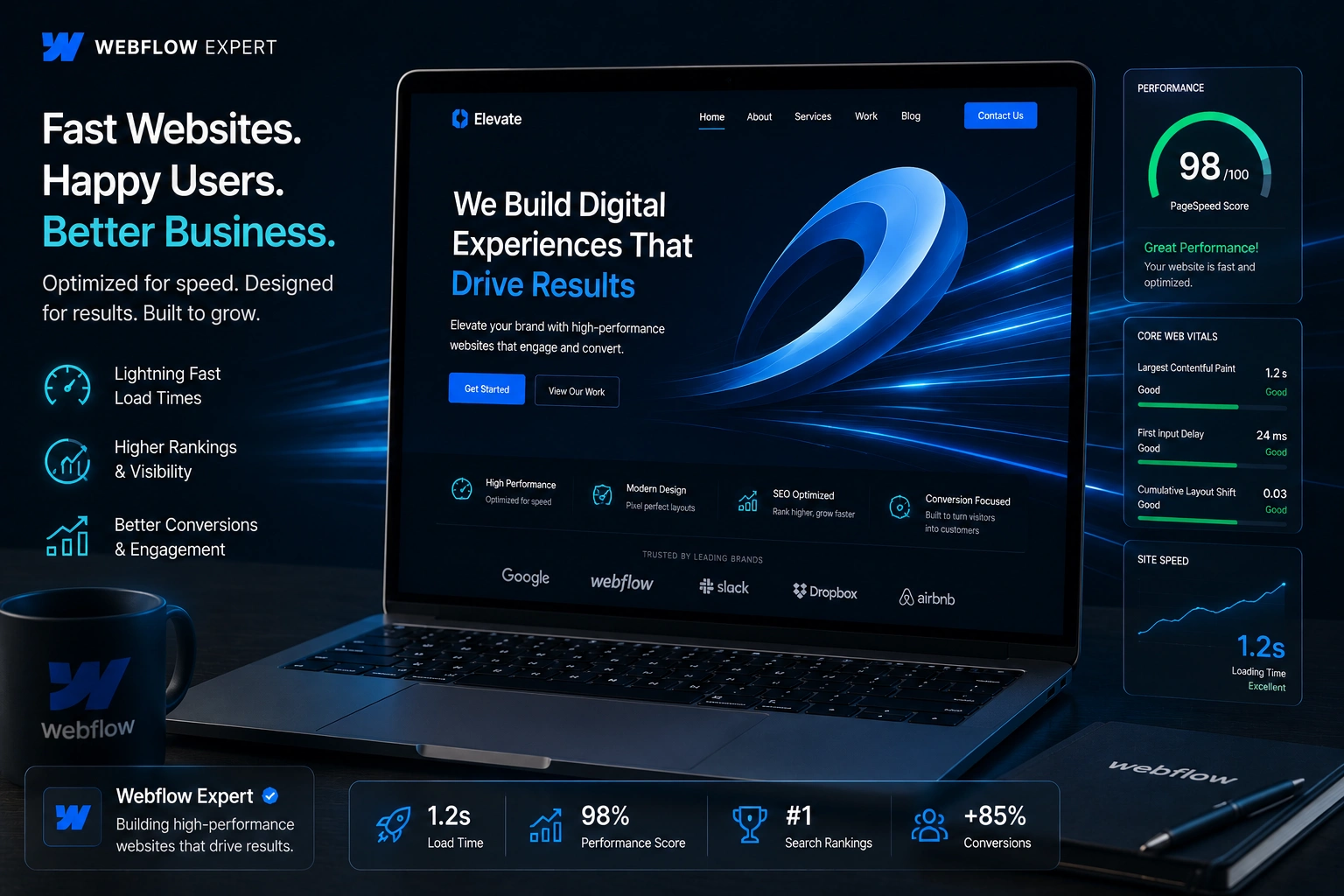
This means your site loads faster by default. Webflow handles hosting, CDN distribution, automatic image optimization, and minified code. I’ve seen sites jump from 40-50 PageSpeed scores to 90+ after a proper rebuild.
The real value comes from experience. A good Webflow developer anticipates issues like large hero images or unoptimized interactions that kill mobile performance.
Core Benefits: Speed, SEO, and User Experience
Performance isn’t just about speed—it affects everything. Google uses Core Web Vitals as ranking factors. A Webflow agency that knows the platform can deliver sites that excel here without constant tweaking.
From my work, optimized Webflow sites often achieve:
- Faster load times (under 2 seconds)
- Better mobile responsiveness
- Cleaner code that search engines love
One client saw organic traffic increase by over 40% within months of launching a new Webflow site. The difference? Proper structure, fast loading, and built-in SEO tools.
Compared to WordPress, Webflow sites typically perform better out of the box because there’s no plugin bloat. While WordPress can match it with heavy optimization, it requires ongoing maintenance that many beginners dread.
Real Impact on Your Business
Fast sites convert better. Visitors don’t wait around. In one project for a service business, we rebuilt their site in Webflow. Bounce rate dropped significantly, and inquiry forms started filling up more consistently.
Webflow experts also make maintenance easier. Your team can update content without breaking designs or slowing the site. This is huge for growing businesses that need to publish quickly.
I’ve helped clients move from clunky custom sites to Webflow, and the feedback is always the same: “It just works better.” Whether you run an online course platform, e-commerce store, or service business, the performance gains directly support growth.
Check out how we approach projects at Shihab Morshed for more on tailored solutions.
Step-by-Step: How a Webflow Expert Optimizes Your Site
Here’s the practical process I typically follow when optimizing or building from scratch:
- Audit the Current Site – Analyze load times, identify heavy elements, check mobile experience, and review SEO basics using tools like PageSpeed Insights.
- Plan the Structure – Create a logical site architecture with proper headings, clean URLs, and CMS collections where needed for scalable content.
- Design with Performance in Mind – Use Webflow’s visual tools for responsive layouts. Optimize images, limit custom code, and use native interactions instead of heavy scripts.
- Implement SEO Best Practices – Set custom meta tags, alt text, sitemaps, and schema. Ensure fast loading supports better rankings.
- Test and Launch – Run thorough tests across devices, monitor Core Web Vitals, then publish with Webflow’s reliable hosting.
- Ongoing Monitoring – Set up analytics and make small tweaks as traffic grows.
This structured approach consistently delivers results without guesswork.
Common Mistakes and How to Avoid Them
Even with Webflow’s power, beginners (and sometimes agencies) make avoidable errors:
- Overusing combo classes or poor class organization, which creates messy code and maintenance headaches.
- Skipping image optimization – Always compress and use modern formats.
- Ignoring responsive design at every breakpoint, leading to broken mobile experiences.
- Adding too much custom code unnecessarily instead of using built-in tools.
- Poor SEO setup – Forgetting proper headings or meta descriptions.
A seasoned Webflow developer catches these early. If you’re DIY-ing, start small and focus on clean structure first. For bigger projects, bringing in an expert saves time and prevents costly fixes later.
FAQ: Webflow Experts and Site Performance
How much can a Webflow expert improve my site speed?
Most optimized Webflow sites score 85-98 on mobile PageSpeed. Improvements of 30-50 points are common after a full rebuild.
Is Webflow better than WordPress for performance?
Webflow often wins for speed and ease out of the box due to clean code and managed hosting. WordPress requires more optimization work.
What does a Webflow agency typically handle?
Strategy, custom design, development, SEO setup, performance optimization, and training your team on the CMS.
How long does it take to see results?
Technical performance gains appear immediately after launch. SEO and conversion improvements build over weeks to months.
Can I update the site myself after hiring a Webflow expert?
Yes. A good expert builds with your team in mind, using Webflow CMS for easy content updates without touching design.
When should I hire a Webflow developer?
If your current site is slow, hard to maintain, or you want a professional, scalable design that grows with your business.
Ready to Transform Your Website?
Working with the right Webflow expert is one of the smartest investments you can make for your online presence. You get a faster, more professional site that actually supports your goals instead of holding you back.
If you’re tired of fighting with slow performance or limited customization, let’s talk. Visit Digital Wind IT or reach out through my site to explore how a tailored Webflow solution can work for you. Your visitors—and your results—will thank you.






