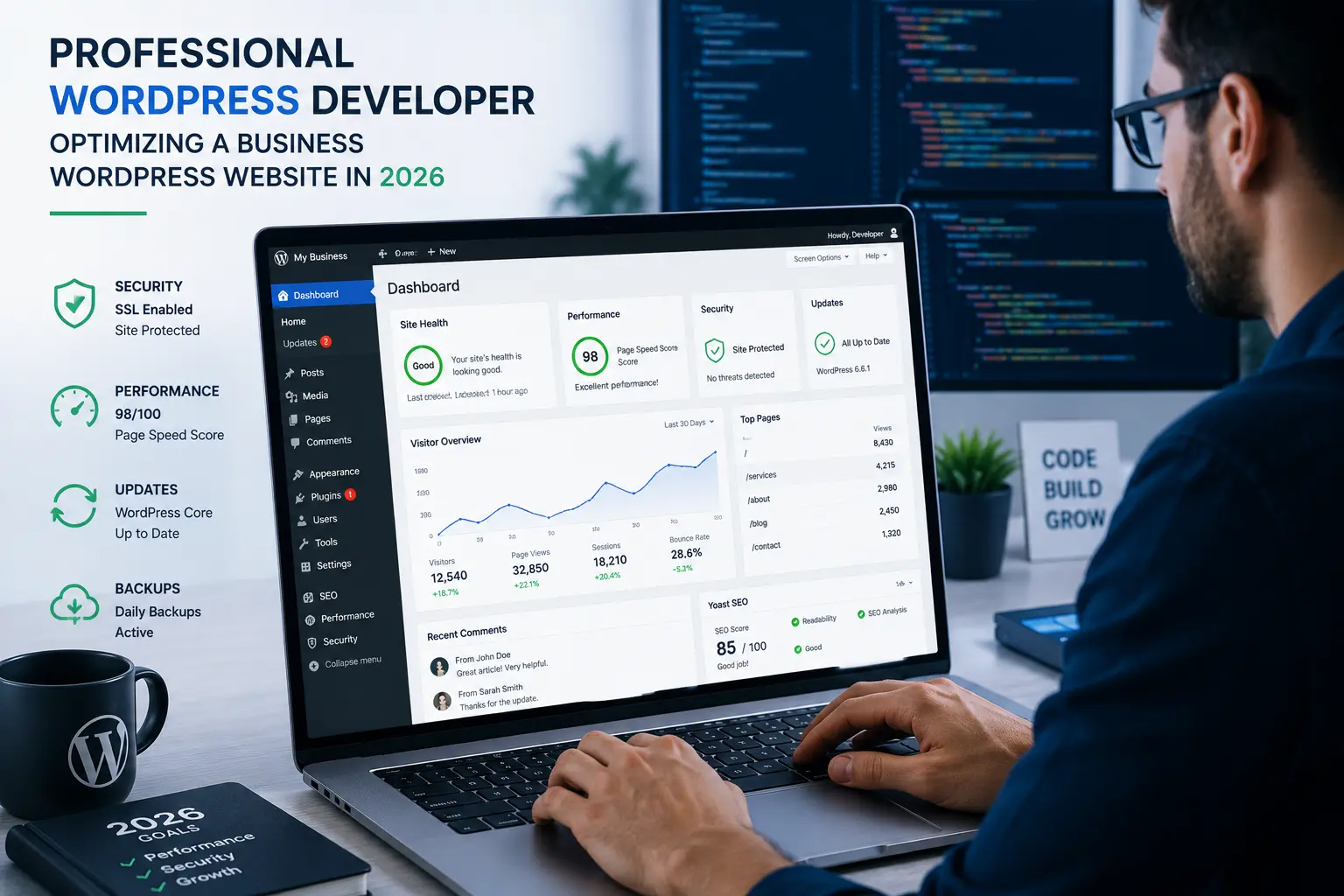
I’ve built and fixed hundreds of WordPress sites over the years. Many started as DIY projects that worked fine for a while — until they didn’t. The truth is, a WordPress website can be incredibly powerful, but it also demands ongoing care. When things start breaking or slowing down, pushing through with plugins and YouTube tutorials often does more harm than good.
In this post, I’ll walk you through five clear signs that it’s time to bring in a professional WordPress developer. You’ll also learn what professional help actually delivers and how to move forward without wasting money. If you’re a small business owner, freelancer, or growing brand relying on your site for leads and sales, this guide is for you.
Why Your WordPress Website Might Outgrow DIY Management
WordPress powers over 40% of the web for good reason. It’s flexible, affordable to start, and has thousands of themes and plugins. But flexibility comes with responsibility. What begins as a simple blog or portfolio can quickly evolve into a complex business tool.
When your site handles real traffic, customer data, or online sales, small issues compound fast. I’ve seen sites lose rankings, suffer security breaches, or frustrate visitors simply because the owner waited too long for expert help. Recognizing the warning signs early saves time, money, and reputation.
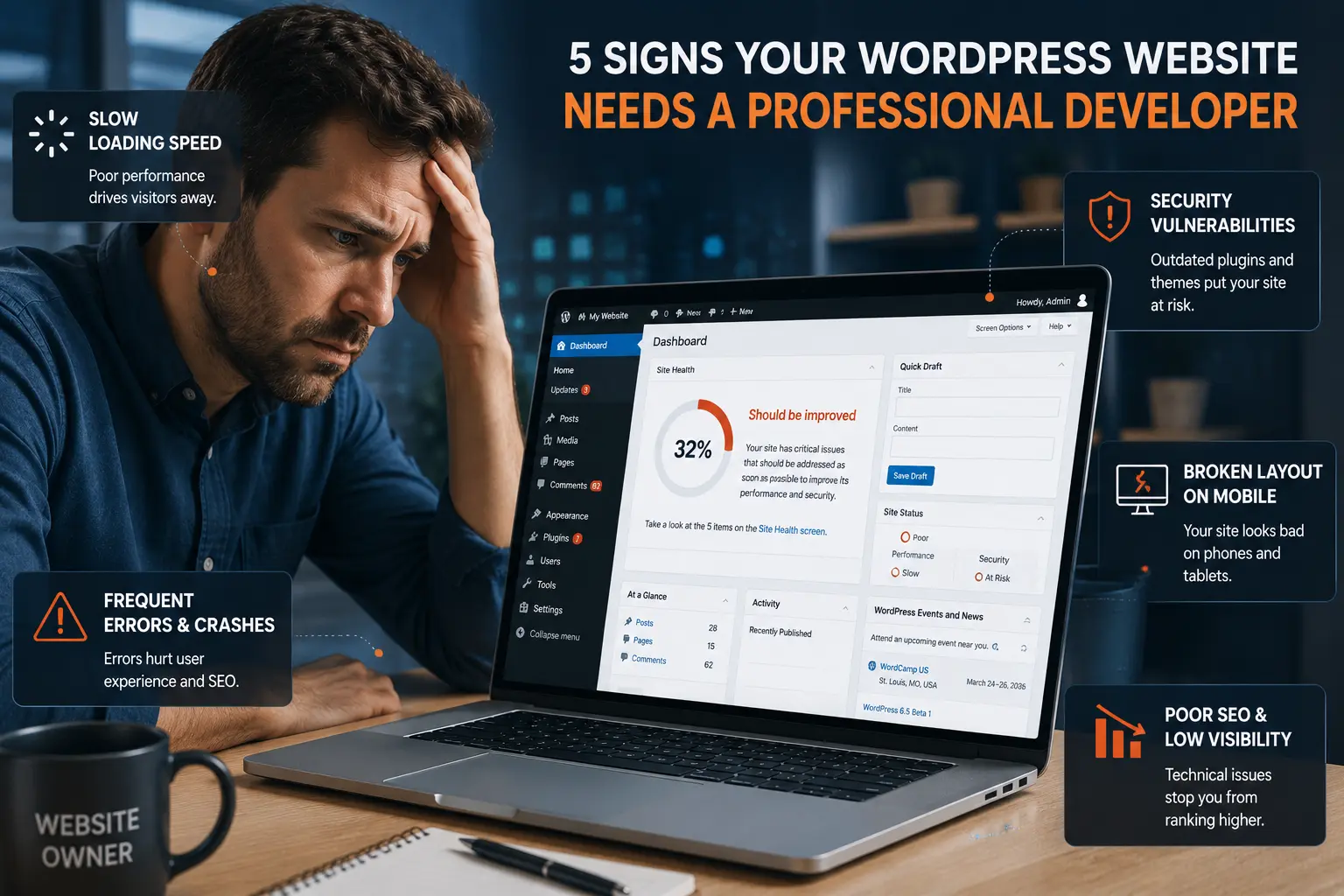
5 Signs Your WordPress Website Needs Professional Help
Here are the most common red flags I encounter when clients finally reach out.
1. Slow Loading Speeds That Won’t Improve
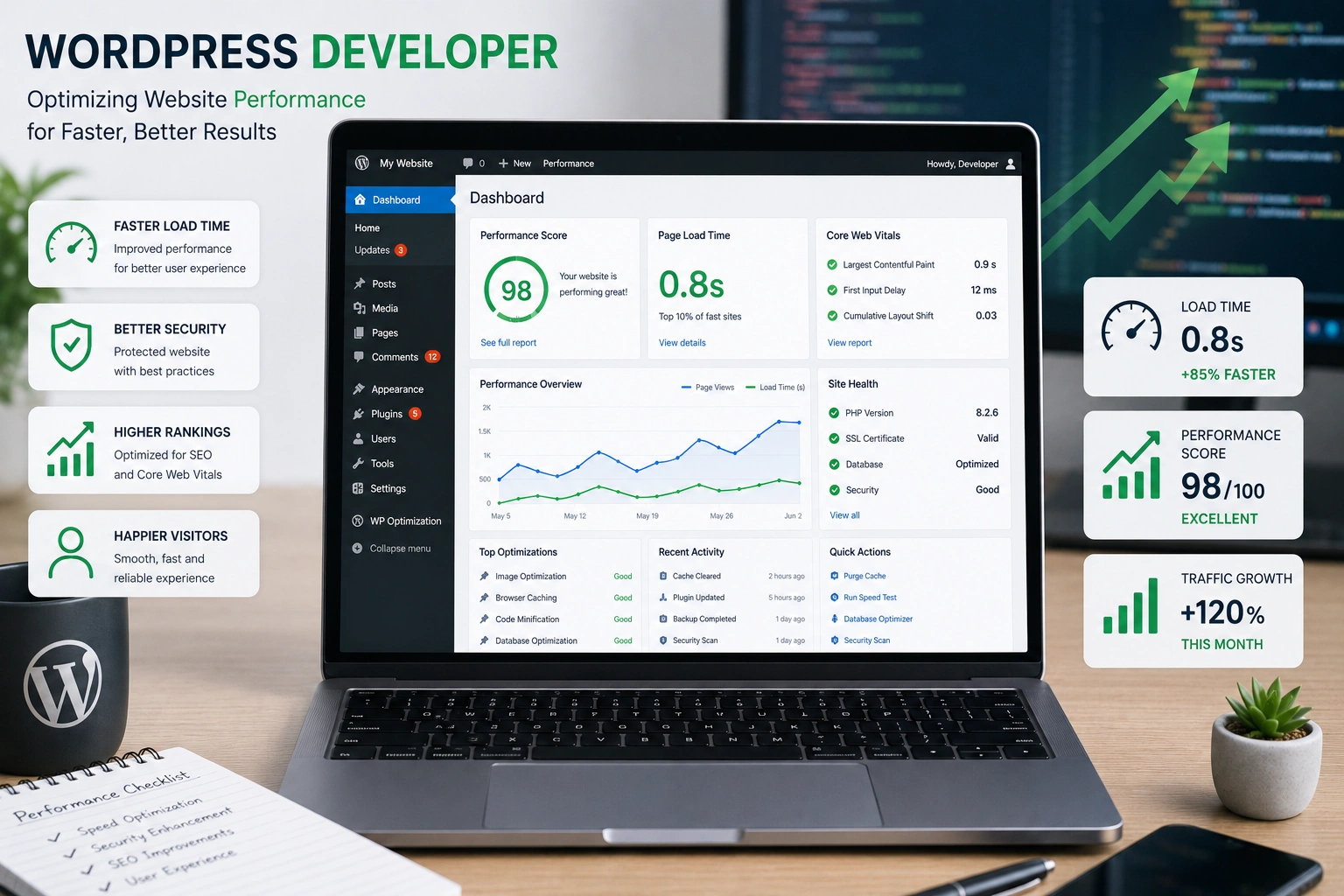
If your pages take more than three seconds to load, you’re losing visitors — and Google rankings. I once worked with a client whose site took 8+ seconds despite installing every “speed optimization” plugin available. The real problems were bloated theme code, unoptimized images, and conflicting plugins.
A skilled WordPress developer can audit the entire stack, clean up the database, implement proper caching, and serve optimized assets. DIY fixes often provide only temporary relief.
2. Frequent Security Issues or Hack Warnings
WordPress sites are popular targets. If you’re seeing malware warnings in Google Search Console, suspicious login attempts, or your site suddenly redirects to spam pages, it’s serious. Basic security plugins help, but they don’t replace proper server hardening, regular updates, and custom security measures.
Professional developers implement layered protection that goes far beyond free plugins.
3. Broken Functionality After Updates
You update WordPress or a plugin and suddenly contact forms stop working, images break, or the checkout page throws errors. This is incredibly common when sites rely on outdated or poorly coded plugins.
A WordPress developer ensures compatibility and builds custom solutions that don’t break every time the core updates.
4. Poor Mobile Experience and Design Limitations
Your site might look okay on desktop but terrible on phones. Or you want to add a specific feature (membership area, advanced booking system, personalized user dashboard) but can’t find a plugin that works cleanly.
Modern WordPress website design demands responsive excellence and often custom development for unique needs.
5. Stagnant Traffic and Low Conversions
You’ve added content consistently but rankings and leads aren’t growing. This often points to technical SEO issues: slow core web vitals, poor schema markup, crawl errors, or outdated architecture.
I’ve helped clients recover significant organic traffic by fixing these underlying problems that content marketing alone can’t solve.
The Real Benefits of Hiring a Professional WordPress Developer
Working with an experienced developer isn’t just about fixing problems — it’s about unlocking potential. Your site becomes faster, more secure, and genuinely user-friendly. More importantly, it aligns with your business goals instead of fighting against them.
From my experience, professionally built or optimized WordPress websites typically see:
- 50-70% faster load times
- Better search engine rankings
- Higher conversion rates
- Dramatically reduced maintenance headaches
How a Strong WordPress Website Impacts Your Business
Your website is often the first and most important touchpoint with potential customers. A slow, buggy, or outdated site signals unprofessionalism. On the flip side, a fast, secure, and well-designed site builds trust instantly.
I remember one e-commerce client who was losing sales because their checkout process kept breaking on mobile. After a proper redevelopment, their conversion rate increased by over 40% within the first month. That kind of result directly affects revenue.
Whether you run an online course platform, service business, or portfolio site, investing in proper development pays off through better user experience and long-term savings. Compare that to the hidden costs of lost traffic, security incidents, and endless DIY troubleshooting.
Step-by-Step: How to Get Professional Help for Your WordPress Website
Not sure where to start? Here’s the practical process I recommend:
- Audit Your Current Site — Use tools like Google PageSpeed Insights, GTmetrix, and WordPress.org’s own health check to document issues.
- List Your Goals — Be clear about what you want: faster speed, new features, better SEO, redesign, etc.
- Gather Requirements — Prepare login access (carefully), current pain points, and any brand assets.
- Find the Right Developer — Look for someone with proven experience, clear communication, and a portfolio of similar projects. Check reviews and ask about their maintenance/support process.
- Start with a Focused Project — Many clients begin with a performance audit or security hardening before committing to a full redesign.
- Set Clear Milestones — Good developers provide timelines, regular updates, and testing phases.
If you’re looking for reliable help, feel free to reach out on my site. I also collaborate with teams at Digital Wind IT for larger projects.
Common Mistakes and Troubleshooting Pitfalls to Avoid
One of the biggest mistakes I see is throwing more plugins at every problem. This creates “plugin bloat” that slows your site and creates security holes.
Another is ignoring updates until something breaks. Or hiring the cheapest developer without checking their process.
Troubleshooting tip: Always back up your site before major changes. Use a staging environment for testing. And if you’re constantly fighting the same issues, that’s a strong signal to get professional eyes on it.
Frequently Asked Questions
How much does it cost to hire a WordPress developer?
Costs vary widely. A full redesign or optimization project can range from a few hundred to several thousand dollars depending on complexity. The key is value — a good developer saves you money in the long run through performance gains and reduced maintenance.
Can I still manage my site after hiring a developer?
Absolutely. Most professionals set up the site so you can handle day-to-day content easily while they manage technical aspects.
How long does a typical WordPress optimization take?
Simple performance fixes might take 1-2 weeks. Full redesigns or custom features usually take 4-8 weeks.
Is WordPress still good for business websites in 2026?
Yes. With proper development, WordPress remains one of the most powerful and flexible platforms available. It powers everything from small blogs to large enterprise sites.
What’s the difference between a developer and a designer?
Designers focus on visuals and user experience. Developers handle the technical build, functionality, speed, and security. Many projects need both.
When should I consider switching from WordPress to another platform?
Rarely. Most limitations people blame on WordPress actually come from poor development or wrong hosting. I only recommend alternatives like Webflow or Shopify when specific needs (heavy custom coding or pure e-commerce) justify it.
Ready to Give Your WordPress Website the Professional Care It Deserves?
Running a WordPress website successfully long-term usually requires the right mix of your own efforts and expert support. Recognizing when it’s time to bring in a WordPress developer is one of the smartest moves you can make for your business.
Don’t wait until a major issue costs you customers or rankings. If any of the signs in this post sound familiar, take action now.
Get in touch if you’d like me to review your site or discuss how we can make your WordPress website faster, safer, and more effective.